In the past twelve months alone over a quarter of a billion users have joined social media platforms. That tips the total global users of social media over 5 billion, or 62.2 percent of the total population. The amount of time spent on social media is 2 hours and 20 minutes on average. With 93.3 percent of internet users also using social media it makes sense to incorporate social media feeds into your website.
Social media aggregators allow you to pull all of your social posts into one place and share those with your audience. The most common way to use a social media aggregator is to embed a social feed on your website. For example, you might add your Instagram posts to the footer of your website for some extra color and personality. You can also stream a social media feed to a smart TV for an event such as a conference or a wedding as well. The variety of applications and creative ways social media aggregators can be utilized make them a powerful tool for sharing your feeds.
In this guide, we discuss how to go about selecting the right social media aggregator for your website and present a list of top social media aggregators worth considering, including some free options! We also provide some examples at the end to help kickstart the inspiration.
What is a social media aggregator?
A social media aggregator for websites is a tool that collects, curates, and displays content from various social media platforms in a single, centralized feed. Rather than manually embedding posts from each social network, these tools allow you to streamline the process and present a unified social experience on your website, event screen, or digital signage.
Depending on the platform, aggregators can pull content using hashtags, user handles, page URLs, or lists. You can display this feed as a live social wall at events, in a widget on your homepage, or even in a sidebar on a blog or landing page. Most tools allow for basic moderation and customization, while advanced platforms offer analytics, branded themes, and shoppable UGC (user-generated content).
In short, social media aggregators help amplify your digital presence by showcasing real-time social proof, increasing engagement, and consolidating your marketing efforts.
Key features to consider when deciding between social media aggregator tools
Choosing the right social media aggregator depends on your goals—whether it’s increasing website engagement, enhancing event interactivity, or curating UGC. Here are the most important features to evaluate:
Platform compatibility – Ensure the tool supports all the social networks you want to include, such as Instagram, Facebook, X (formerly Twitter), TikTok, YouTube, and LinkedIn.
Customization options – Look for layout flexibility, branding tools, and CSS access to ensure the feed matches your site's design or event aesthetic.
Moderation capabilities – Tools that offer manual approval, keyword filters, and spam blockers help maintain the integrity of your feed.
Embedding and responsiveness – Choose a tool that offers multiple embed methods (JavaScript, iframe, shortcode) and works seamlessly across all device types.
Analytics and performance tracking – Built-in analytics can help you understand engagement metrics and optimize your social strategy.
Scheduling and content queuing – Especially useful if the tool includes posting capabilities, enabling you to schedule branded content alongside aggregated posts.
Update frequency – Faster content refresh rates are ideal for live events or high-traffic sites where real-time content matters.
Price and scalability – Select a tool that fits your budget now but can scale with your needs—free plans are great for getting started, but premium features can offer huge value for campaigns and businesses.
Taking these features into account will help you identify the best tool for your use case—whether that’s a website feed, a branded display, or a full-fledged UGC marketing campaign.
How to select the best social media aggregator for your website
Selecting the best social media aggregator for your website starts with understanding your unique goals and audience. Whether you're running a personal blog, an eCommerce site, or a corporate homepage, the right tool should align with your content strategy and branding needs.
Start by asking these key questions:
What type of content do you want to display? Will it be user-generated posts, branded content, reviews, or all of the above? If branded posts are part of your feed, you can hire content writer support to develop original captions and social copy that follow your brand voice.
Where will the feed live on your site? Placement (e.g., homepage, product page, blog sidebar) can affect layout decisions and customization needs.
How interactive should the experience be? Some aggregators support likes, comments, and sharing directly from the feed, while others are read-only.
Do you need moderation tools? If you're displaying content pulled by hashtag, moderation is essential to filter spam or off-brand posts.
What is your budget? Free plans are great for testing, but paid options often unlock critical features like analytics, real-time updates, and design customization.
Once you've defined your needs, narrow down your options by testing a few aggregators using free trials. Prioritize those that are easy to set up, integrate smoothly with your CMS (like WordPress or Shopify), and offer strong customer support.
The best social media aggregator is the one that fits seamlessly into your tech stack and elevates your brand’s storytelling with minimal effort.
The best social media aggregators for 2026
A social media aggregator pulls your curated social media posts into a feed you can embed anywhere on your website. Here are the content aggregators to check out in 2026.
1. Curator
If you're looking for one platform that balances ease of use, customization, and value, Curator is my top recommendation. After seeing how brands use social feeds across ecommerce stores, universities, nonprofits, and events, I've found that the biggest challenge isn't embedding a feed. It's creating one that actually matches your website and stays relevant over time. That's exactly what Curator was built to solve. You can learn more or start with the free plan.
Curator supports more than 15 social platforms and content sources, including Facebook, Instagram, TikTok, X, YouTube, Flickr, Tumblr, LinkedIn, Reddit, Google Reviews, and RSS. You can automatically publish new posts or manually approve content before it appears, giving you complete control over your brand.
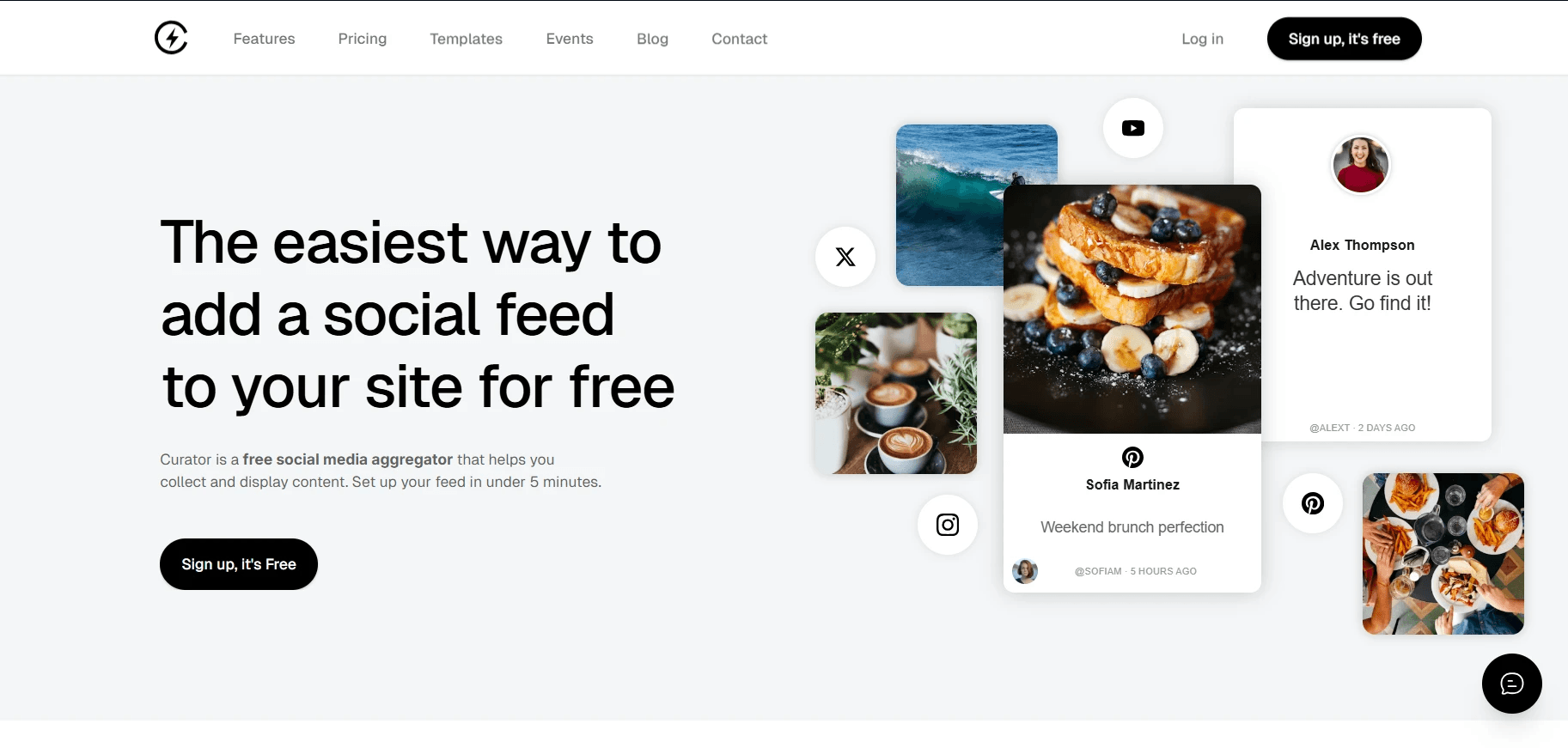
Some of Curator's standout features include:
Dozens of professionally designed feed templates
Extensive customization options
Automatic or manual moderation
Fast, lightweight JavaScript embeds
Mobile-responsive layouts
HTML, JavaScript, and CSS embedding options
Responsive customer support
Free forever plan with premium upgrades available
Whether you're displaying customer content, social proof, event updates, or brand posts, Curator makes it easy to build a feed that feels like a natural part of your website instead of a generic social widget.
2. Hootsuite
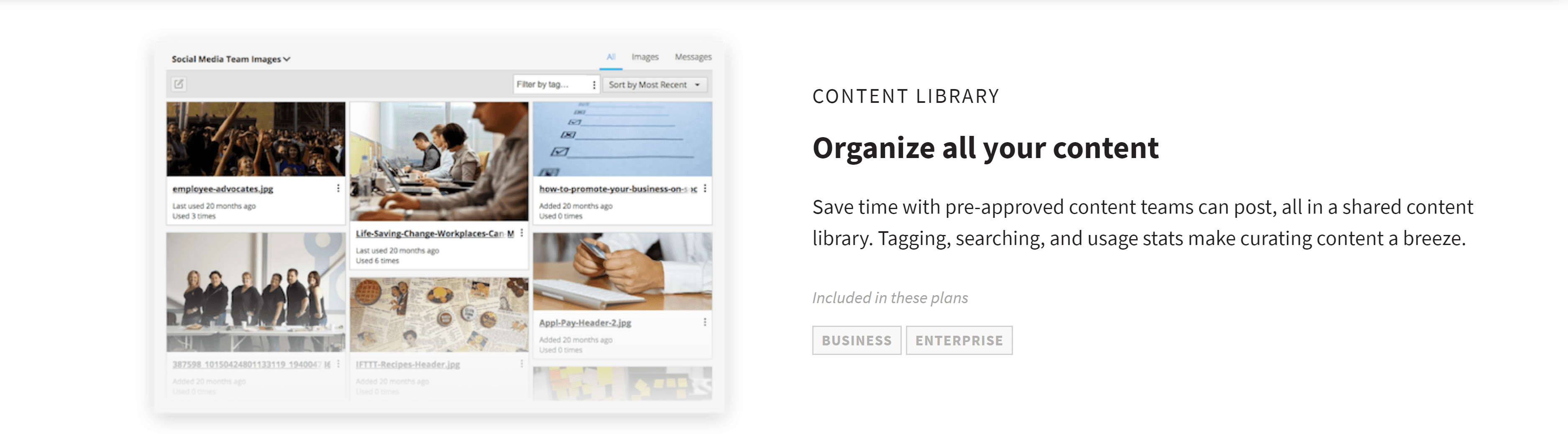
Hootsuite is continually striving to improve its interface and capabilities. Since it is web-based, you do not have to go through an installation process. This makes it easy and convenient for you to monitor and update your account from any location. Instead of aggregating content in a shareable feed, Hootsuite gathers your accounts in one dashboard to make them much easier to manage. Users can connect to a vast array of social media accounts from the Hootsuite dashboard. Some of the platforms that you can integrate to this aggregator include: LinkedIn, Facebook, ping.fm, X, Myspace wordpress.com, and Foursquare.
Hootsuite also has numerous features that allow you to customize and track posts.
Here is a rundown of what you can do with this tool:
Scheduling posts in advance. Choose between pre-scheduled posts and live updates.
Easily upload files, videos, and images alongside your messages. No need to do this separately on each platform.
Create customized URLs to track clicks and collect information about your audience by adding custom link parameters. This is perfect for better understanding audience behavior.
Bookmark pages to share or pull content from using Hootsuite's hootlet. Simply add it to your brower's toolbar to bookmark with a single click.
Send your blog to your social media streams easily by connecting to your RSS. This allows you to automatically share and reach your audience faster.
Use mobile updates to access the Hootsuite platform from your mobile device. This makes it even easier to stay connected with your audience and provide the engagement they want.
Take advantage of the multi-column layout which allows you to organize your social streams into different categories, such as keywords, friends, news, and many more.
While you won't be using it to create social media walls, social media marketing couldn't be easier.
3. Elfsight
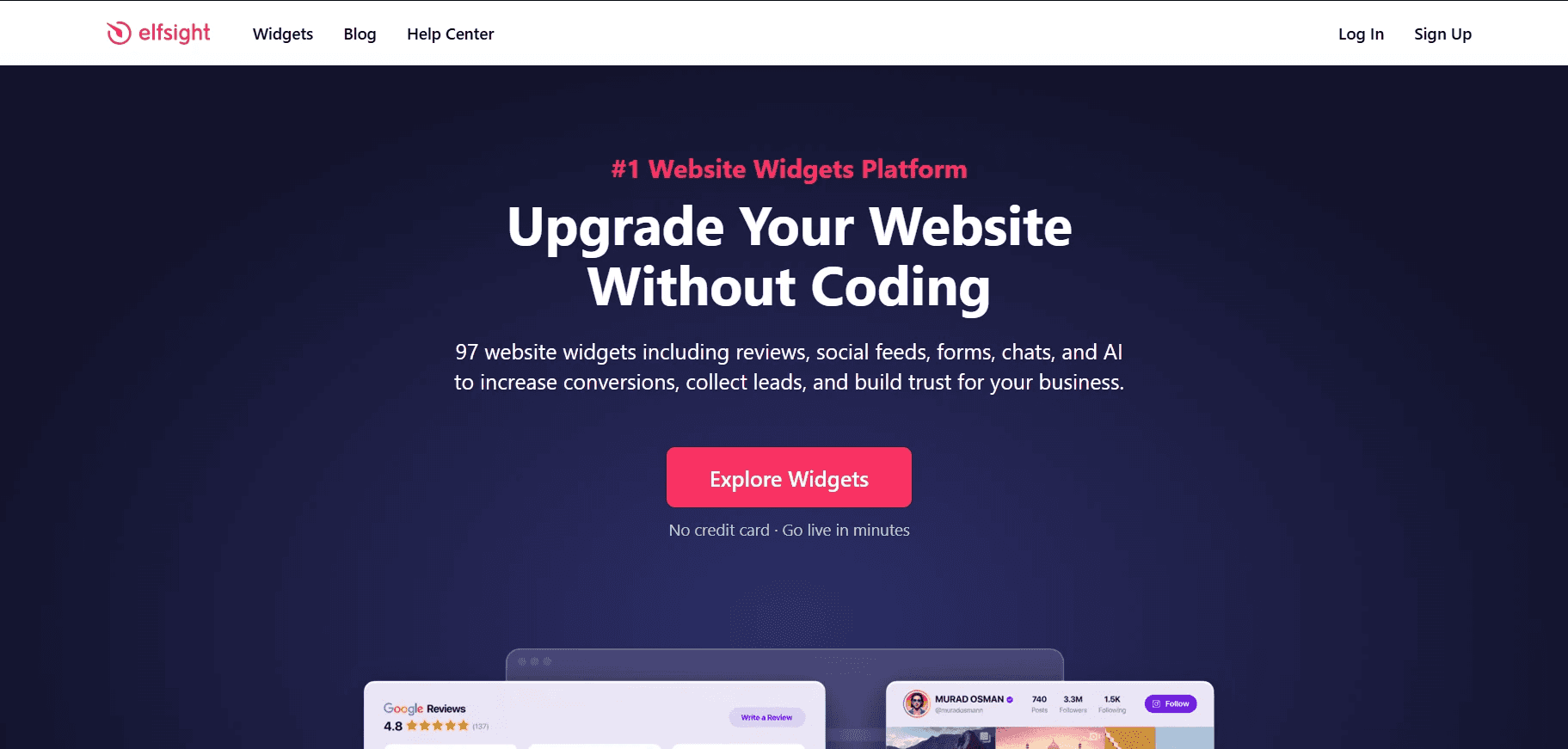
Elfsight stands out because it offers far more than a social media aggregator. With more than 97 no-code website widgets, it's a good choice for businesses that want to add social feeds, reviews, forms, chat widgets, and other interactive features from a single platform. The biggest advantage is convenience. Instead of managing multiple plugins, you can build much of your website's functionality from one dashboard.
For businesses already using several website widgets, Elfsight can simplify management considerably. However, if your primary goal is building highly customized social media feeds with advanced moderation and curation, a dedicated platform like Curator may offer greater flexibility.
Some of the features that make Elfsight stand out include:
Social feeds from multiple platforms
97+ no-code website widgets
Extensive design customization
Responsive layouts for desktop and mobile
Works with virtually every major website platform
Wide template library
Strong customer support
AI-powered widgets and tools
Elfsight is an excellent option for businesses looking for an all-in-one website widget platform. If social media aggregation is just one part of your website strategy, its broad widget library makes it a compelling choice.
4. Idukki
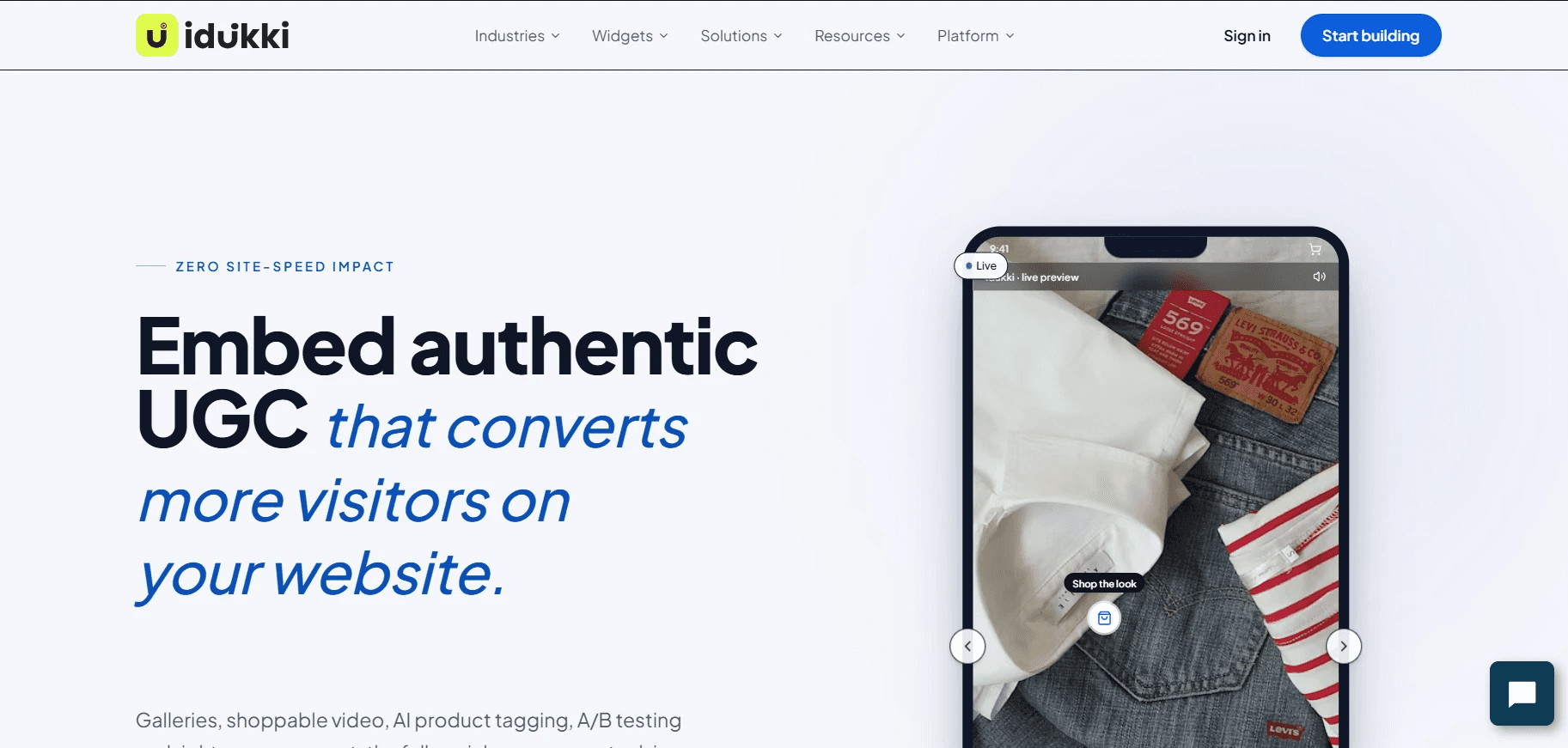
Idukki is built specifically for ecommerce brands that want to turn user-generated content into a measurable revenue driver. Rather than simply embedding social feeds, the platform combines shoppable galleries, video, rights management, AI product tagging, and analytics into a single social commerce solution. It's particularly well suited to high-growth DTC brands that rely on authentic customer content to influence purchase decisions.
One feature that sets Idukki apart is its focus on performance. The platform is designed to have minimal impact on site speed while providing A/B testing, revenue attribution, and rights management alongside its UGC widgets. It also supports leading ecommerce platforms including Shopify, BigCommerce, WooCommerce, Adobe Commerce, and custom storefronts.
Some of the features that make Idukki stand out include:
Shoppable UGC galleries and video widgets
AI-powered product tagging
Built-in rights management and consent tracking
Full-funnel analytics with revenue attribution
A/B testing for UGC placements
Lightweight widgets with minimal Core Web Vitals impact
Integrations with major ecommerce platforms
Support for multiple social networks, including Instagram, TikTok, YouTube, X, LinkedIn, and Google Reviews
For ecommerce brands that want to use customer content throughout the shopping journey (not just on the homepage) Idukki is one of the strongest social commerce platforms available. Smaller businesses looking for a simpler website feed may find a dedicated social media aggregator like Curator easier to set up and more cost-effective.
5. Taggbox
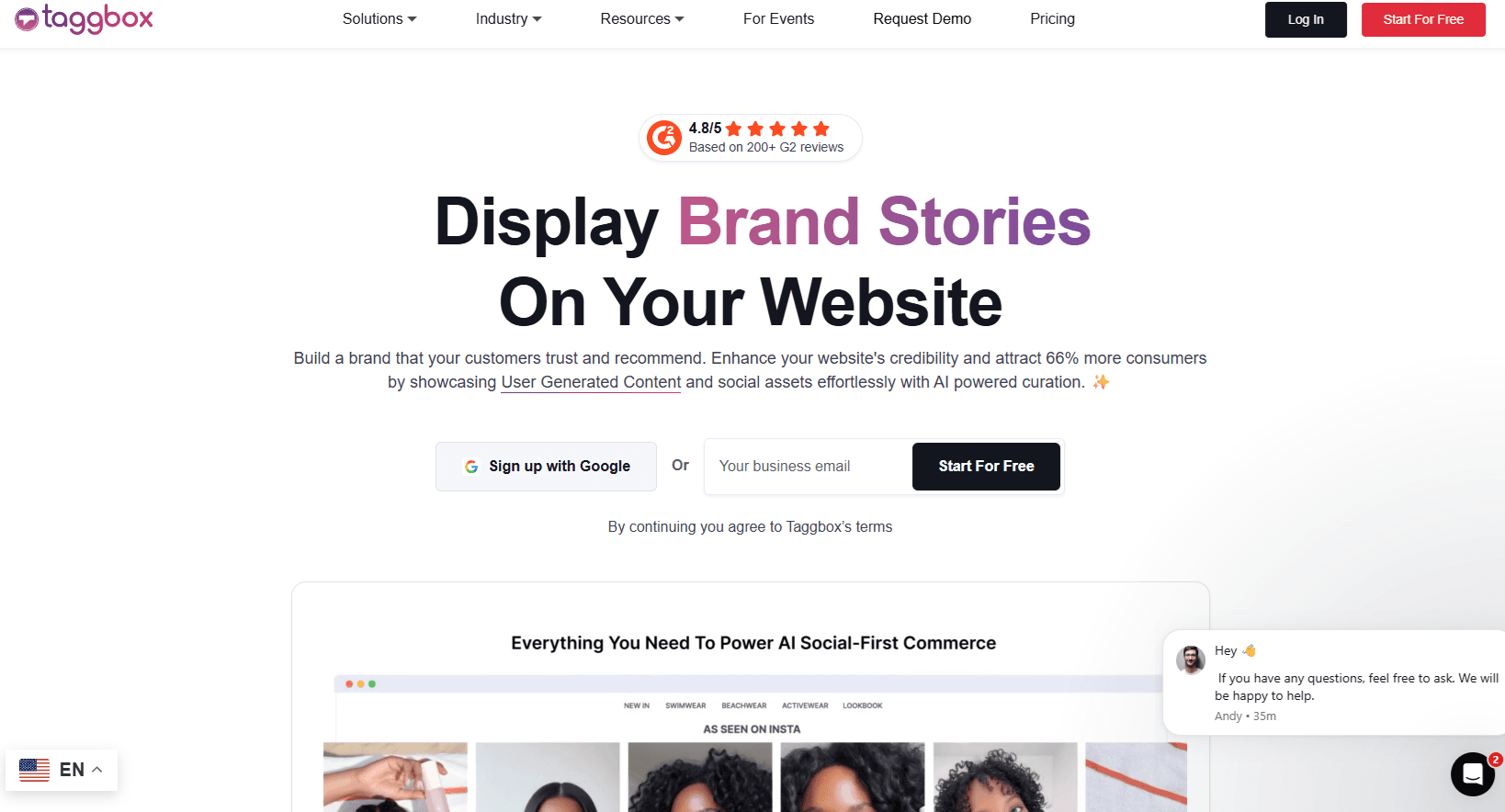
Taggbox is among the top social media aggregators and functions similarly to Curator. They do now offer a free plan, but it does contain ads. The plans have similar pricing, but the quickest update times are 30 minutes between refreshes, whereas Curator offers a plan with near real-time updates occuring every minute. Taggbox allows you to create social walls, embed feeds in websites, create digital signs, and more.
You also get features, such as:
Works with Facebook, X, Instagram, Yelp, LinkedIn, Pinterest, Tumblr, Vimeo, RSS feeds, and YouTube.
Moderate content based on custom filters you create.
Customize the look and feel to make it fit your branding perfectly.
Simple to add to a website using a special set of code.
Create shoppable user generated content posts.
Display content on any device with the responsive design.
Keep track of performance with analytics tools.
This is a good tool for better engaging your audience and seeing how well they respond. Unfortunately, Taggbox only has expensive plans for enterprises. And the feature sets are probably too large and unnecessary for even medium sized businesses.
6. Buffer
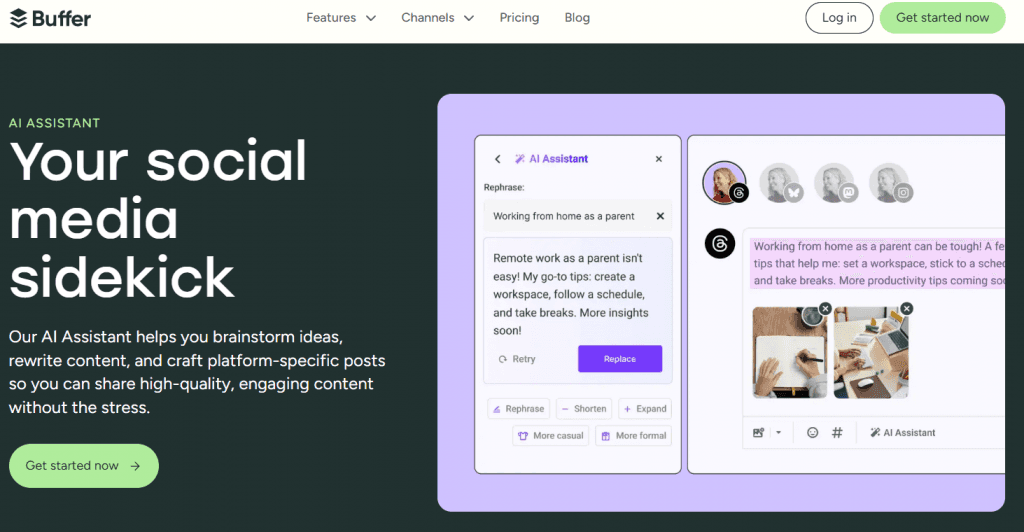
Buffer works similar to Hootsuite. This is one of the more popular social media aggregators to make managing social media accounts easier. It's a convenient dashboard that gathers social media content from the top social networks into a single place. You're able to monitor certain hashtags, users, lists, and more. Or, get everything in individual feeds based on network. While it may seem complex to set up at first, once you get the hang of it, it's much easier than managing individual social networks separately. Think of it as a more automated way to engage with your brand's audience.
Some features you'll enjoy include:
Plan, post, and interact with content from Facebook, Pinterest, LinkedIn, X, and Instagram.
Plan content in advance and keep track of what's planned with the easy to use Elementor calendar feature.
Organize content easily by platform.
Tailor each post for each network with just a few clicks.
Respond to posts in real-time.
Keep track of what works and what doesn't with reports and analytics.
AI assists to help brainstorm, write, and manage content.
This is yet another great social media aggregator for marketers who are tired of social network hopping.
7. SocialPilot

SocialPilot is an affordable and super-intuitive social media aggregator tool. With SocialPilot, you can manage multiple social media accounts, schedule social media posts in advance, collaborate with your team members, and analyze your social media performance. The platform provides a user-friendly interface that’s easy to navigate, making it a great option for those new to social media management. The tool offers various pricing options to fit your needs with advanced features. It’s a good choice for small businesses or agencies with limited budgets, as it provides affordable plans with the tools you need to improve your social media strategy.
Some of the most loved SocialPilot features are:
Create customized posts for individual social platforms
Share stories, reels, or shorts from the SocialPilot dashboard, apart from the usual image, video, or text posts
Schedule the first comment to your Instagram, Facebook, and LinkedIn posts to include all relevant hashtags
Manage multiple clients’ social media accounts effortlessly
Store content and hashtag ideas with the content library feature
Utilize the AI pilot to find new creative horizons
8. SocialBee
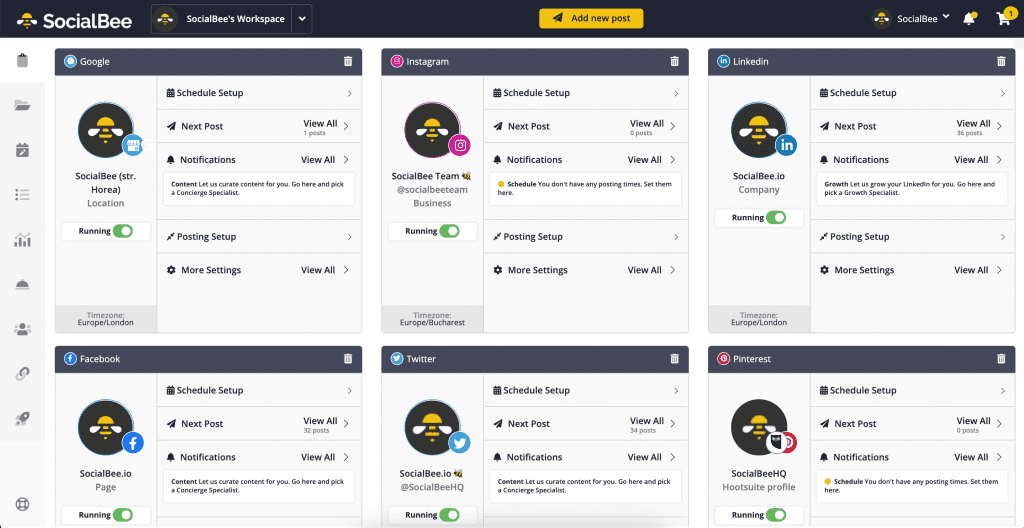
SocialBee is one of the fastest-growing social media management tools perfectly suited for solopreneurs or small businesses that want to make the most out of their social feeds. Its dashboard allows you to connect 6 major networks: Facebook (Profiles, Pages, Groups), LinkedIn (Personal Profiles, Company Pages), X, Instagram (Business Profiles, Personal Profiles), Pinterest and Google my Business and share content across all of them from just one place.
After you add content to SocialBee all you have to do is generate a posting schedule that fits your needs and you're all set! After you start sharing a couple of posts, make sure to check the analytics to see the performance of your accounts. The tool enables you to power up your social media efforts by offering individual customization for each platform, hashtag collections, Canva integration, post variations, options to expire or re-post your content and so much more.
The features that stand out are:
Schedule and share content across multiple platforms
Keep track of what's about to be published next in a calendar
Organize posts by content categories (e.g. educational, news, blog posts)
Customize the posts for each platform with just a few clicks
Re-share evergreen content or expire time-sensitive content
Utilize their AI copilot to streamline social media management
9. Flockler
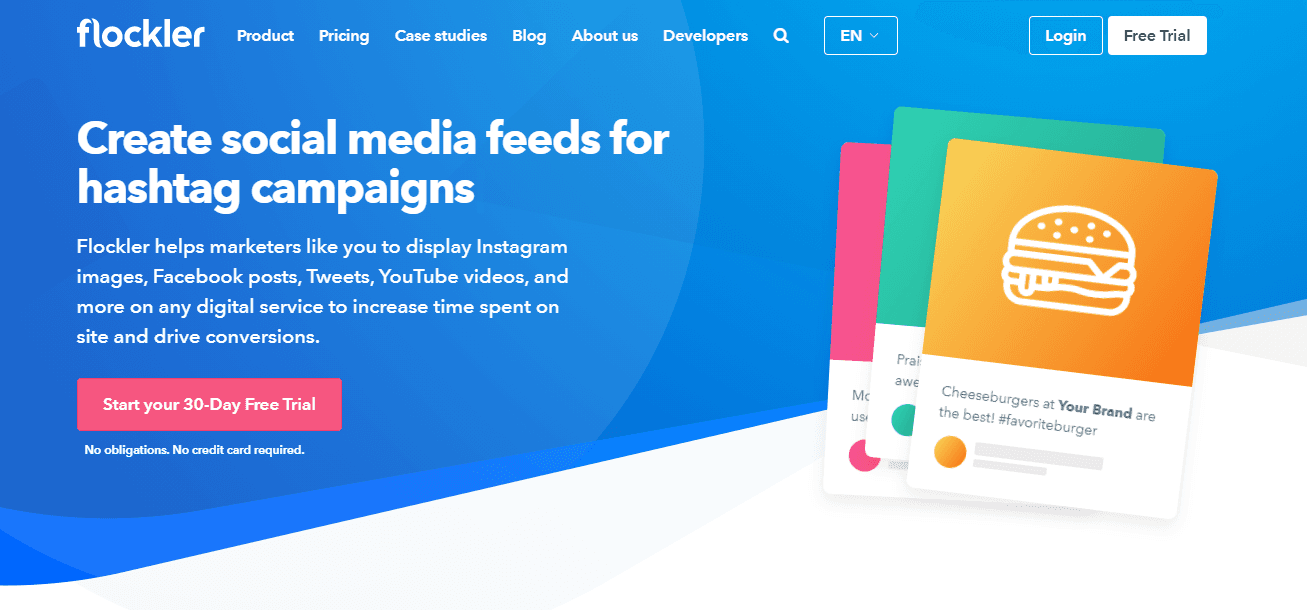
Flockler provides an all-in-one platform for cross-channel marketing and user engagement strategies. Flockler allows you to connect with Fcabook, X, LinkedIn, Pinterst and more. One of its big perks is that it can be up and running on your site in minutes. It also works with any digital device. In addition to embedding social media, Flockler provides services for User Generated Content (UGC) and customer reviews. They also offer free Instagram hashtag and caption generators.
Like Curator they offer several social media feed templates to choose from but not as many. Flockler is tailored more towards the enterprise level, so you will see a higher price tag on their cheaper options.
Some of the features worth noting are:
Create custom posts to go along side your social media posts and reviews
Gather and display feeds from your favorite channels
Social media feeds for websites, hashtag campaigns, events and digital displays
Create shoppable UGC content
Run integrated UGC campaigns
Collect and embed customer reviews
14-day free trial with no credit card required
Garde AI for streamlining UGC moderation
Flockler's lowest plan starts at $51 a month and only allows two sources. Unless you're looking for other features like making your UGC shoppable, you may want to go with another option.
10. The Wallrus
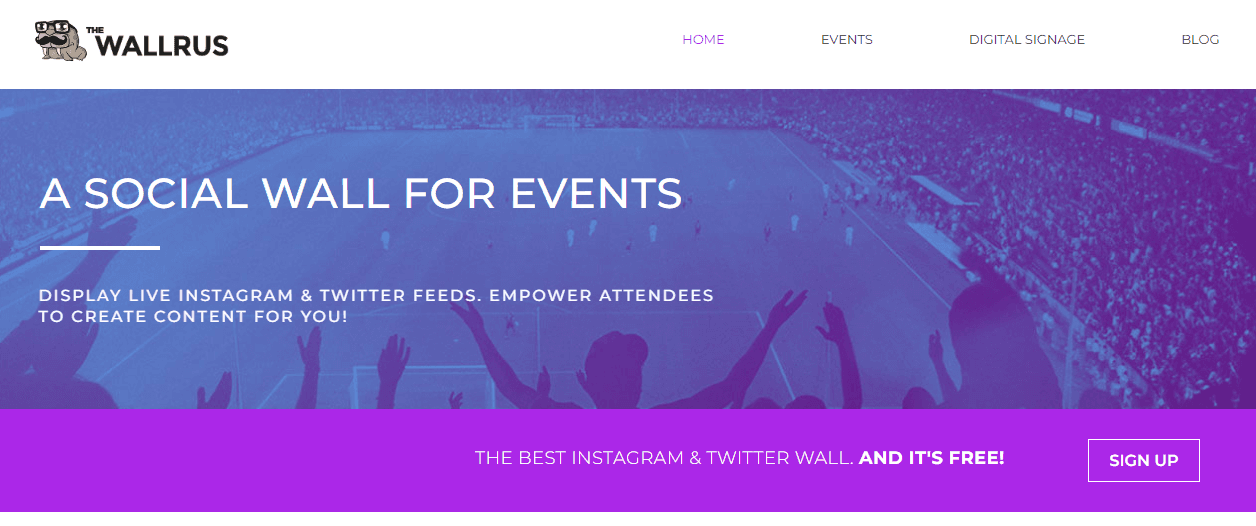
The Wallrus is a social media aggregator for events. Self-proclaimed as a “social signage solution” their focus is on providing you with live social media feeds to enhance the event experience through audience engagement. Since The Wallrus is niched specifically for live events their pricing options are reflective of that. In addition to their free plan, their two main options are based on a 24 hour usage (but they have agency solutions as well). If you have a live event coming up, then definitely check out The Wallrus.
Some of their key features include:
Supports X and Instagram feeds
Offers a library of beautiful themes
Easy to use moderation
Update times of 10 seconds for the free plan and 2 seconds for the paid plans
Unlimited hashtags for the paid plans
Allows customization to match your branding
Provides premium space you can sell to your sponsors
11. Tagembed
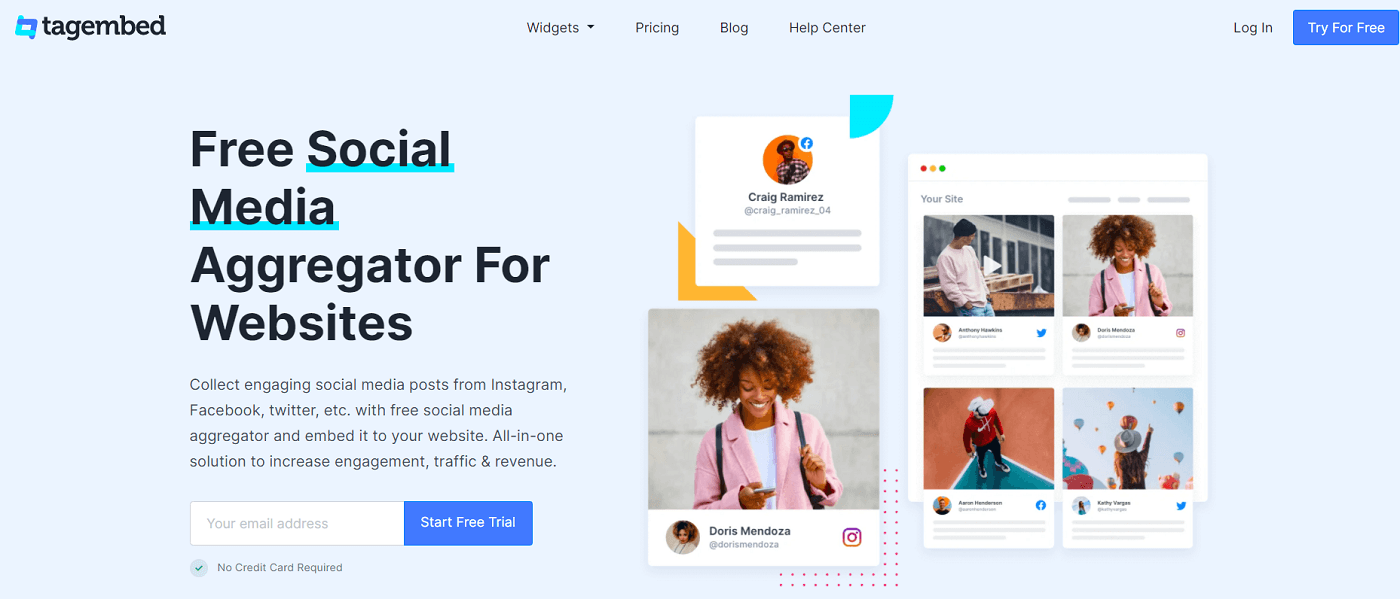
Tagembed is a simple to use and affordable social media aggregator. It is a great option for businesses wanting to connect across a wide range of platforms. They offer integrations with over 20 social networks including both social feeds and reviews. You can also leverage hashtags or user mentions for showcasing UGC. Tagembed also offers a comprehensive list of articles on how to embed their widgets into websites built on a variety of platforms. These will help you in setting up your new feeds.
There are also several pricing options including a free version to get you started. The prices do start to climb quickly if you are looking to use multiple widgets and feeds or are looking for shorter update times. You will also have to deal with ads on the free version.
Some of the top features are:
Build creative content by designing your own widget with their aggregator tool
Providing access to custom CSS feature for unlimited customization possibilities
Content updates are instant
Easy integration with many popular tech-stacks
Offers advanced content filtering
UGC rights management with their advanced plan
12. Everwall
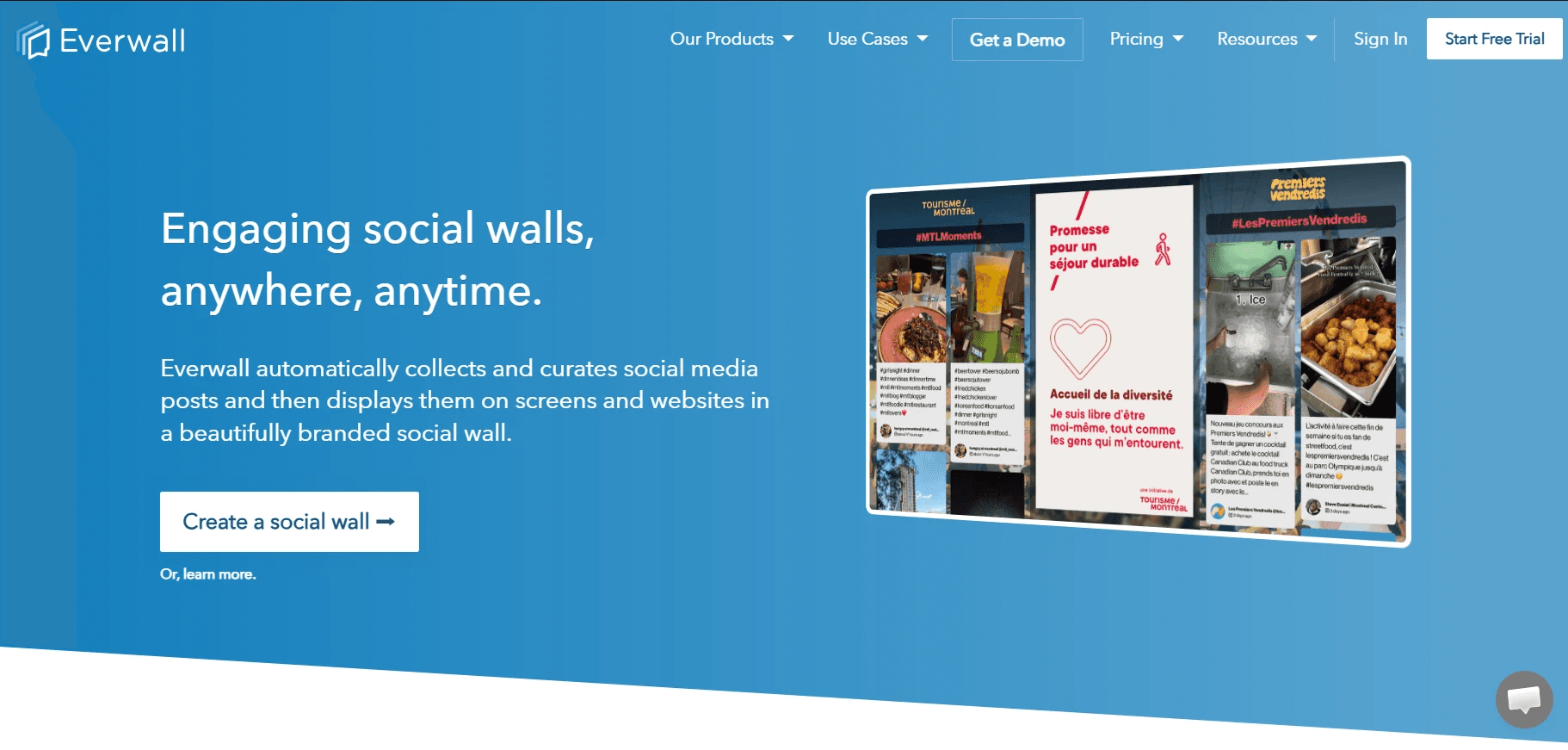
Everwall is one of the strongest choices for businesses and event organizers that want to create interactive social walls. Rather than focusing solely on website embeds, the platform is designed to collect, moderate, and display real-time social media content across websites, conferences, trade shows, offices, retail stores, and hybrid events. Its real-time updates and collaboration features make it particularly well suited to high-volume campaigns where audience participation is a priority.
My favorite standout Everwall feature is its emphasis on moderation and reliability. Posts are collected automatically into a moderation dashboard where teams can approve, reject, or filter content before it appears. The platform also supports multiple content sources on a single wall, customizable layouts, and sub-second real-time updates, making it ideal for live events where engagement happens continuously.
Other features include:
Multiple social sources in a single wall
Advanced moderation and profanity filtering
13 customizable layouts
Leaderboards for events and competitions
Team-based moderation workflows
Website, office, retail, and event displays
Custom HTML, CSS, and JavaScript support
Everwall is an excellent option for organizations that want to drive engagement during live events or create dynamic social displays across multiple environments. If your primary goal is embedding branded social feeds on a marketing website, a dedicated social media aggregator like Curator may provide a simpler and more cost-effective solution.
13. Juicer
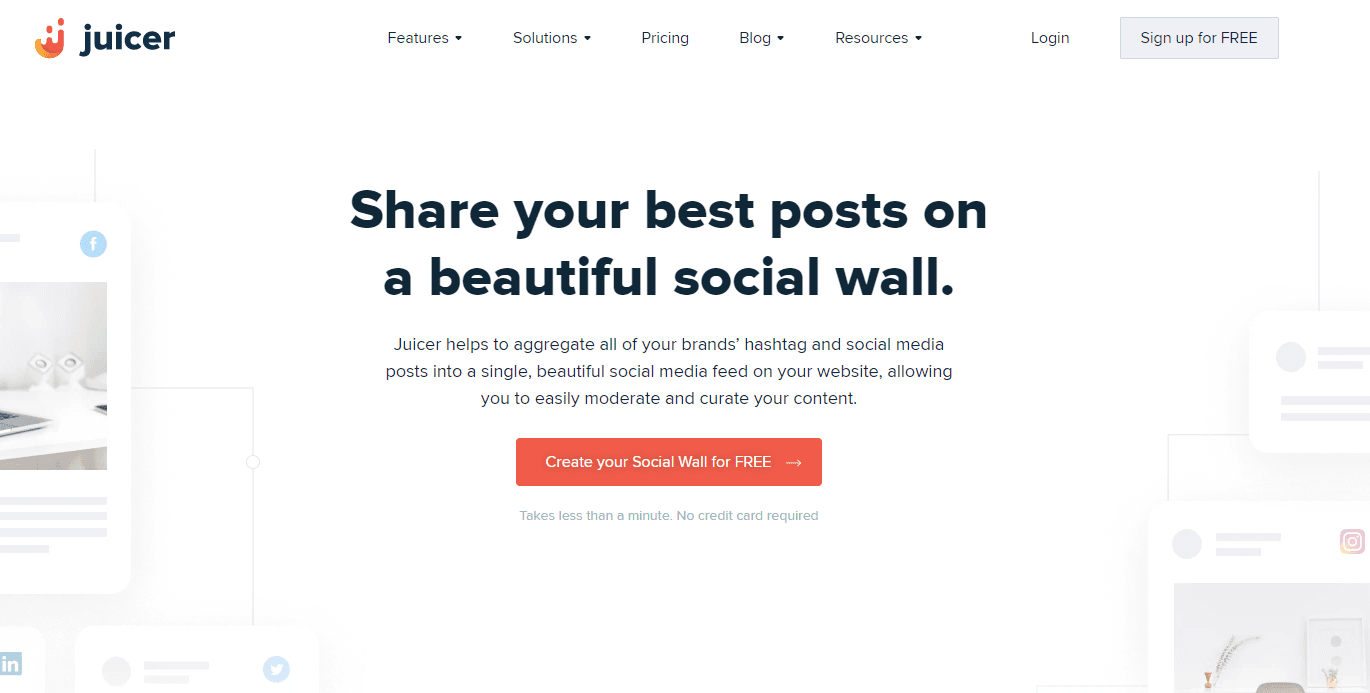
Juicer is a good option for a social media aggregation tool designed for adding posts to your website. The only platforms it works with are X, Instagram, Facebook and TikTok. And you are limited to two source accounts so you may want Curator instead to get more features. The Juicer aggregator does allow you to add hashtags which is great for events. The other thing to note is Juicer's branding is very prominent with the free plan and can interfere with your own.
Juicer has the following features:
Provides social media moderation
Setup is simple
Limited to two sources on the free plan
Limited social networks
14. EmbedSocial
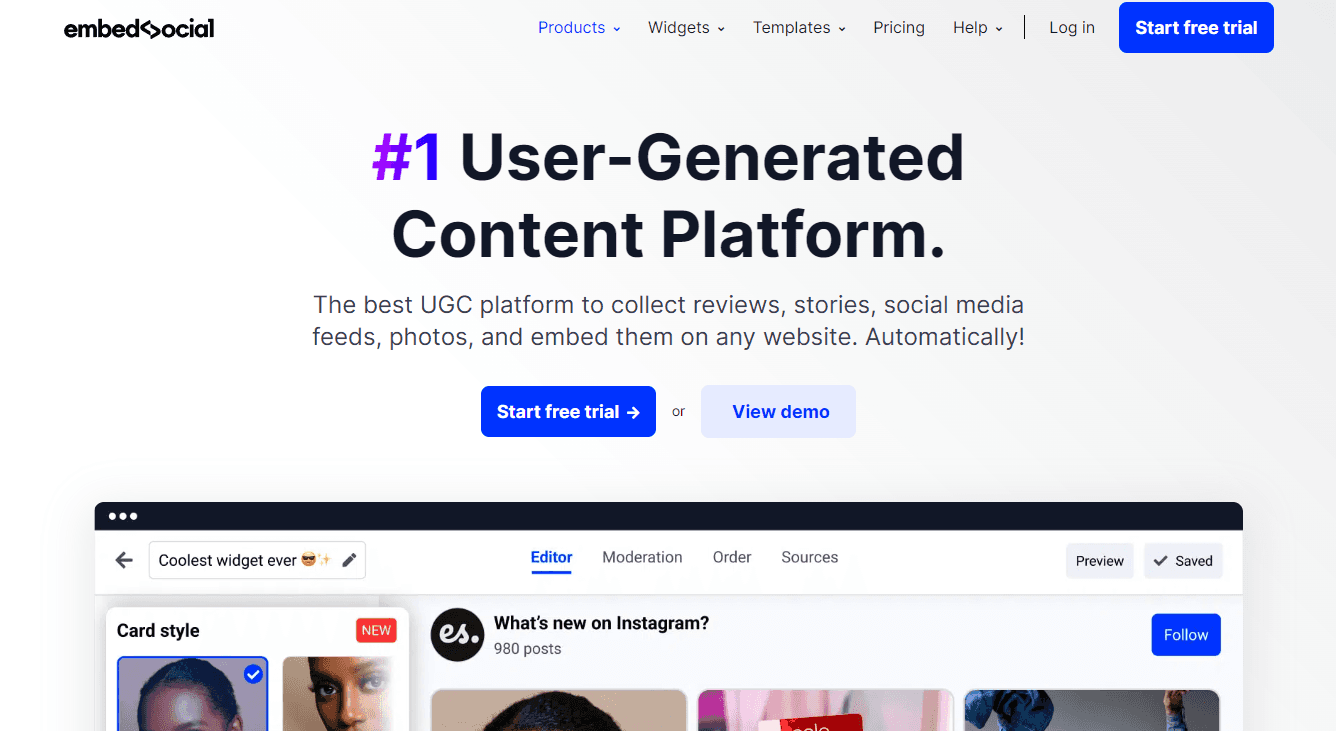
EmbedSocial is a top UGC platform. Their EmbedFeed product is what they offer for social media aggregation. Their approved API integrations include Facebook, Instagram, X, TikTok, and YouTube. EmbedSocial does offer a lot of other products including a forms builder, reviews management, Instagram stories, and shoppable UGC. This makes them a strong platform if you are looking for a one-stop shop for UGC. All of their different products are individually priced and you can try them out for seven days before committing.
Features of EmbedSocial include:
Comprehensive suite of UGC products
Large list of templates for all of their products
Tutorials page to aid you in setting up and getting the most out of their products
Great customer support
Easy to use and configure.
15. Walls.io
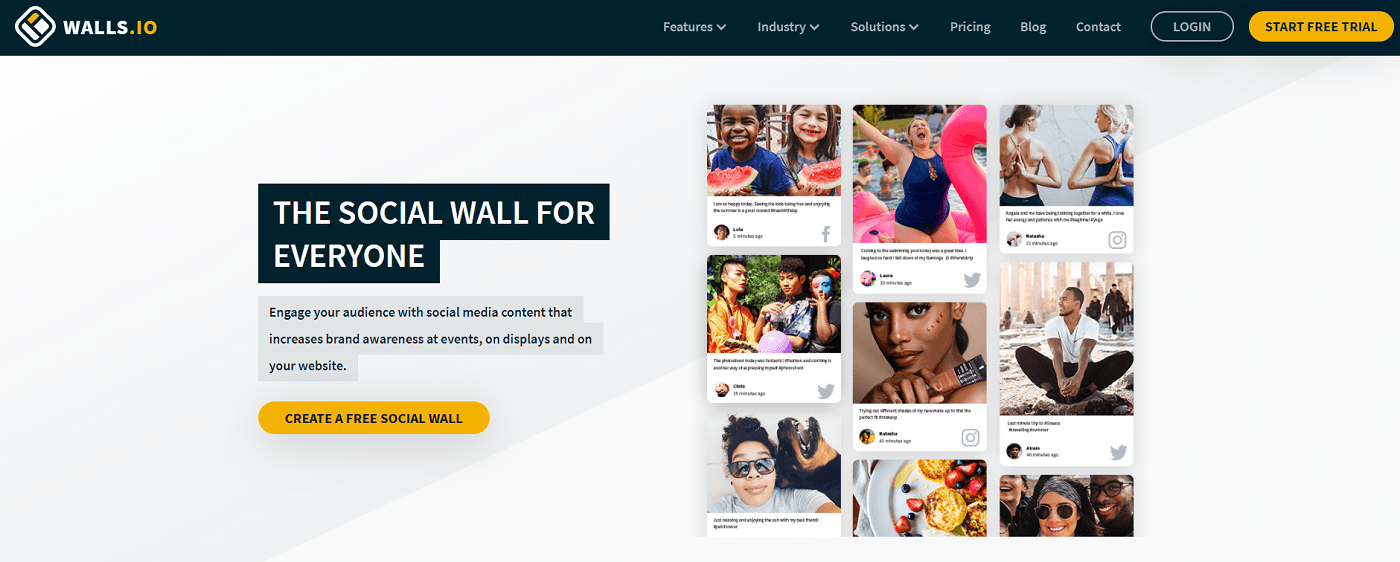
Walls.io is one of the most straightforward social media aggregators for displays. They provide the resources to leverage social walls for events, websites, employees, campaigns, newsrooms and displays. Content can be aggregated from all the main sources such as X, Facebook, YouTube, TikTok and many more. They also allow direct posts as well. Walls.io is not the cheapest option, and in 2026 it retired its free plan and split pricing across events, websites, and digital signage. If the price is what brought you here, we compare the Walls.io alternatives worth putting next to it.
If you are looking for a comprehensive platform offering a lot of features tailored around events then Walls.io is an option to consider.
Some notable features are:
GDPR compliant
They offer seven layouts for your walls
Post moderation is included in all plans
Fast setup process with a step-by-step guide
Call-to-action feature for shoppable UGC
How brands use Curator to embed feeds on their websites
The best social media aggregators do more than display social posts. They help brands turn their websites into living experiences with fresh, relevant content that supports the purpose of each page. At Curator, we've found that brands get better results by embedding relevant social content on specific pages rather than displaying the same feed across their entire website. Deciding what belongs on each page is the harder half of the job, and we walk through it in our guide to curated social media.
I prefer creating separate feeds for different audiences instead of embedding the same content across an entire website. That keeps every feed relevant and gives visitors a reason to stay engaged.
Here are a few examples:
1. Two Scoops of Style
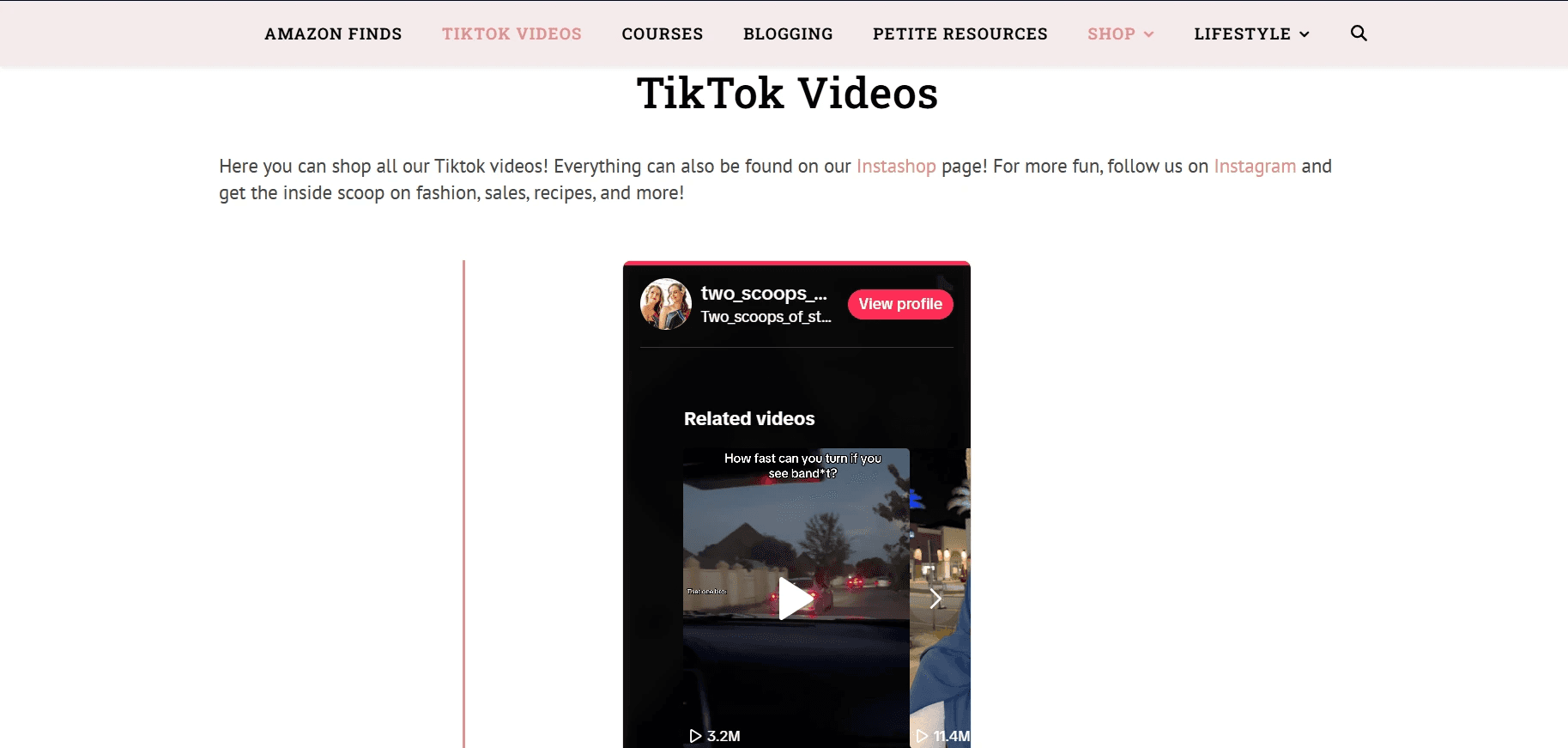
Two Scoops of Style embeds a TikTok feed to extend its fashion and lifestyle content beyond traditional blog posts. The feed showcases recent videos, keeps the page current, and encourages visitors to discover more content while reinforcing the creators' personal brand.
2. The University of Manchester
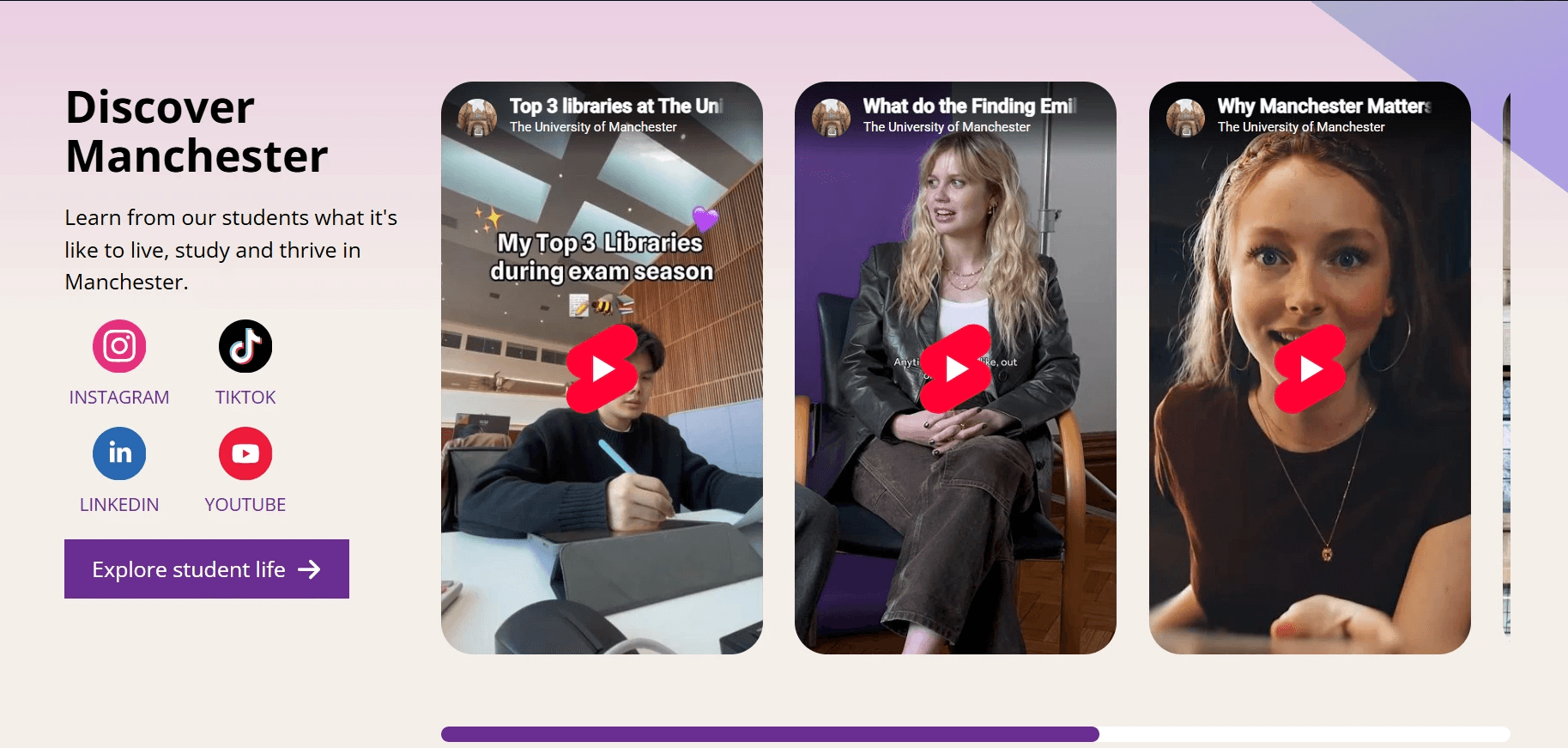
One of my favorite examples is the University of Manchester website, which uses a curated social feed to showcase student life, local attractions, university events, and campus experiences. The regularly updated posts make the website feel more authentic and help prospective students and visitors get a genuine sense of the city beyond traditional marketing content.
These examples show how embedded social feeds can support different goals. A creator can showcase fresh video content, while a university can build trust with authentic community updates. In both cases, the website stays current without requiring constant manual updates, and visitors are encouraged to explore more of the brand's content across multiple channels.
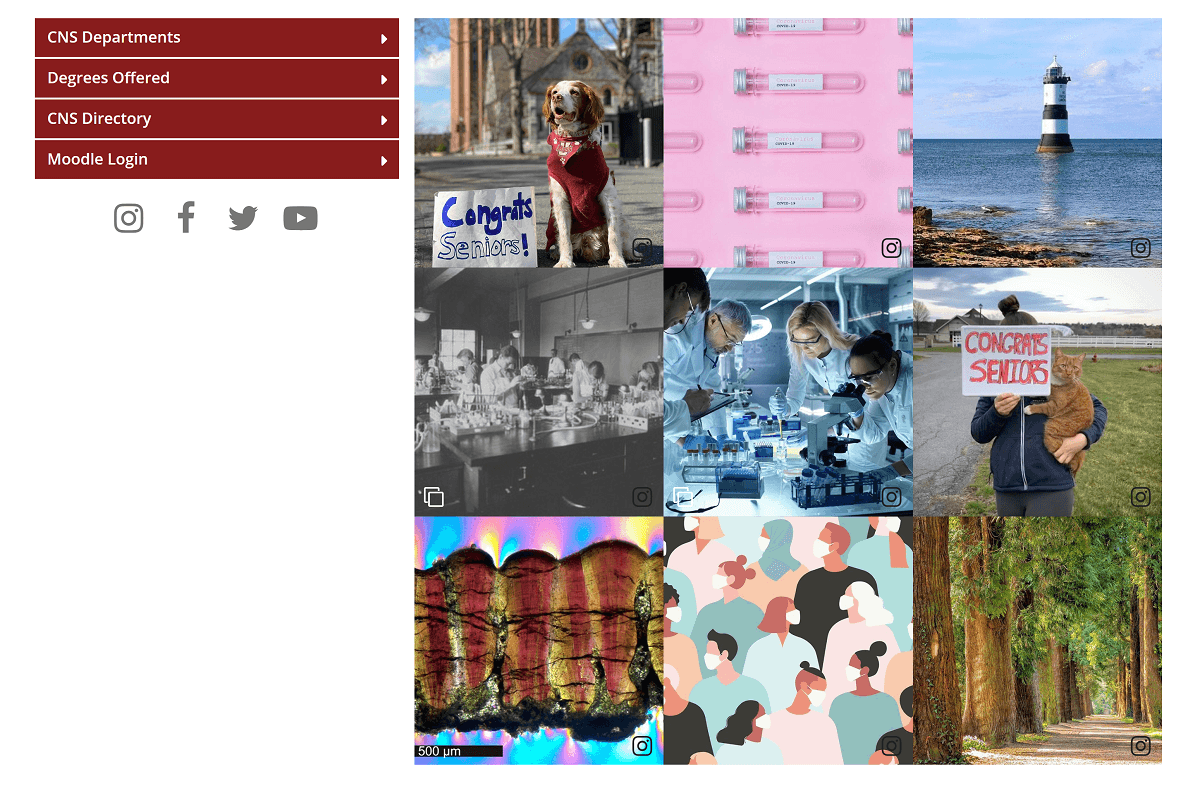
3. UMass
UMass uses Curator to showcase what students are up to, across all departments.
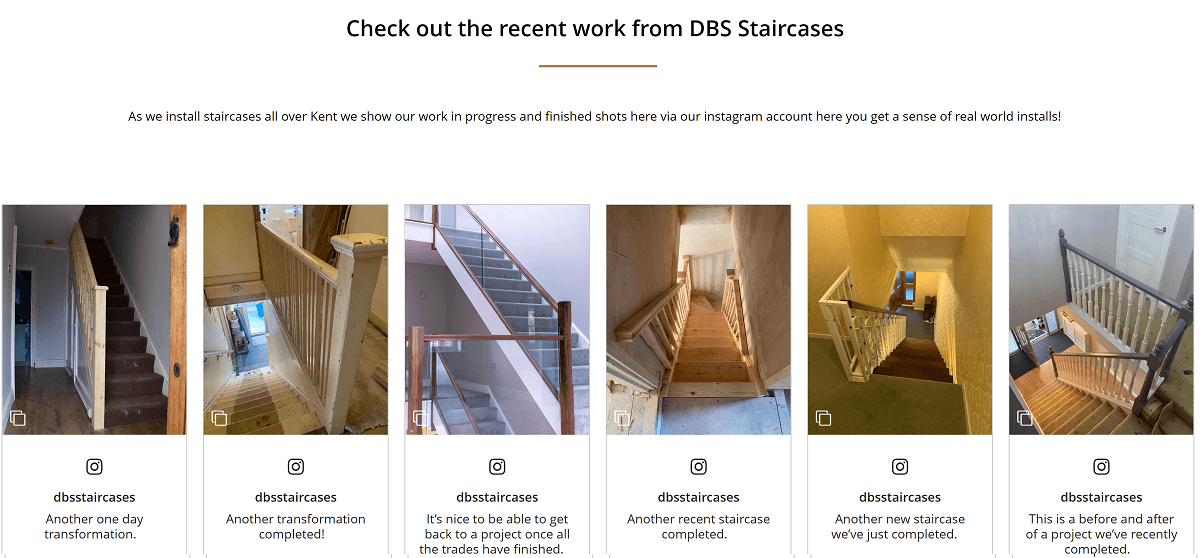
And here's another example built using Curator.io. This example social media feed has been embedded in the company's portfolio page to show their staircase renovation work.
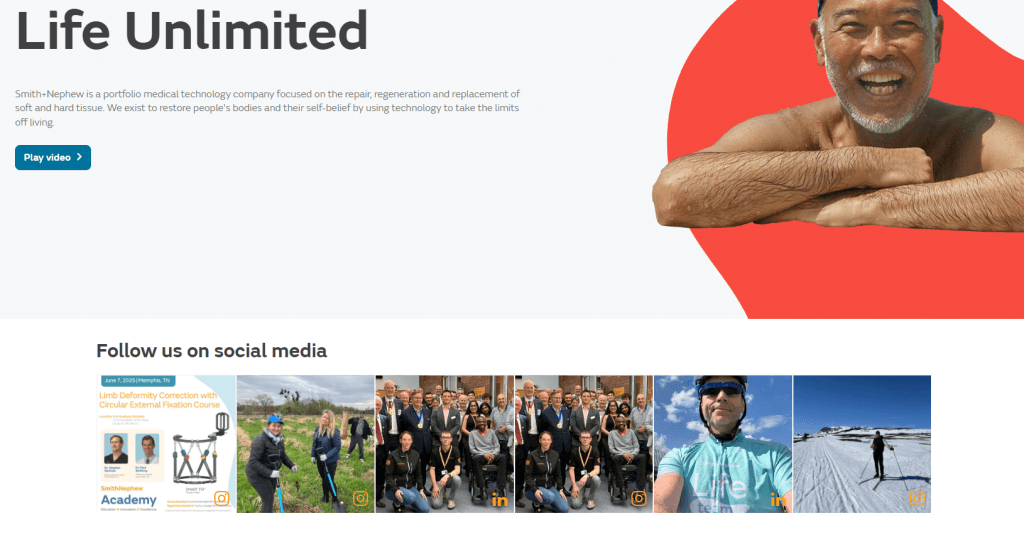
4. Smith+Nephew
In another example, Smith+Nephew takes a subtle approach utilizing Curator.io to incorporate their social feeds right on their homepage under the main header. This ties in their social proof at the forefront of their website design.
From events to non profits to universities to ecommerce stores to construction companies, the use cases for social media aggregators are literally endless.
Now that you have seen all your options doesn't it seem like a good idea to just use a smart, simple tool rather than trying to manually add feeds from individual networks (with little to no customization options) and managing each network separately?
Go ahead and make the difficult job of reaching and engaging with your audience easier. If you've got a minute, let us know which social media aggregation tool you're using and what made you choose it?
Check out Curator.io's free plan!
Previous post: