Social media integration is a must for any brand looking to stay competitive in today’s digital landscape. Whether it’s embedding social media feeds directly into your website or leveraging tools that auto-publish content across platforms, the right integration strategy can help you amplify your reach, streamline your workflow, and enhance user engagement. With so many tools available, finding the ones that fit your needs can feel overwhelming. That’s why we’ve done the research for you.
In this blog post, we’ll explore the top 10 social media integration tools for website feeds and auto-publishing. From showcasing dynamic social content on your homepage to automating your posting schedule, these tools make it easy to connect your brand with your audience. We’ll also break down the differences between integration and publishing tools, explain how they work together, and highlight their best features and pricing. Ready to optimize your social media presence? Let’s dive in!
What is a social media integration?
Social media integration connects social media platforms with other software or tools to streamline content sharing, engagement, and functionality. It enables features like website feeds, share buttons, follow buttons, and auto-publishing to create a seamless user experience. By integrating social media with websites or apps, brands can enhance visibility, boost engagement, and simplify workflows, ensuring their online presence is cohesive and impactful across all digital channels.
First, we showcase the best tools for website feeds, then we present the best tools for auto-publishing.
Best social media integration tools for website feeds
Keep reading for the best platforms for integrating social media with your website. Create a feed that automatically updates with your latest content.
1. Curator
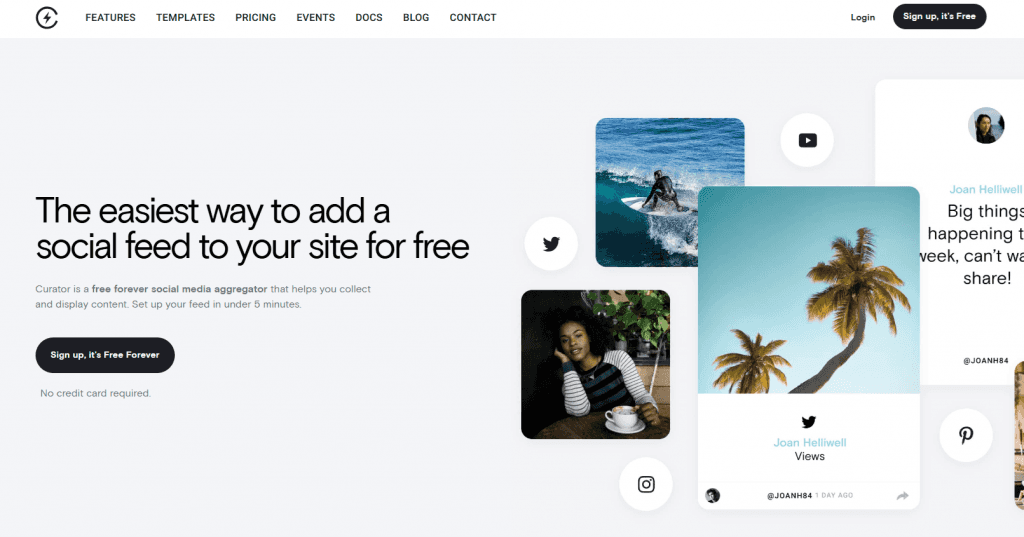
With Curator, you get a and user-friendly social media aggregator designed to simplify embedding social feeds on your website. It connects seamlessly with platforms like Instagram, Facebook, Twitter, and TikTok, allowing you to showcase your content or user-generated posts in customizable designs. With fast setup, auto-updating feeds, and flexible moderation, Curator delivers dynamic and engaging site integrations in minutes. If you encounter update issues with your social feeds, Curator’s robust support and troubleshooting tools can help ensure your integration remains seamless and functional. Perfect for enhancing your website's visual appeal and boosting social engagement.
Key features:
Auto-updating feeds
Customizable templates
Multi-platform integration
Manual or automatic moderation
Responsive design
Free and paid plans available
Pricing:
Our free plan is the best on the market. You can integrate up to three social media sources and there's no noticeable Curator branding on your feed. Or try our professional plan and get up to five integrations for $25 per month.
2. Juicer
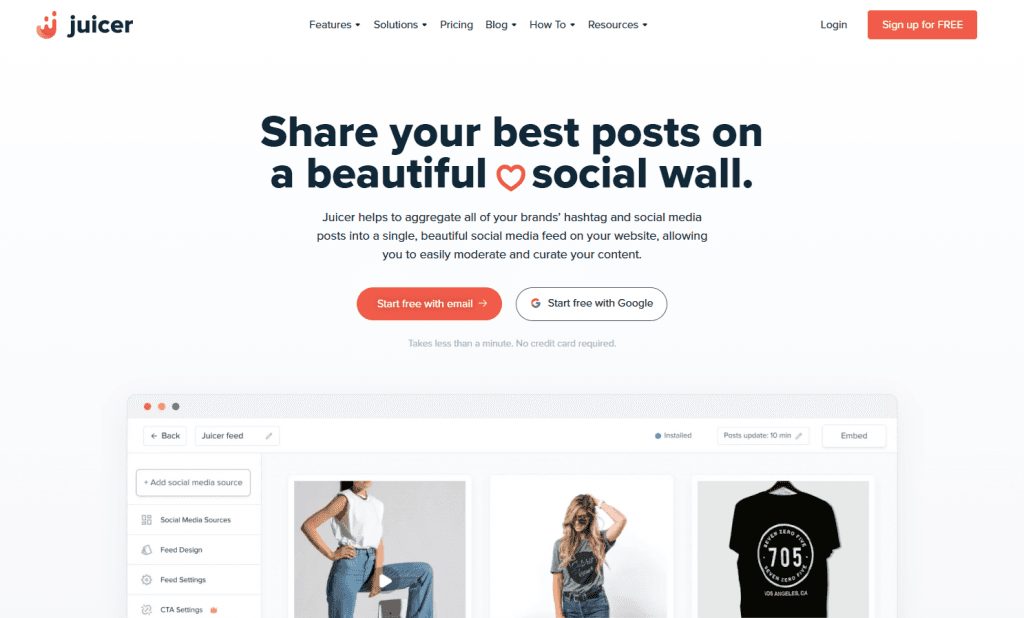
Use Juicer to aggregate your social media posts and hashtags into a single, stunning social feed for your website. It offers easy setup, automatic updates, and tools for filtering, moderating, and analyzing your content. With Juicer, you can create a visually appealing and fully customizable social wall that seamlessly integrates with platforms like Instagram, Facebook, Twitter, TikTok, and more. Perfect for businesses, events, and brands looking to enhance engagement with a dynamic digital presence.
Key features:
Social media aggregation
Auto-updating feeds
Content moderation
Customizable themes
Multi-platform support
Easy embedding
WordPress plugin compatibility
Pricing:
Juicer has a free plan, but the branding is quite noticeable. You can purchase one of their paid plans for $25 or $99 per month. The more expensive plan offers more social media integrations.
3. Smash Balloon
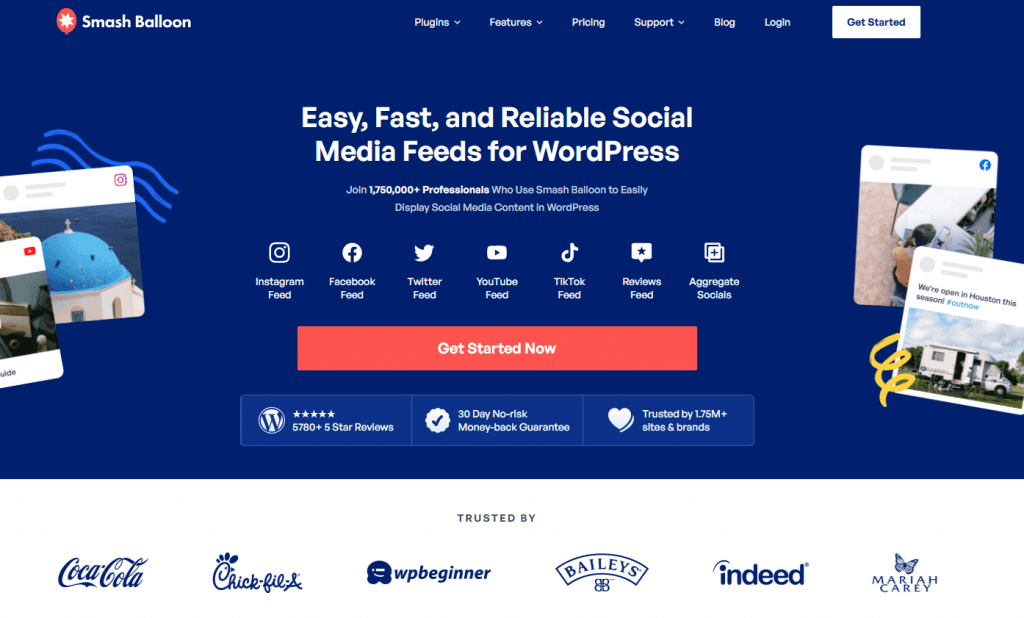
Smash Balloon offers an easy way to embed customizable social media feeds directly into your WordPress site. With a focus on simplicity, speed, and reliability, it allows you to aggregate content from platforms like Instagram, Facebook, Twitter, YouTube, and TikTok. Whether you're showcasing a single feed or combining multiple channels, Smash Balloon’s tools ensure your social media content is beautifully integrated and always up-to-date.
Key features:
Customizable feed designs
Multi-platform support
SEO-friendly embedding
Built-in feed templates
Feed caching and backup
Fast page load optimization
GDPR compliance options
Pricing:
You can pay an all-access plan and get all of Smash Balloon's social media feed integrations for a one-time fee of $598. Or, pay for only what you need. For instance, the Instagram integration is $98 per year for one website.
4. Walls.io

Walls.io is a powerful social wall solution that aggregates content from up to 15 sources, including Instagram, Facebook, Twitter, TikTok, and RSS feeds. Designed for websites, events, and marketing campaigns, it lets you curate, moderate, and display content in real-time. With interactive features like polls, reactions, and a photo booth, Walls.io enhances audience engagement while ensuring accessibility and privacy compliance.
Key features:
Multi-source content aggregation
GDPR and CCPA compliance
Seven customizable layouts
Interactive polls and reactions
Real-time moderation tools
Unlimited embeds and views
Supports private and public campaigns
Pricing:
Walls.io starts at $250 per month for brand hubs, digital signage, and widgets. Custom enterprise plans are available.
5. EmbedSocial
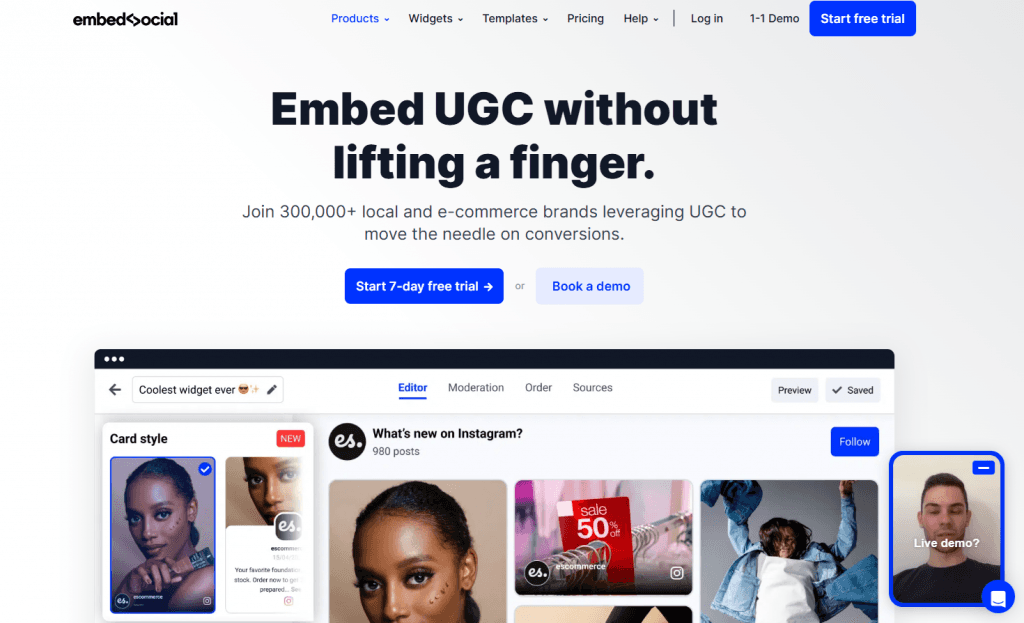
You can use EmbedSocial as a complete UGC platform that simplifies collecting, managing, and embedding user-generated content (UGC) and reviews. It integrates seamlessly with major social media platforms and review sites, offering a range of pre-built templates to display dynamic widgets like Instagram feeds, Google reviews, and TikTok videos. With fast-loading widgets, real-time updates, and AI tools for managing reviews, EmbedSocial empowers brands to leverage UGC to boost conversions and engagement.
Key features:
Multi-platform UGC aggregation
140+ customizable widget templates
AI-powered review management tools
Shoppable widgets for social commerce
Real-time updates and notifications
Slack integration for review alerts
GDPR-compliant widgets
Pricing:
You'll pay $29 per month for up to three social media integrations or $64 per month for social media integrations and review site integrations in one plan.
6. Flocker
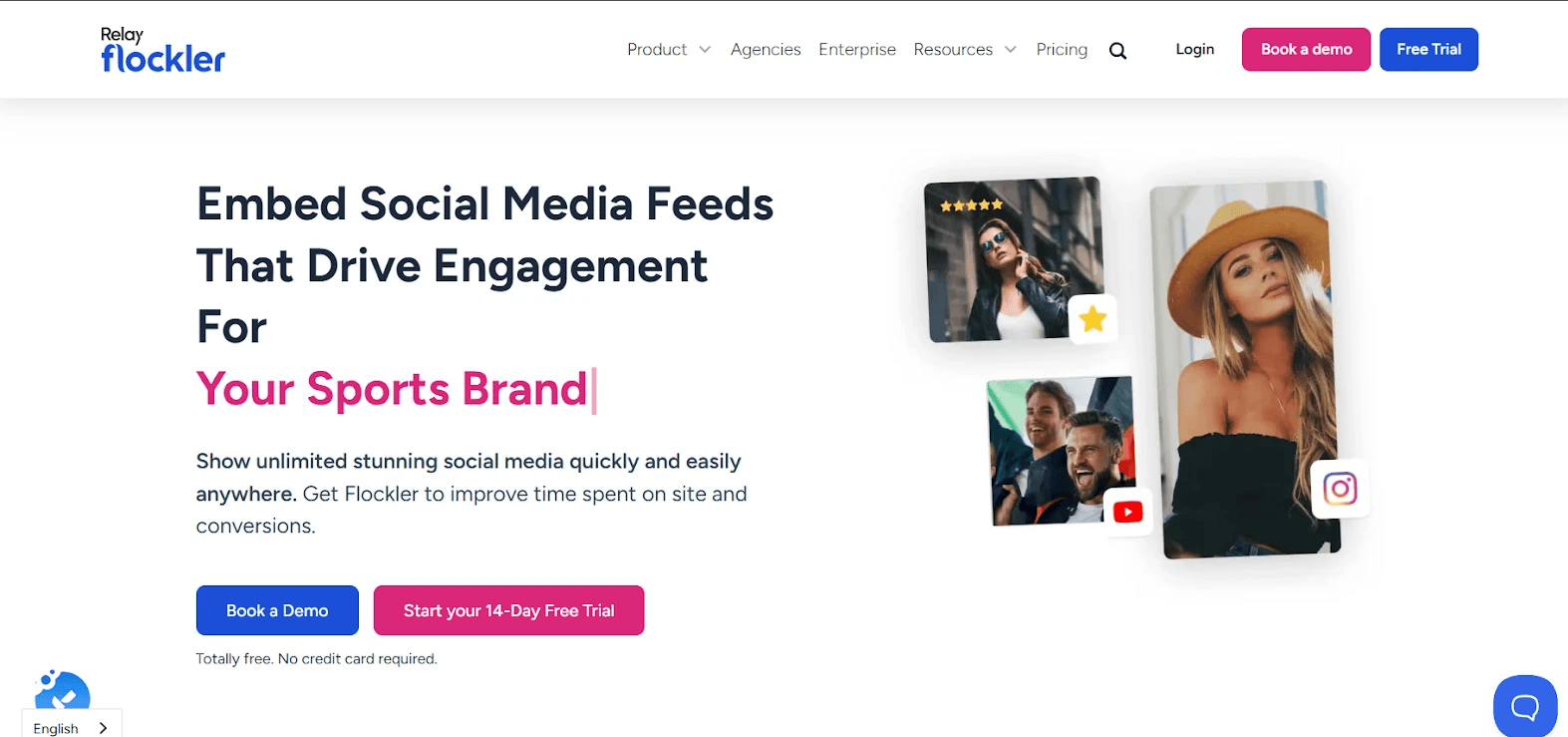
Flockler is a powerful social media integration tool that simplifies displaying authentic content from multiple social media platforms on your website. It supports 13+ platforms, including Instagram, TikTok, YouTube, LinkedIn, and Facebook. With Flockler, you can design unlimited layouts, embed feeds anywhere, and showcase posts, reviews, or videos in real time.
This helps boost engagement, increase time on site, and build trust with visitors. By unifying content from multiple platforms, Flockler turns your website into a dynamic hub of user-generated content and social proof, driving conversions and interaction.
Key features:
Multi-platform support
Unlimited layouts
Real-time updates
Customizable design
Approval and moderation
Social proof and engagement
Analytics and insights
Pricing:
Flockler offers four pricing plans: Basic at $110/month, Business at $195/month, Pro at $325/month, and Premium, which is custom. Plans vary by feed count, content moderation, AI tools, support, and advanced customization options.
7. Taggbox
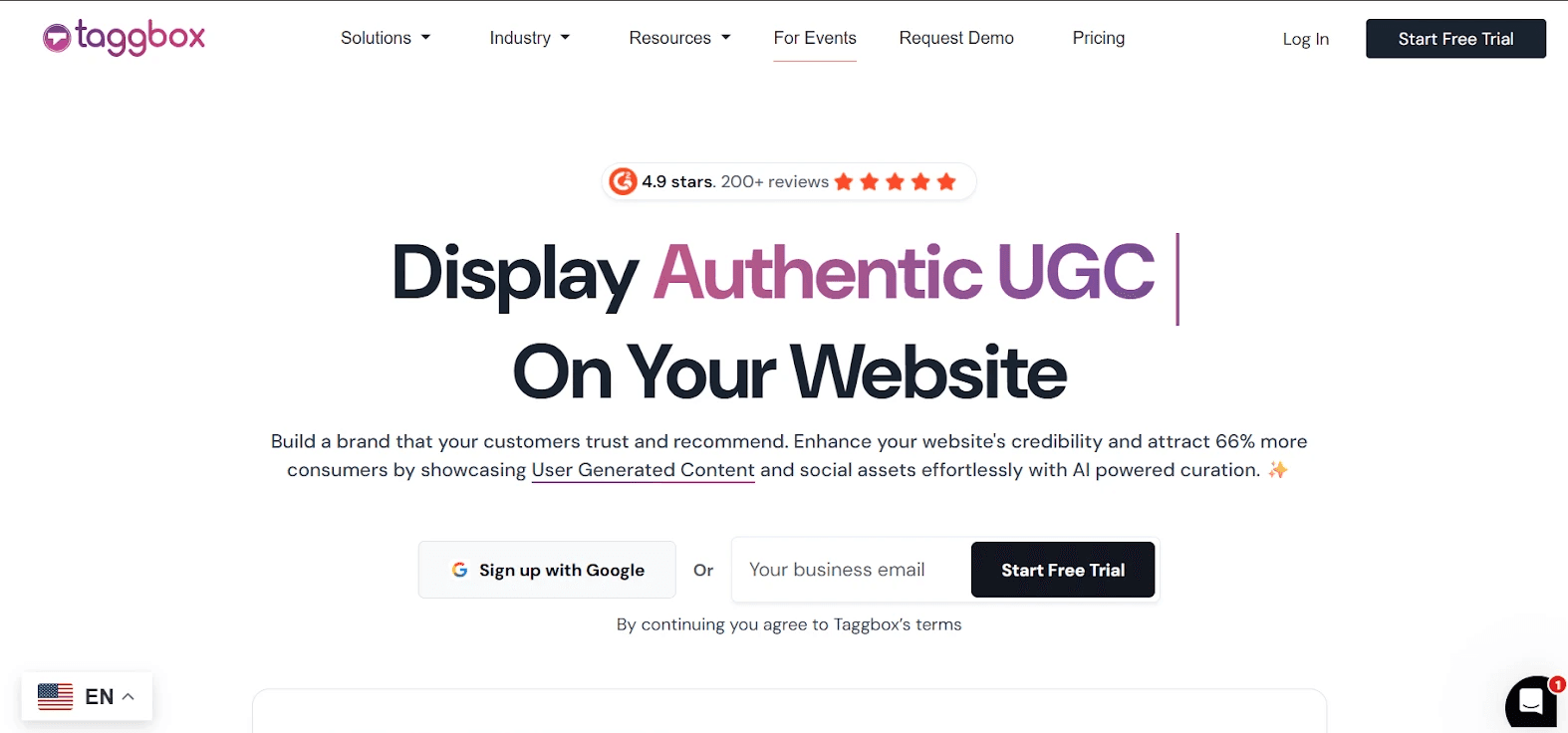
Businesses choose Taggbox for social media integration because it makes showcasing authentic user-generated content effortless. It connects to 20+ social media platforms, curates content with AI-powered tools, and displays it across websites, emails, ads, and campaigns. Companies love it for boosting engagement, building trust, increasing conversions, and creating shoppable galleries.
With easy customization, content scheduling, and analytics, Taggbox helps brands turn social proof into measurable business results, all from a single dashboard, making it a top choice for marketers seeking reliable social media integration tools.
Key features:
UGC widget
AI-powered curation
Shoppable galleries
Social ads management
Content scheduling
Customizable layouts
Social proof displays
Analytics and performance tracking
Pricing:
You can start with the Free plan if you have a small site. Larger websites need paid plans, which include Starter for $19 per month, Growth for $29 to $39 per month, and Advance for $79 to $99 per month.
8. Flowbox
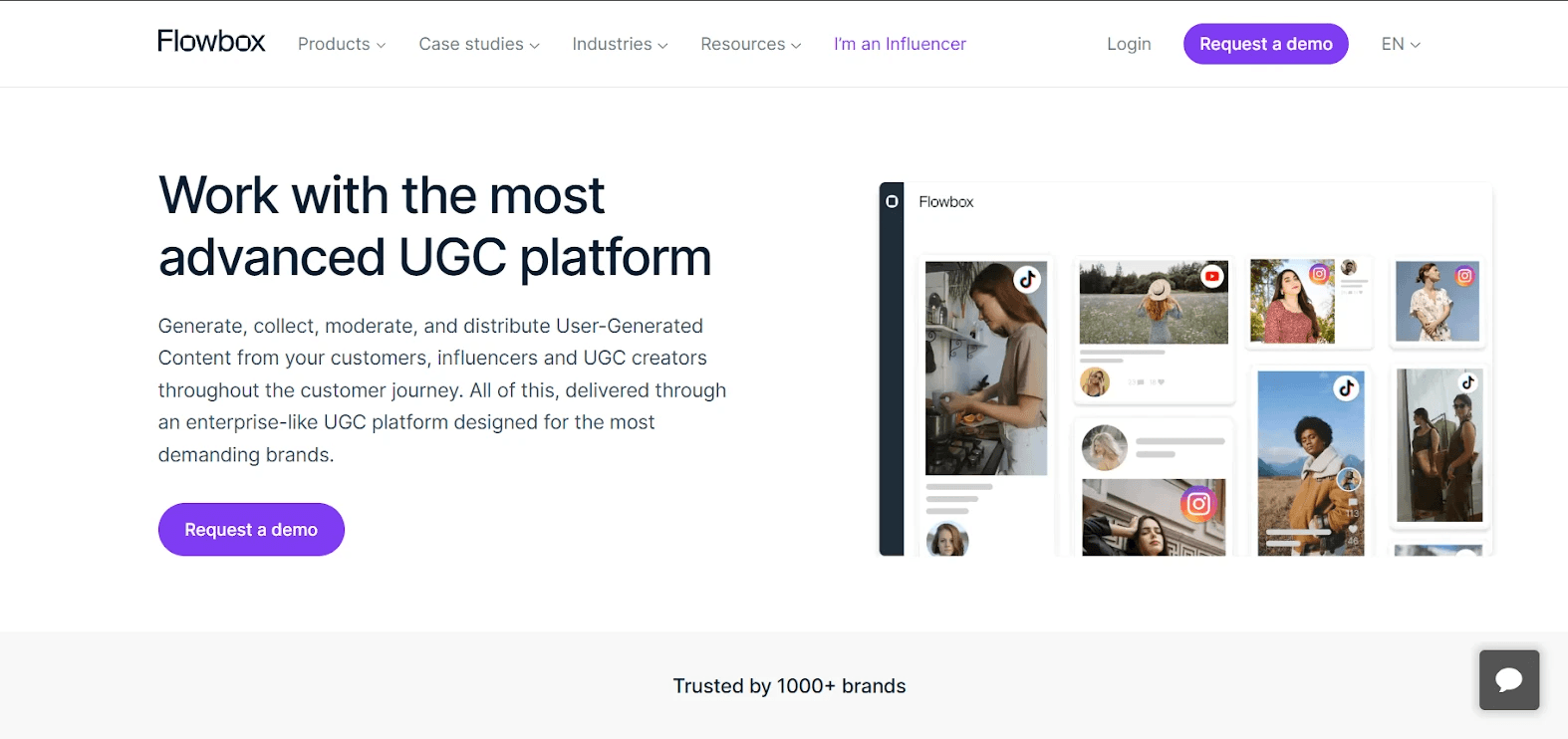
Flowbox stands out because it’s a complete, enterprise-level UGC platform designed for brands that want to maximize customer content across the entire journey. It simplifies generating, collecting, and distributing UGC from various types of creators.
By combining advanced AI, automation, and influencer management, Flowbox prioritizes content, links it to products, and streamlines media rights requests. It supports multi-touchpoint deployment (websites, emails, social ads, and mobile apps) and integrates seamlessly with eCommerce platforms.
Key features:
AI-powered content prioritization
Automated media rights management
Influencer discovery and management
Content moderation tools
Seamless eCommerce integrations
Centralized content library
Bulk requests for influencer content
Campaign tracking and performance insights
Pricing:
Custom quotes are available on request.
Best social media integration tools for auto-publishing
These are the top tools for integrating social media platforms into a single platform for content creation and auto-publishing.
9. Buffer
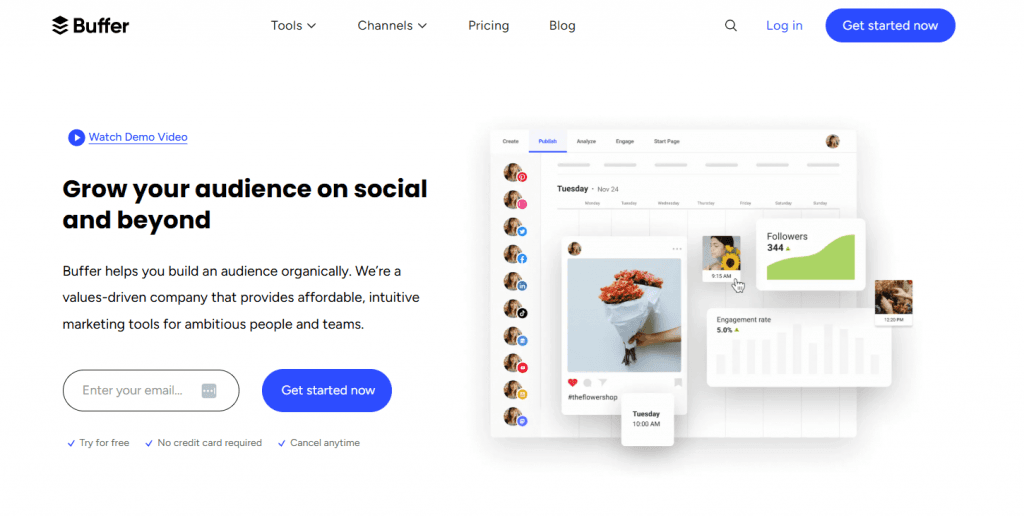
With Buffer, you can simplify social media management by allowing you to plan, schedule, and publish content across platforms from a single dashboard. It’s perfect for businesses and creators looking to save time and grow their audience. With powerful collaboration tools, analytics, and an AI assistant for generating content ideas, Buffer ensures your social media strategy is seamless and effective.
Key features:
Multi-platform scheduling
AI-powered content creation
Analytics and performance reports
Collaboration tools with approval workflows
Suggested hashtags for better reach
Customized posting schedules
Browser extensions for quick access
Pricing:
Pay $5 per month per channel for the Essentials plan and get auto-publishing and analytics. Or pay, $10 per month per channel for the team plan and get unlimited teams and clients.
10. Sprout Social
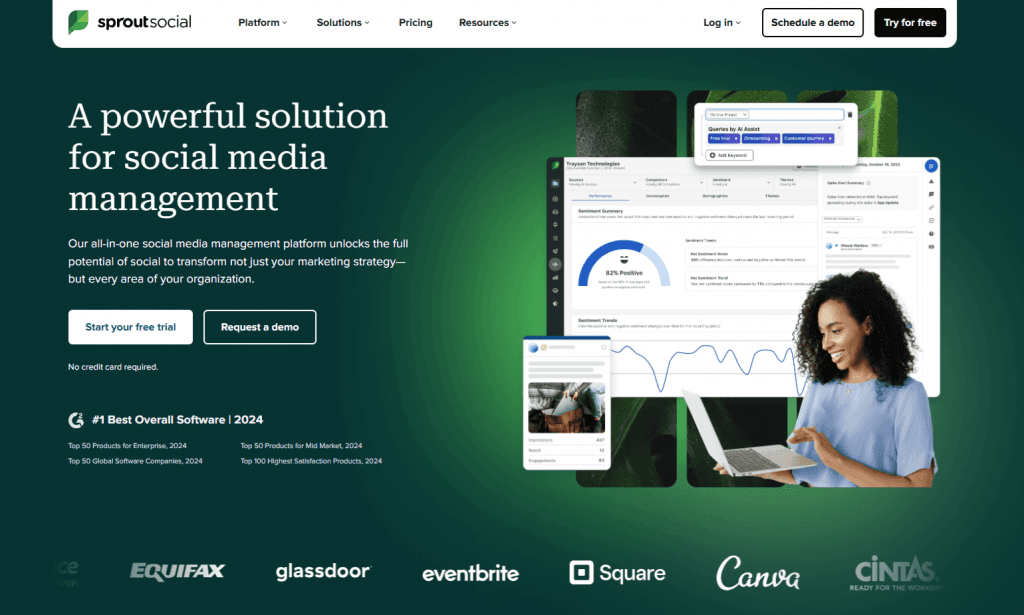
Try Sprout Social if you want an all-in-one platform for managing, analyzing, and optimizing social media strategies. Designed for businesses of all sizes, it streamlines workflows with AI-powered tools, enabling teams to efficiently publish content, engage audiences, and uncover actionable insights. With seamless integrations, robust analytics, and a unified inbox, Sprout Social empowers businesses to drive meaningful results, strengthen customer relationships, and stay ahead in the digital landscape.
Key features:
Unified inbox with AI-enhanced tools
Advanced social media analytics
AI-powered publishing workflows
Social listening capabilities
Influencer marketing tools
Employee advocacy integration
Seamless platform integrations
Pricing:
Sprout Social costs $199 per seat per month for the Standard plan, including up to five social media integrations, location monitoring, generative AI, and review management. The Professional plan costs $299 per seat per month and also offers optimal send times and unlimited social media integrations.
11. Hootsuite
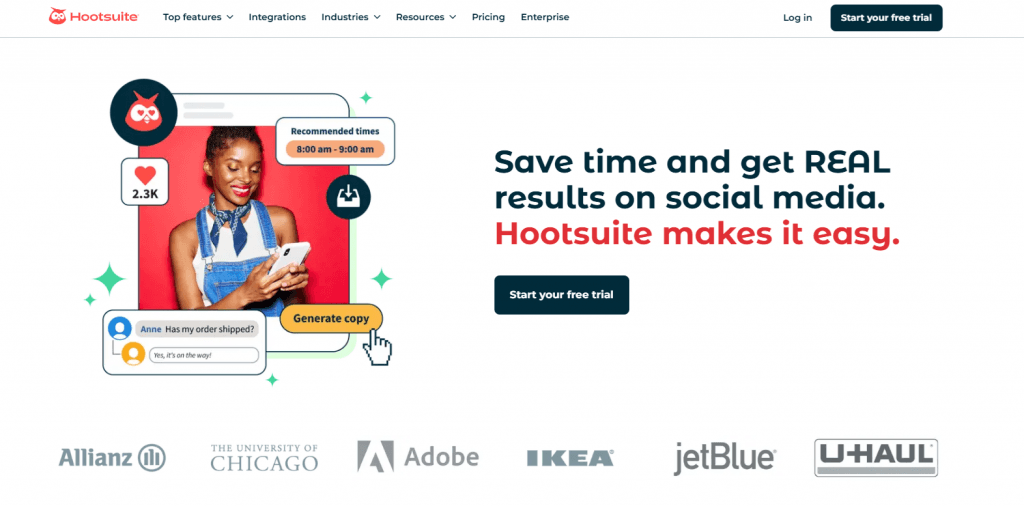
Comprehensive social media platform Hootsuite was designed to simplify your workflows and deliver measurable results. It allows you to schedule posts, monitor performance, and engage with your audience across platforms from a single dashboard. With tools for analytics, social listening, and employee advocacy, Hootsuite helps businesses of all sizes optimize their social strategies while saving time. Trusted by top brands, it’s an essential tool for driving growth and enhancing online presence.
Key features:
Multi-platform scheduling
Advanced social media analytics
Social listening tools
Unified inbox for engagement
Employee advocacy programs
Campaign performance benchmarking
AI-driven content recommendations
Pricing:
Pay $99 per month for the Professional plan, which offers up to ten social media integrations for a single user. Or try the Team plan for $249 per month for twenty integrations and three users.
12. Loomly
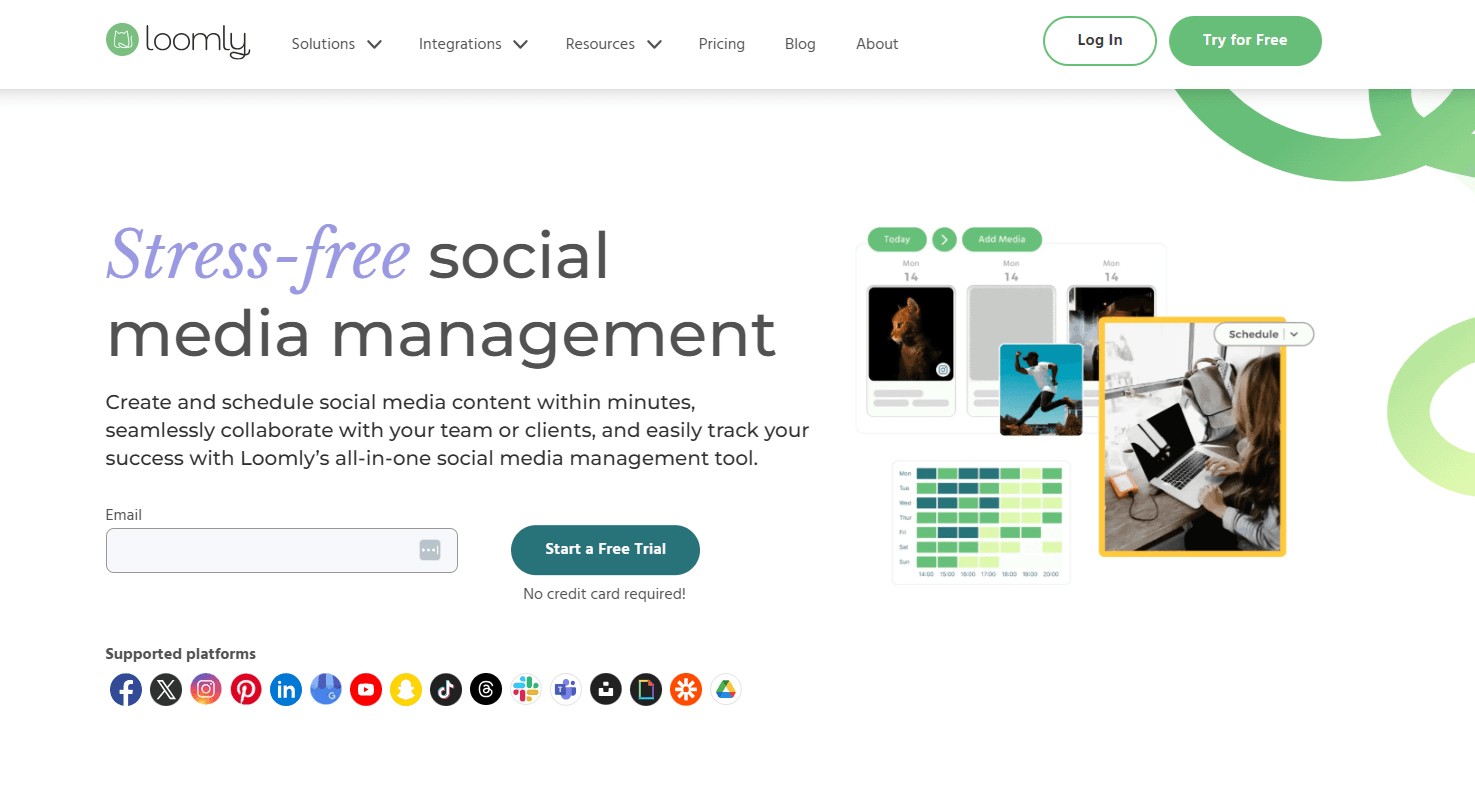
Loomly is a streamlined social media management platform designed to simplify planning, collaboration, and campaign tracking. With tools for scheduling, creative content development, and advanced analytics, Loomly helps brands and teams manage their entire social strategy from one intuitive dashboard. Collaborate seamlessly with multi-level approvals and track campaign performance to optimize results. Loomly helps with managing multiple Instagram accounts because it integrates with major platforms like Instagram, and also Facebook, and TikTok, making it a reliable choice for teams looking to save time and maximize impact.
Key features:
Multi-channel post scheduling
Content calendar with templates
Built-in image and video editor
Advanced analytics and reports
Multi-level approval workflows
Unified inbox for community management
Pricing:
With the Base plan for $32 per month, you get up to ten social media integrations and two users. Or try the Standard plan for $60 per month and unlock twenty social media integrations and six users.
13. Planoly
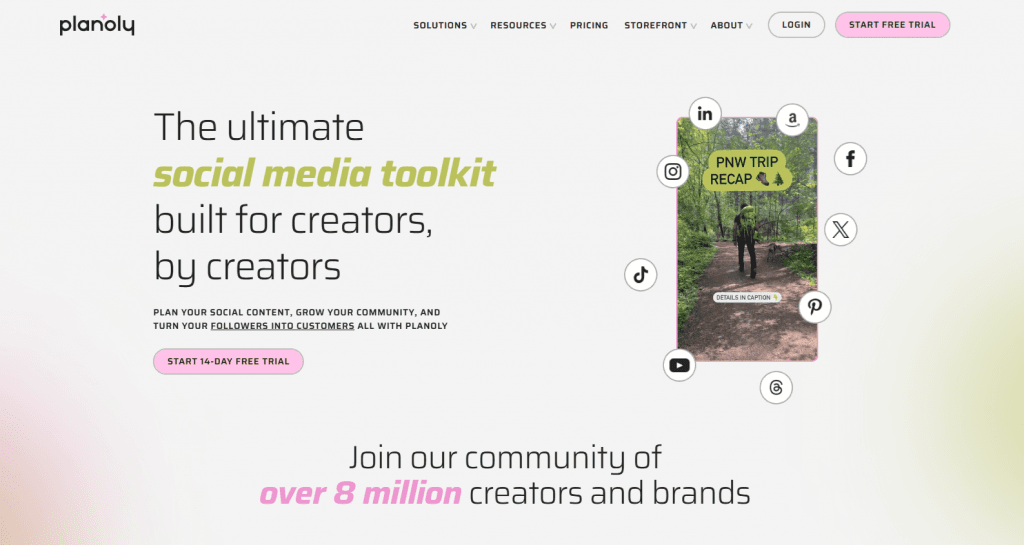
Planoly is the ultimate social media toolkit, built for creators by creators. Whether you’re a seasoned influencer or a small business owner, Planoly simplifies the way you plan, post, and grow your presence online. Effortlessly map out your content with its intuitive calendar, stay ahead with trending ideas, and craft perfect captions with the power of AI. Plus, its built-in tools for repurposing content and setting up a digital storefront make it easier than ever to turn your followers into loyal customers. Designed to help you stay relevant and achieve growth, Planoly is your all-in-one solution for mastering social media.
Key Features
Content Planning
AI Caption Writer
Auto-Post
Multi-Channel Repurposing
Media Library
Link in Bio
Snipfeed Storefront
Pricing:
Planoly costs $16 per month for one social media platform integration. Or pay $43 per month for two integrations, unlimited uploads, and up to 6 users.
14. Metricool
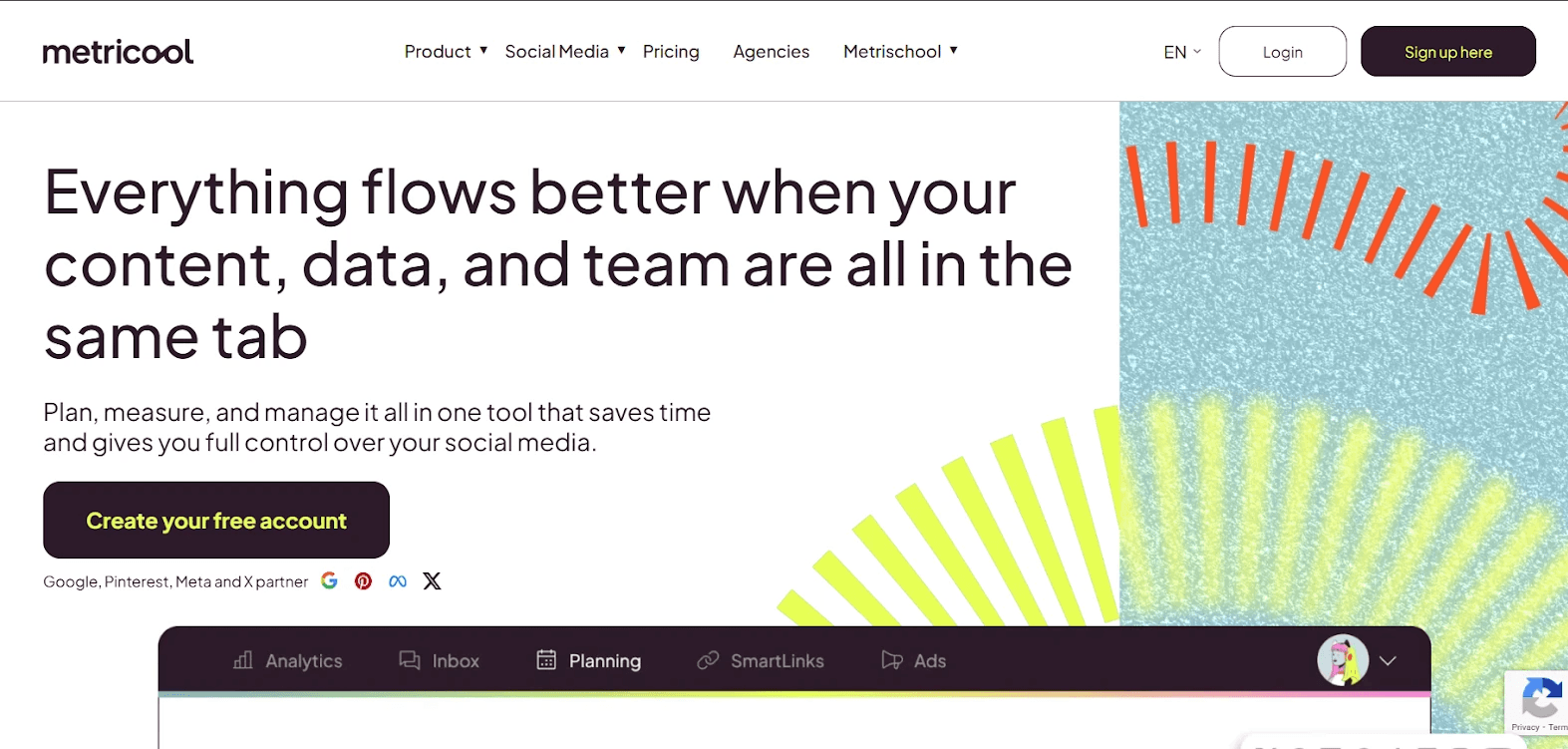
Metricool helps businesses streamline auto-publishing across multiple platforms. With the social media software, you can plan, schedule, and publish content automatically on networks like Google, Meta, X, Pinterest, and more.
Its drag-and-drop calendar lets you preview posts, schedule recurring content, and optimize timing for maximum engagement. Metricool also generates automated reports, manages saved replies, and organizes content efficiently. By combining planning, automation, and analytics in one dashboard, it saves time, reduces chaos, and gives social media teams full control, making it an essential tool for anyone looking to simplify their social media workflow.
Key features:
Multi-platform support
Auto-publishing
Drag-and-drop planner
Recurring posts
AI content assistant
Smart scheduling
Team collaboration
Inbox management
Pricing:
Metricool’s free plan lets you manage one brand with basic scheduling and analytics. Paid plans start at $18 per month, and you can get a custom plan for larger projects.
15. Agorapulse
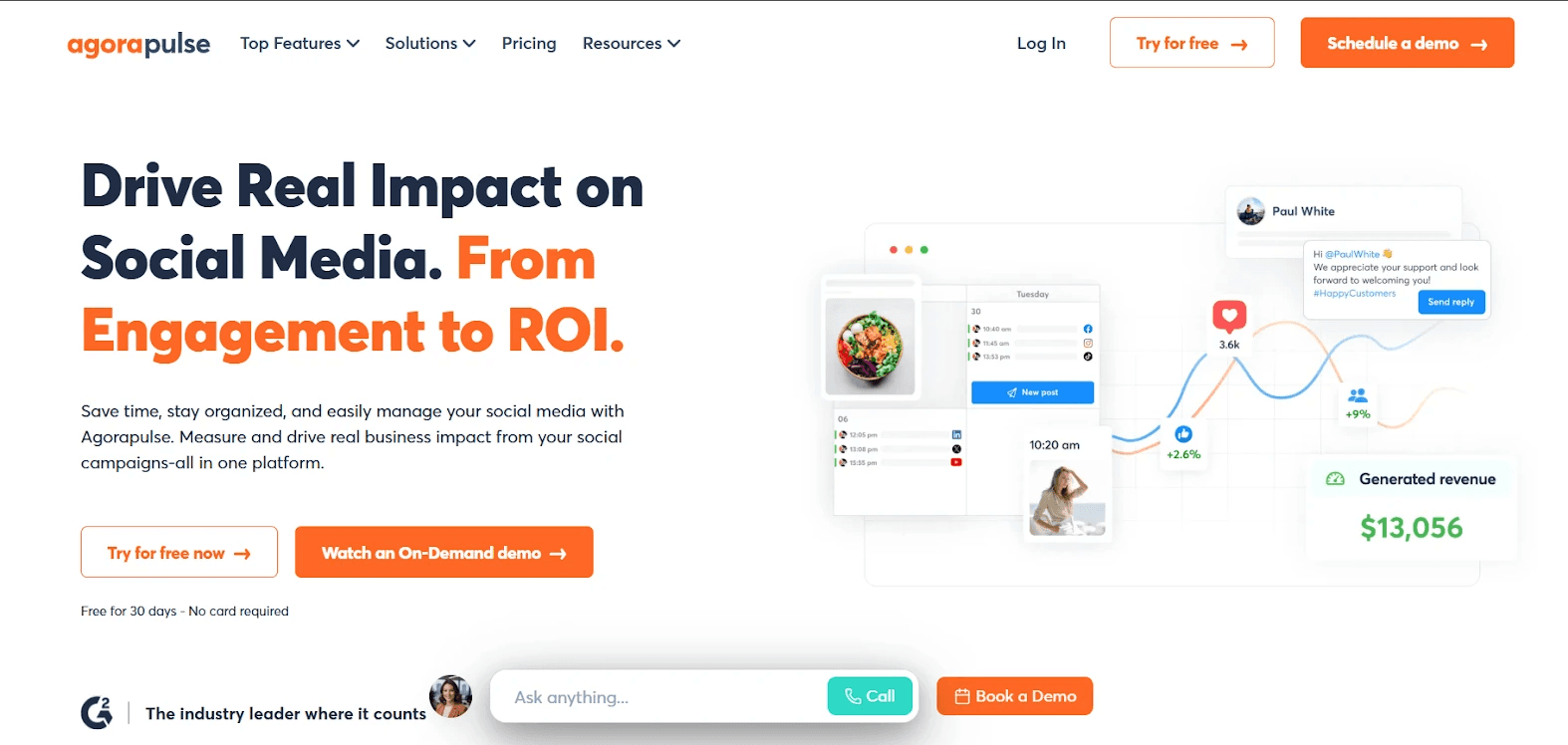
Being one of the best social media software for managing your brand’s presence, Agorapulse streamlines your workflow. It centralizes content planning, scheduling, and publishing across platforms like Facebook, Instagram, X, TikTok, LinkedIn, and YouTube, saving time and reducing the effort of managing multiple accounts.
Beyond posting, Agorapulse streamlines team collaboration with approval workflows, a shared inbox for comments and messages, and automated moderation. Analytics and reporting tools give actionable insights, helping teams understand what works and improve engagement. By unifying publishing, monitoring, and analysis in one platform, Agorapulse makes social media management more efficient, organized, and results-driven.However, some teams may explore Agorapulse alternatives to access more advanced automation features or greater flexibility in scaling their workflows.
Key features:
Multi-platform support
Auto-publishing
Content calendar
Team collaboration
Unified inbox
Social listening
Automated moderation
Campaign management
Pricing:
The Standard plan costs $79 per user/month, while the Professional plan costs $119 per user/month and is ideal for growing teams. Alternatively, you can opt for a custom plan tailored to your unique social media needs.
16. Brandwatch
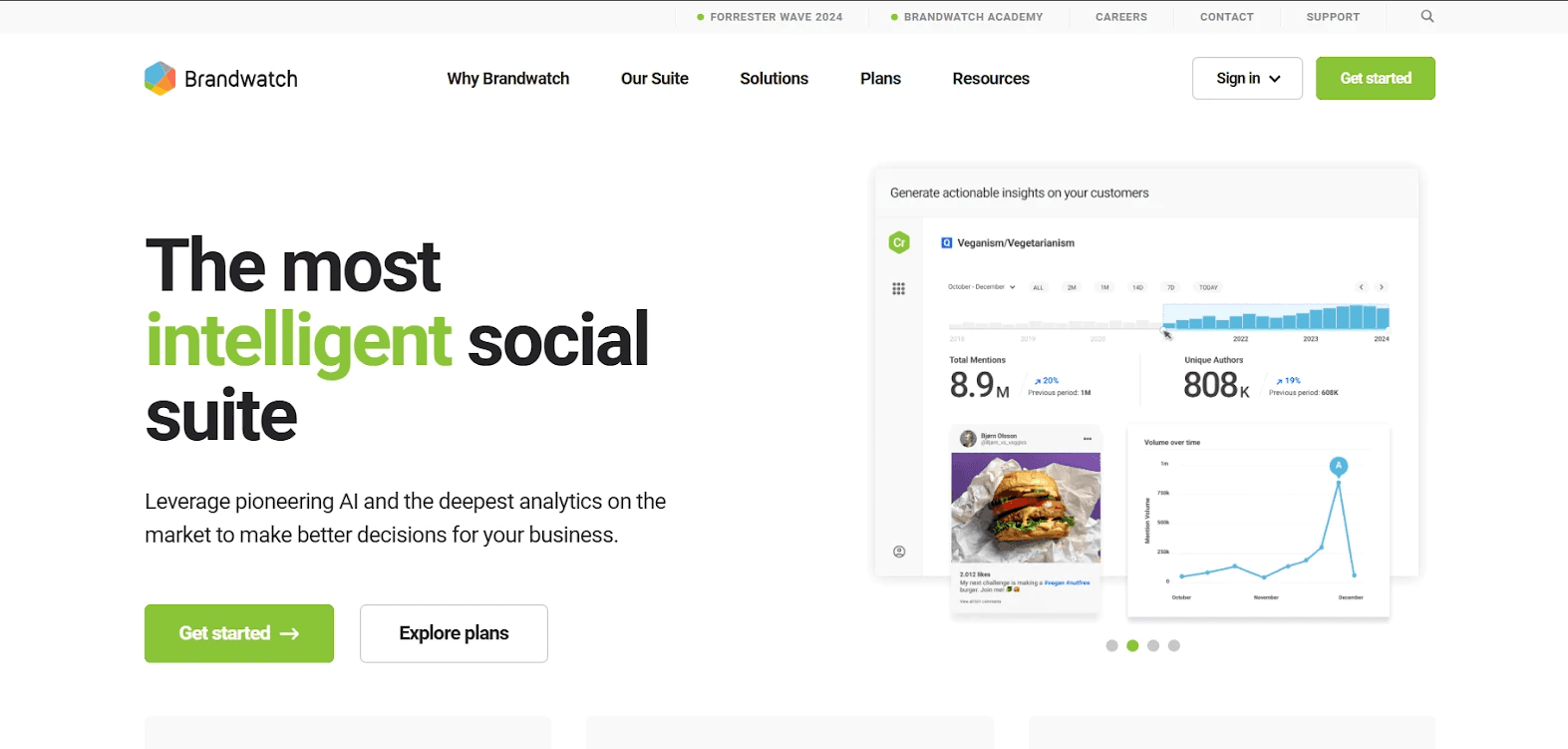
If you want a social media software that leverages AI, Brandwatch connects your social media to your website and delivers actionable insights to improve engagement. It monitors brand sentiment across millions of sources, uncovers emerging trends, and helps you respond quickly to customer needs. With one unified dashboard, you can manage content, collaborate with teams, and make data-driven marketing decisions that boost ROI, strengthen your brand, and enhance your online presence.
Key features:
AI-powered social listening
Consumer and market insights
Trend discovery and analysis
Brand sentiment monitoring
Unified social media management
Influencer discovery and campaign management
Collaborative content calendar
Real-time alerts for emerging threats
Data-driven marketing optimization
Pricing:
Each user gets a custom quote.
How to choose the right social media integration tool
Selecting the best social media integration tool depends on your specific needs and goals. Start by identifying the key features your business requires, such as feed embedding, auto-publishing, or user-generated content aggregation. Consider compatibility with your existing platforms, like your website builder or e-commerce system. Evaluate ease of use—tools with intuitive dashboards and simple setups save time. Pricing is another critical factor; ensure the tool fits your budget while offering scalability as your needs grow. Additional features like analytics, customizable designs, and AI-powered moderation can enhance your strategy. Finally, look for tools that provide strong customer support and have positive reviews from other users. By considering these factors, you’ll find a solution that streamlines your social media strategy and aligns with your business goals.
Frequently asked questions (FAQ)
What is a social media integration tool?
A social media integration tool connects social media platforms with websites or other software to streamline sharing, engagement, and functionality. These tools help embed social feeds, add share and follow buttons, or enable auto-publishing. Social media integration tools ensure a cohesive online presence while enhancing user engagement and visibility across digital channels.
What is a social media management tool?
A social media management tool allows users to plan, schedule, and analyze content across multiple platforms from a single dashboard. These tools typically offer features like analytics, collaboration workflows, and AI-powered content suggestions. Social media management tools are essential for brands aiming to stay consistent, save time, and track performance.
What are the main reasons for integrating social media?
Integrating social media simplifies workflows, boosts audience engagement, and increases brand visibility. It allows businesses to showcase dynamic content through live feeds, enable seamless sharing, and build social proof with user-generated content. Integration also enhances marketing efforts, helping brands create cohesive campaigns that connect directly with their audience.
Which platforms do social media integration tools support?
Most social media integration tools support major platforms like Facebook, Instagram, X (Twitter), LinkedIn, TikTok, YouTube, Pinterest, and Google Business Profiles. Some can also connect to messaging apps, websites, CRMs, and eCommerce platforms.
What does a social media integration tool do?
A social media integration tool brings all your social accounts into one dashboard. It lets you schedule posts, respond to messages, track engagement, and sync social content with your website or other tools, making everything easier to manage.
How does a social media integration tool work?
It connects social platforms via APIs to pull and push data for tasks like aggregating feeds, scheduling auto-posts, or embedding live content on sites. This keeps everything updated in real time and allows management from one central dashboard.
Why should businesses use a social media integration tool?
Businesses should use a social media integration tool to connect their social platforms with their websites or apps. This turns their website or app into a dynamic hub, showcasing real-time content, boosting engagement, and creating a seamless experience for visitors.
What features should a social media integration tool have?
The best social media integration tools offer multi-platform support, scheduling, analytics, and embedding to streamline management effectively. This ensures brands can post consistently, track performance, display live content, and engage audiences efficiently across all their social channels.
Add a social media feed to your website for free with Curator.
Previous post: