About 95% of people visit TikTok because they find the content entertaining, and that constant stream of engaging videos keeps users scrolling for hours. If you’re creating TikTok content, embedding those videos on your website is a simple way to extend that engagement beyond the app. The easiest way to do it is with a TikTok WordPress plugin.
These tools automatically pull your videos into your site, keeping your pages fresh without manual updates. In this guide, we’ll look at the best TikTok WordPress plugins available, comparing their features, pricing, pros, and cons so you can find the option that fits your site best.
What’s a TikTok WordPress plugin?
A TikTok WordPress plugin connects your website to your TikTok account and automatically displays your videos on your site. Instead of manually embedding each video, the plugin pulls content directly from TikTok using an API or feed connection. Once linked, it fetches your latest posts and organizes them into a feed, grid, or slider on your page.
Many plugins also cache videos to improve loading speed and reduce server requests. You can usually customize how the feed looks, choose which videos appear, and embed it anywhere on your site using a block or shortcode. The result is a TikTok feed that updates automatically whenever you post new content.
Best TikTok WordPress plugins
Ready to add a TikTok plugin to your website? Consider one of these tools, most of which offer free plans.
1. Smash Balloon
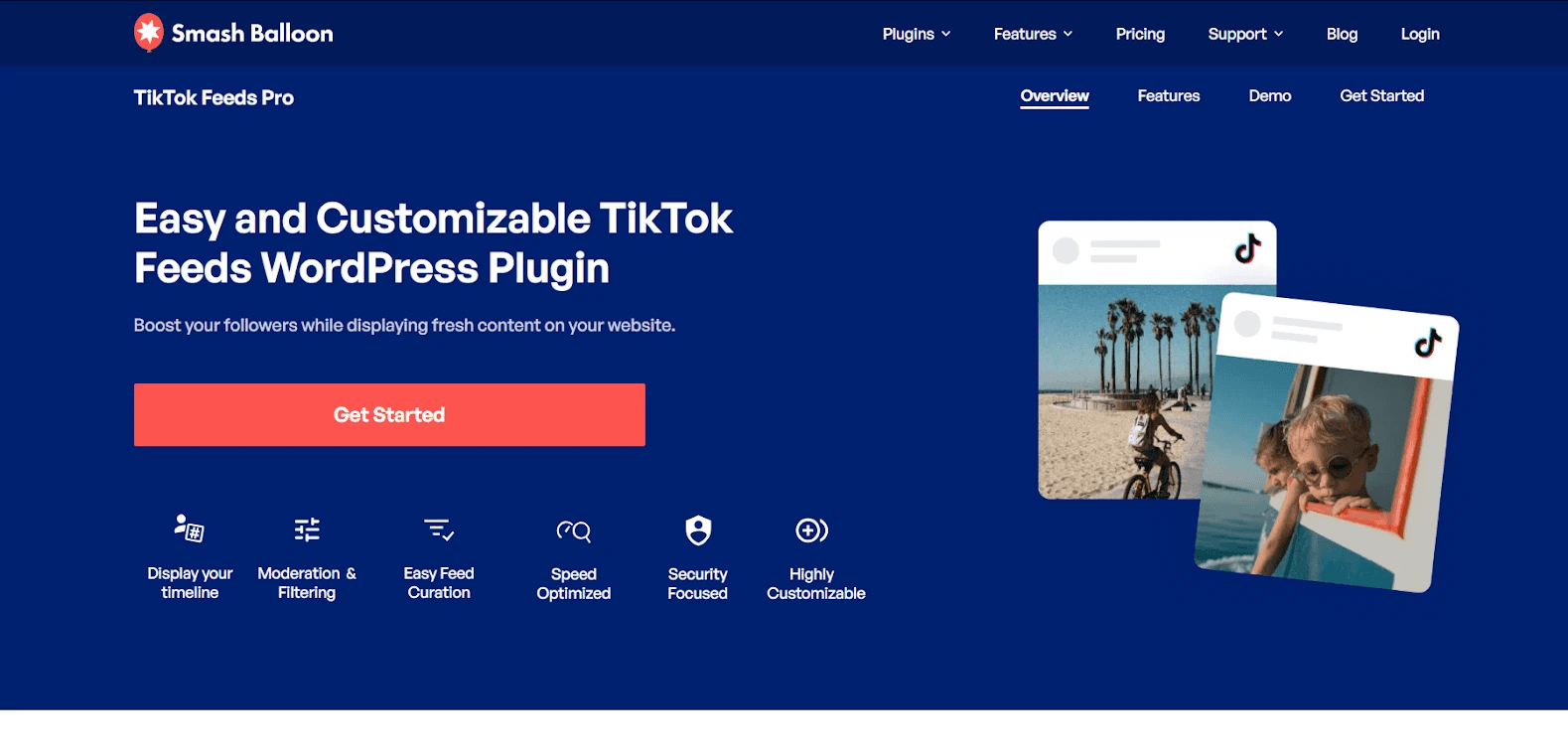
Smash Balloon competes as a TikTok WordPress plugin by focusing on simplicity, speed, and customization. Like Curator, it pulls videos automatically from TikTok, supports moderation and filtering, and allows multiple feeds on a single page.
Its drag-and-drop feed editor, pre-built templates, and multiple layout options make it highly customizable, while caching and page-speed optimizations ensure reliable performance.
Additionally, its seamless integration with WordPress, including Gutenberg blocks, and strong customer support appeal to marketers and developers looking for an easy yet flexible solution to showcase TikTok content.
Key features:
Feed moderation and filtering by hashtags or keywords
Multiple feed layouts: grid, carousel, masonry, and list
Drag-and-drop intuitive feed editor for customization
Pre-built, easy-to-use feed templates
Responsive design for mobile and desktop
Supports multiple feeds on a single page
Optimized images for fast loading
Highly customizable styling, spacing, colors, and layout
Pros and cons:
Smash Balloon’s ease of use, powerful customization, and ability to aggregate multiple social feeds are strong selling points. However, some note limitations in the free version, backend access restricted to admins, occasional feature glitches, and potential site slowdown if too many plugins are installed.
Pricing:
Pricing starts at $49/year for a single website with basic features, while higher tiers range from $99 to $299/year, adding more websites, feeds, sources, advanced layouts, filtering, and priority support.
Ratings:
4.1 stars on G2
2. Curator.io
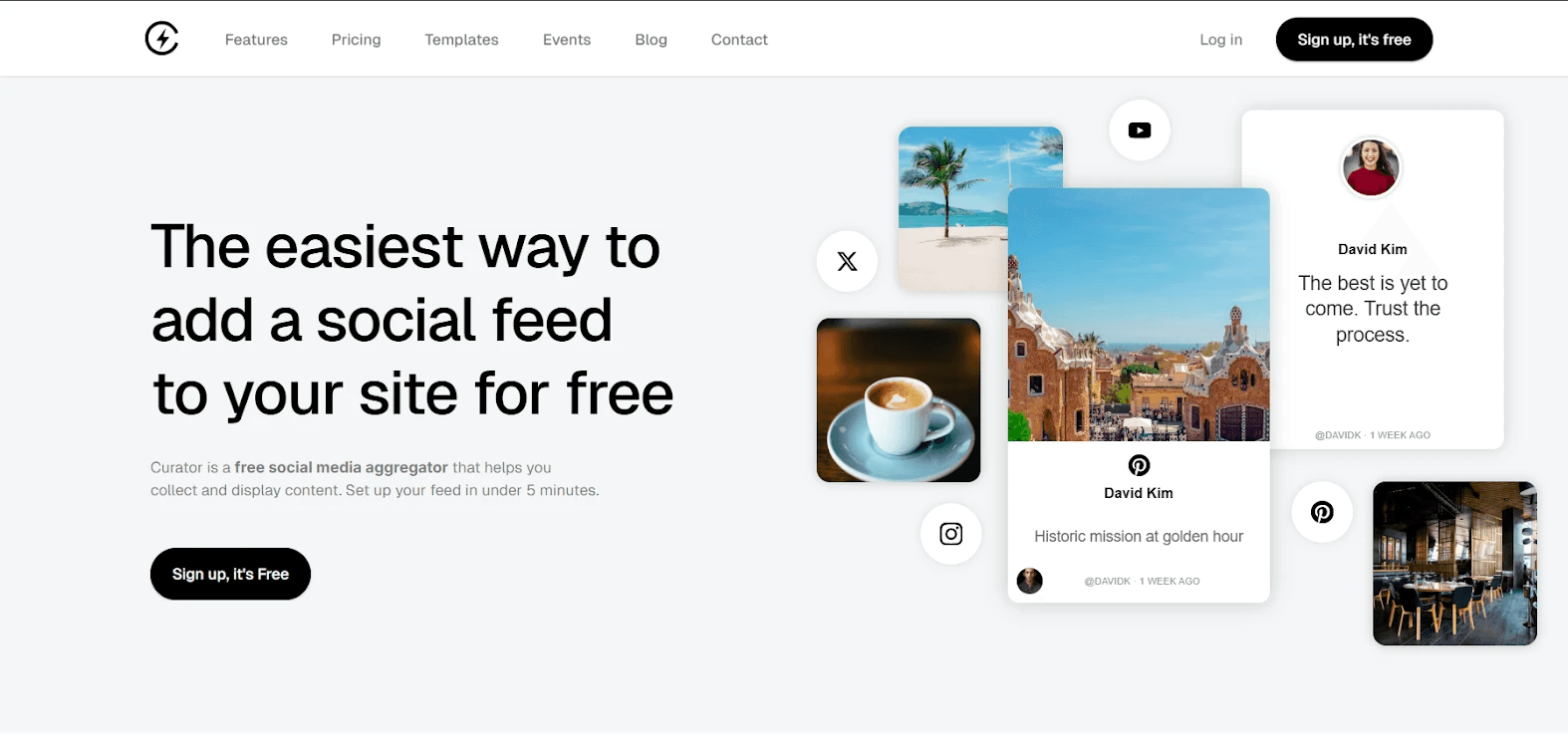
Different people choose Curator as their TikTok WordPress plugin because it makes adding social feeds simple and flexible. Marketers like it because they can pull TikTok videos along with posts from other platforms into one feed, helping them showcase more content in one place.
Website owners appreciate the quick setup, as most feeds can be created and embedded in just a few minutes. Brands also value the moderation tools that let them approve or remove posts before they appear on the site. Developers and growing businesses often choose Curator for its affordable pricing tiers, customizable layouts, and the ability to automatically update feeds without constant manual work.
Key features:
Aggregates TikTok and other social media posts into a single feed
Moderation tools to approve, filter, or remove posts before publishing
Customizable feed layouts and styling to match your website design
Automatic feed updates when new content is posted
Multiple social source connections including hashtags and accounts
Easy embed options using a simple code snippet
Supports 15+ platforms including TikTok, Instagram, YouTube, and Facebook
Caching and optimized loading to maintain website performance
API access available for advanced integrations on higher plans
Pros and cons:
Curator is easy to set up and use, with an intuitive dashboard, affordable pricing, and strong social feed aggregation that pulls content from multiple platforms. However, some users note limited design customization, occasional feed update issues, and fewer integrations with certain software tools.
Pricing:
Includes a free plan for basic feeds, while paid plans start at $23/month and add faster updates, more sources, branding control, and advanced customization.
Ratings:
4.6 stars on G2
3. QuadLayers TikTok Feed

QuadLayers plugin works by connecting your WordPress site to TikTok using an access token, then automatically fetching videos from specific accounts or hashtags. Unlike Curator or Smash Balloon, it emphasizes simple one-click setup, responsive layouts, and built-in caching without requiring multiple feeds or complex integrations.
Key features:
One-click setup with no app creation required
Customizable display boxes, images, backgrounds, masks, and buttons
Pop-up lightbox for viewing videos on-site
Caches video data to reduce loading times and optimize performance
Retrieves video metrics like likes and comments
Responsive and mobile-optimized design
Compatible with any WordPress theme
Pros and cons:
QuadLayers TikTok Feed offers simple installation, fast setup, and easy embedding of TikTok videos. On the downside, users experience frequent errors, occasional feed failures, and inconsistent reliability across different sites.
Pricing:
Pricing starts at $49/year for a single site, $99/year for five sites, and $149/year for unlimited sites, with annual or lifetime purchase options available.
Ratings:
3.9 stars on WP
4. Feed Them Social
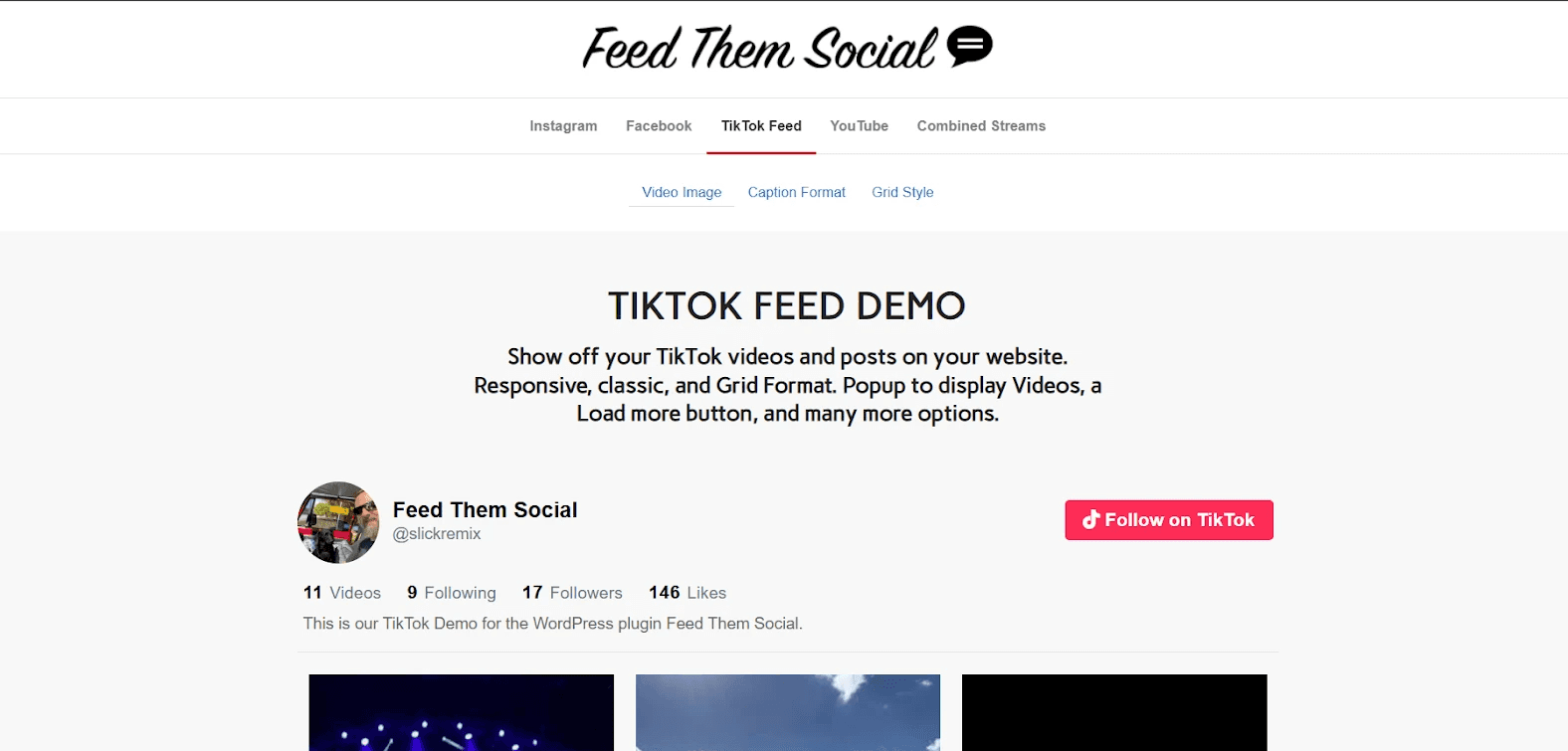
Feed Them Social is a WordPress plugin that makes adding TikTok content to your site simple and seamless. Once connected, your videos automatically appear in a clean, responsive feed, keeping your website fresh while boosting engagement and growing your social audience without any complex setup.
Key features:
Quick and easy setup with no coding required
Supports multiple social platforms: TikTok, Instagram, Facebook, YouTube
Responsive feeds for desktops, tablets, and mobile devices
Customizable feed appearance, fonts, and colors
Like, Follow, and Share buttons for social engagement
Compatible with Gutenberg blocks and Classic Editor
Optimized for performance with secured feed caching
Pros and cons:
Feed Them Social offers seamless TikTok integration, customizable feeds, and reliable updates, but some premium features are paid, and initial configuration can be a little confusing for first-time users.
Pricing:
The paid plans scale with how many sites you need: $40 for one site, $60 for 2–5 sites, and $120 for 6–25 sites, unlocking extra features and more customization options.
Ratings:
4.7 stars on WP
5. Tagembed TikTok Feed

Tagembed shines as a TikTok widget by offering real-time auto-sync, advanced moderation, and customizable themes. These features keep content fresh, relevant, and visually engaging, setting it apart from competitors that lack such dynamic control and personalization.
Key features:
Real-time auto-sync to keep TikTok feeds always updated
Advanced moderation and filtering to remove unwanted content
Customizable themes, fonts, colors, and layouts for personalized display
Hashtag and handle-based feed aggregation
Code-free embedding for easy integration on any website
In-depth analytics to track engagement and performance
Support for multiple feed types and campaign promotion
Pros and cons:
Tagembed’s main strengths are its ease of use, fast setup, and responsive customer support, making integration seamless and stress-free. Some users wish for more feed options and multilingual support.
Pricing:
Pricing starts with a free plan for small sites, then $19, $29, and $79 per month for growing businesses, brands, and large e‑commerce, with more feeds, views, and features.
Ratings:
4.7 stars on G2
6. EmbedSocial

EmbedSocial can be better than a traditional WordPress plugin because most of the processing happens on its external platform. This reduces load on your website, simplifies updates, and avoids plugin conflicts. It also lets you manage feeds from one dashboard and embed them across multiple websites more easily.
Key features:
TikTok feed aggregation from accounts and hashtags
Auto-sync that updates your website when new TikTok videos are posted
Feed moderation tools to control which posts appear
Central dashboard to manage feeds across multiple websites
Analytics to track engagement and feed performance
Responsive widgets that adapt to mobile and desktop screens
Pros and cons:
EmbedFeed keeps websites updated with real social content and Users praise its responsive customer support. Downsides include limited analytics integrations, occasional feature glitches, and pricing that may feel high for smaller teams.
Pricing:
You need a paid plan to access the TikTok widget feature. Plans start at $24/month, with higher tiers offering more sources, views, and media limits.
Ratings:
4.8 stars on G2
7. Elfsight

A small business could use Elfsight to display its latest TikTok videos directly on a WordPress homepage. After creating the TikTok feed widget in Elfsight’s editor, the owner customizes the layout and pastes the embed code into a WordPress page, turning website visitors into TikTok followers.
Key features:
Popup viewer that plays videos without leaving the page
Customizable video cards with views, username, and TikTok logo
TikTok feeds from profiles or hashtags
Header controls to show or hide titles and feed details
Color theme generator for quick branding without coding
Visual editor for configuring the widget before embedding
Simple embed using a single code snippet for WordPress or other platforms
Pros and cons:
Elfsight offers easy setup, diverse widgets, seamless integrations, and strong support, making website enhancement simple. Limitations include view caps, occasional widget issues, missing features, high cost, and rare support delays.
Pricing:
You need a paid plan to unlock full features: Free is limited, Basic is $5/month, Pro $10/month, Premium $20/month for higher views, more widgets, and priority support.
Ratings:
4.8 stars on G2
8. Juicer

Juicer excels as a TikTok WordPress widget by aggregating multiple accounts and hashtags into a unified feed. Its advanced moderation filters, responsive grid layouts, infinite scroll functionality, and customizable CSS allow precise content curation, seamless embedding via shortcode, and optimized load performance, ensuring high engagement, brand consistency, and SEO-friendly integration.
Key features:
Aggregate posts from TikTok, hashtags, and multiple social networks in one feed
Infinite scroll to automatically load more content
Auto-moderation and filtering to remove duplicates or unwanted posts
Customizable styling to match your WordPress theme
Easy shortcode integration for posts and pages
SEO-friendly permalinks for each post
Pros and cons:
Juicer excels with easy setup, intuitive interface, and responsive customer support, making social feed integration straightforward. However, customization options are limited, features are basic, and occasional performance or technical issues may arise.
Pricing:
Juicer pricing starts free, then Lite $13.5, Starter $22.5, Pro $89/month, which offers more sources, faster refresh, custom design, automated moderation.
Ratings:
4.4 stars on G2
9. WP Social Ninja

WP Social Ninja allows seamless TikTok feed integration directly within WordPress, combining local caching and automatic moderation to ensure smooth performance. Its flexible layout options and shoppable feed capabilities make content engaging, while hashtag and username filtering and SEO-friendly permalinks enhance usability. Full Elementor and Gutenberg compatibility ensures your site stays professional, all without relying on external embed codes or third-party dashboards.
Key features:
Hashtag and username filters to display targeted content
Shoppable feeds for TikTok posts
Automatic moderation to remove unwanted or duplicate posts
Responsive layouts compatible with Gutenberg, Elementor, and other WordPress editors
Advanced customization with flexible templates
Analytics and email alerts to monitor feed engagement
Pros and cons:
Reliable, versatile, and easy to embed social feeds and reviews, but occasional update issues and delayed support responses can disrupt website functionality.
Pricing:
WP Social Ninja offers three plans: Single Site $44/year, Agency $149/year, and Unlimited Sites $249/year.
Ratings:
4.8 stars on WP
FAQs
How do I embed a TikTok feed on my WordPress site using a plugin?
To embed a TikTok feed on your WordPress site, install a TikTok feed plugin or use a social media aggregator like Curator. Connect your TikTok account, customize the feed layout, and paste the generated shortcode or embed code into a page, post, or widget. The feed will automatically update as you publish new videos.
Can I customize the layout and design of TikTok videos in the plugin?
Yes. Most TikTok WordPress plugins let you customize how videos appear on your site. You can usually change layouts, adjust spacing, choose grid or carousel displays, and control colors or fonts. Tools like Curator make this especially easy with a visual editor, so your TikTok feed matches your website’s design.
How often does the TikTok WordPress plugin update with new videos?
It depends on the TikTok WordPress plugin you have installed. Some refresh feeds once every few hours, while others update daily. Platforms like Curator automatically update feeds as frequently as every five minutes or every 24 hours, depending on your plan.
Curator.io offers an easy-to-use TikTok WordPress plugin, attractive templates, and easy customization features. You can choose our manual or automated moderation options to keep your feed fresh and on-brand.
Learn more about Curator.io and sign up for our free forever plan.
Previous post: