Open your billing page and count the TikTok tools you pay for. Now count the ones you opened last week. If those two numbers do not match, you are in good company. You bought each tool for a sound reason. TikTok just kept absorbing their jobs.
The platform is no longer an experiment you run on the side. 37% of U.S. adults now use TikTok, up from 21% in 2021.
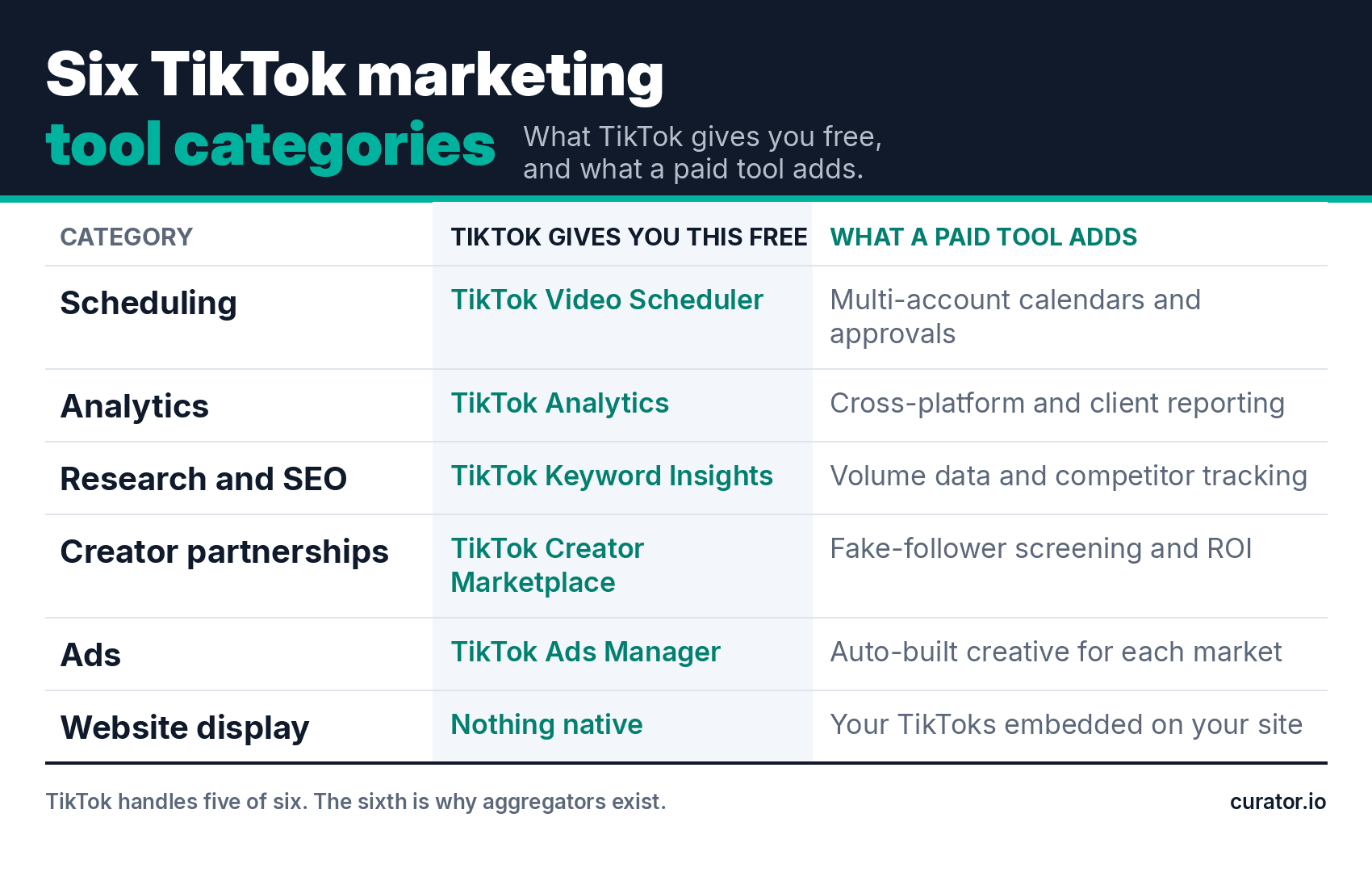
That maturity changes what your stack has to do. Scheduling, analytics, keyword research, and creator discovery are all free inside TikTok now.
This guide covers the six categories worth your budget, what I use in each, and what you can cancel. For editing and production apps, read our roundup of the best TikTok tools. This one stays on marketing.
I have tested more TikTok tools than I can justify expensing. The teams getting real results are not the ones with the longest stack. They are the ones who know which four tools they open every week.
The six TikTok marketing tool categories that earn their spot
Three questions decide every purchase below. Does TikTok do this free? Does something I pay for cover it? Will I open it weekly? Fail all three and you will forget you own it. Marketers use just 49% of their stack.
Scheduling and publishing
You most likely overpay here. TikTok's Video Scheduler is free on desktop, and one brand account rarely outgrows it. Paid TikTok marketing software earns its place when you run several accounts or need approval workflows.
Analytics and reporting
TikTok Analytics is free and covers one account well. Ask whether you need reporting that TikTok does not already hand you for nothing. Paid tools earn their cost on cross-platform views and client-ready exports. Watch the overlap, since a scheduler that reports on engagement makes a second tool redundant. Our guide to TikTok analytics tools goes deeper.
Research, trends, and TikTok SEO
People search on TikTok now, which makes this category newly worth budget. Keyword Insights is free and badly underused. Paid keyword tools make sense once you publish several videos a week and need to prioritize topics. Brand monitoring belongs here too, on the same weekly workflow. Start with our TikTok SEO tips and how the TikTok algorithm works.
Creator and influencer partnerships
TikTok Creator Marketplace is free, and it is the first place to look. A paid platform earns its keep past a handful of partnerships a quarter, when you need fraud screening rather than a contact list. TikTok Shop and commission-based creator deals belong here too, since that is how brands now monetize partnerships. See our guide to TikTok UGC.
Ads and paid amplification
TikTok Ads Manager is the free baseline and does most of what a small advertiser needs. For advertisers looking to scale campaigns or access more flexible ad infrastructure, a TikTok agency account can provide an alternative way to manage TikTok advertising. Third-party software earns budget on creative automation, localized variants, and competitor ad research. The tool costs almost nothing next to the media it manages, so ask whether it improves the ads. Our TikTok ad tools roundup covers it properly.
Getting your TikTok content onto your own website
Your best TikTok videos live on a platform you do not own, and every roundup ignores that gap. An embedded feed keeps visitors on your site and puts customer videos beside the product. JavaScript feeds are crawlable, iframes are not. Learn how to embed a TikTok feed or try a TikTok widget.
How these categories compare on cost and effort
Read this table by column two first. If TikTok already covers the job, your default answer is no purchase. Column three is the trigger that changes that answer.
Category | Free option | Pay when | Starting price |
|---|---|---|---|
Scheduling | TikTok Video Scheduler | Multiple accounts or approvals | $6/mo |
Analytics | TikTok Analytics | Cross-platform or client reporting | $33/mo |
Research and SEO | TikTok Keyword Insights | Publishing weekly or more | $29/mo |
Creator partnerships | TikTok Creator Marketplace | 5+ partnerships a quarter | Custom |
Ads | TikTok Ads Manager | Running ads in several markets | Custom |
Website display | None | Always | $59/mo |
The tools I keep in my own stack
One tool per category, and nothing I do not open regularly. Every entry below has a real reason to skip it, because a shortlist with no downsides is a sales page.
Curator, for putting TikTok content on your site
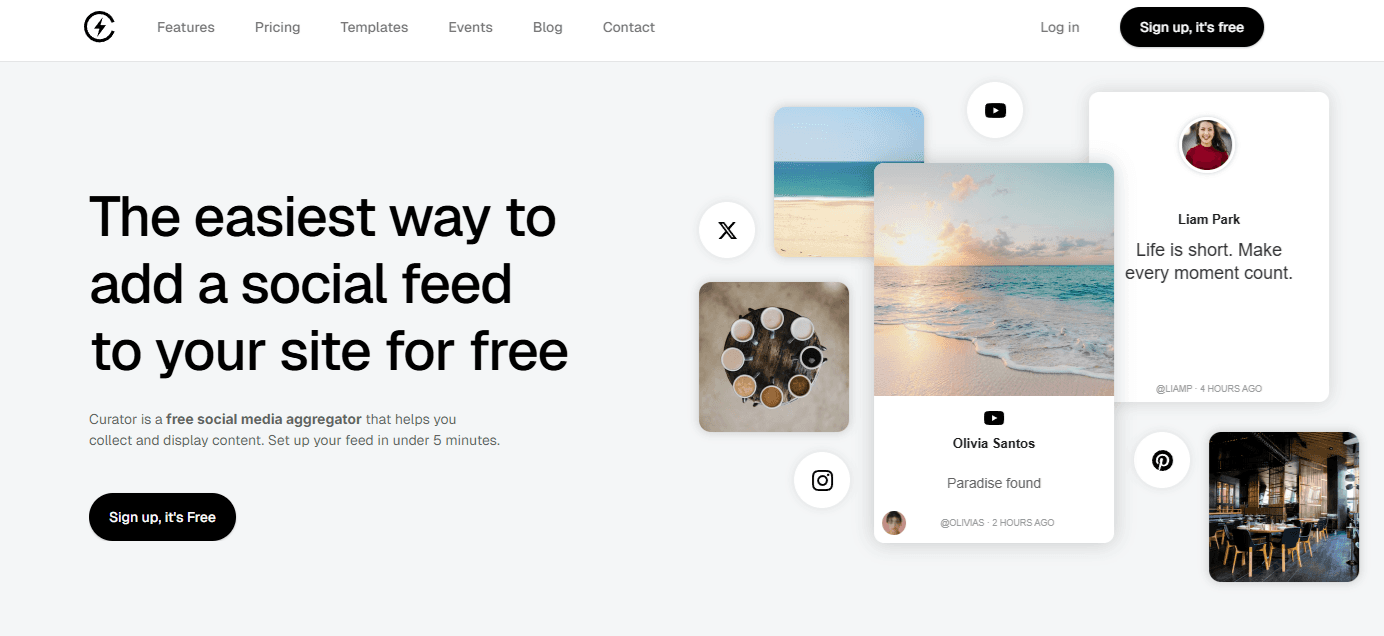
Curator pulls TikTok posts into a customizable feed you embed on your own pages. It runs on 13 lines of code and renders in JavaScript rather than an iframe, so Google can crawl what the feed displays. Moderation rules auto-reject duplicates and profanity, or hold everything for manual approval when you aggregate customer content.
Pricing: Free covers 3 sources and 2,000 monthly views. Pro is $25 a month for 5 sources and 15,000 views. Business is $59 a month for 15 sources, unlimited views, and API access.
The catch: TikTok is a premium source, which means the Business plan at $59. Free and Pro do not include it. If TikTok is the only network you want to display, budget for Business from the start. Finding the limit after you build the feed is worse.
Best for: Any team whose TikTok content should be working on product pages. This is the one category with no free native alternative.
Later, for scheduling

Later is a visual-first scheduler built around a drag-and-drop calendar, with link-in-bio pages and best-time-to-post suggestions. The planning calendar is the real draw, not the scheduling itself, since TikTok now schedules natively for nothing.
Pricing: Starter is $25 a month, or $18.75 billed annually. Growth runs $50 and Scale $110.
The catch: Later prices in social sets, which bundle up to 8 profiles. Starter caps you at 30 posts per profile each month, with one user. Post daily and you burn that cap in a month. Extra sets, extra seats, and extra AI credits are all paid add-ons, so treat the sticker price as a floor. Unlimited publishing does not arrive until the $110 tier.
Best for: Teams publishing to three or more platforms on a shared calendar. Running one TikTok account? Use the native scheduler and put the $25 somewhere it does more work.
Iconosquare, for analytics
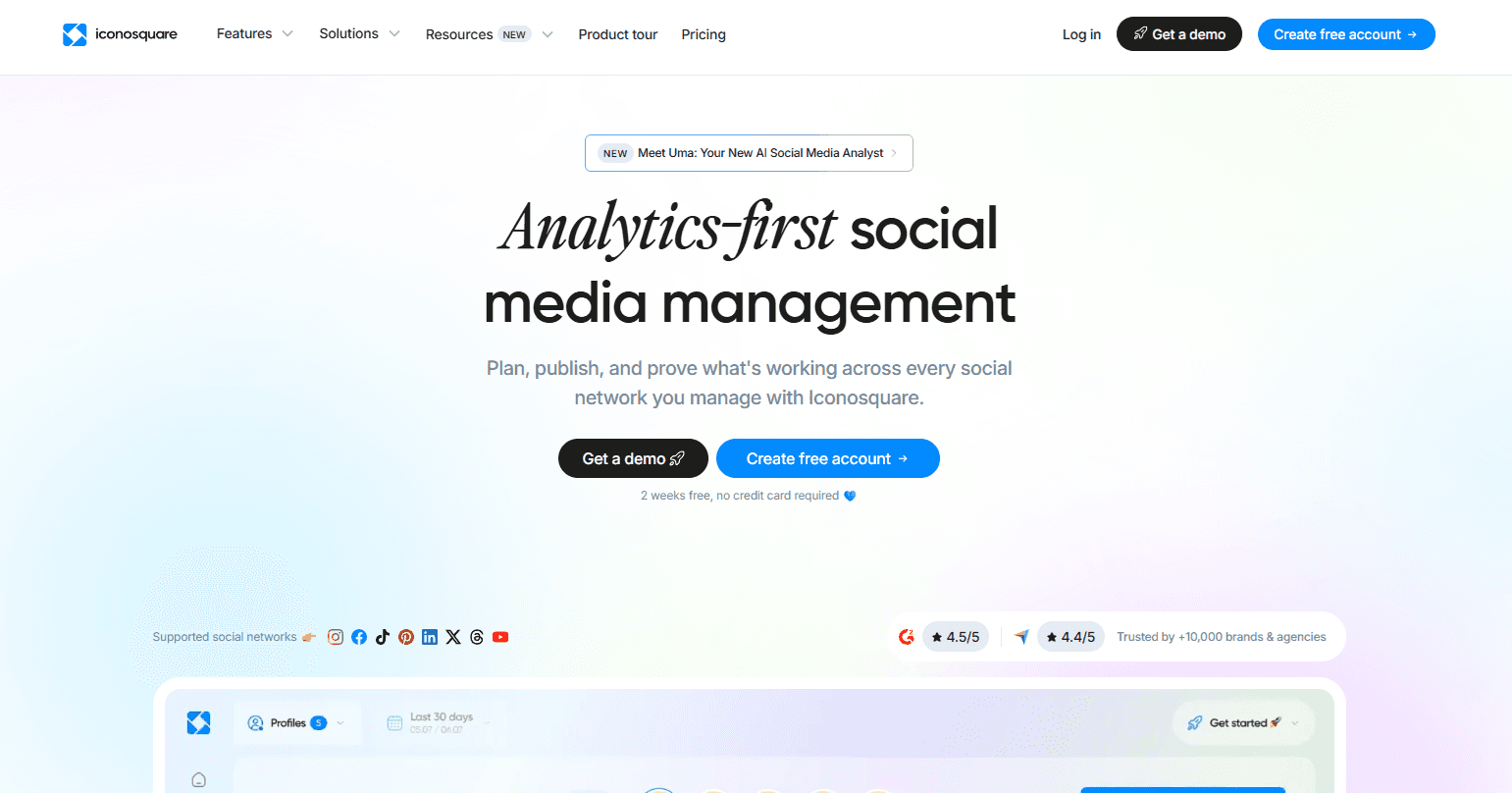
Iconosquare reports across TikTok, Instagram, Facebook, and LinkedIn in one dashboard, with competitor benchmarking and scheduled report exports. The exports are what agencies actually pay for, since assembling client reporting by hand eats a day a month.
Pricing: A free tier covers basic analytics and 10 scheduled posts per profile monthly. Paid plans run Launch, Scale, Excel, and Custom, starting near $49 a month, with roughly 17% off annual billing.
The catch: Every plan starts at 5 social profiles, and coverage gaps matter here. Personal LinkedIn pages and X are not supported, so a genuinely cross-platform team will still need something else. It also overlaps heavily with Later's reporting.
Best for: Agencies and multi-account teams. For a single brand account it is overkill, and I would rather say that than sell you a seat. Pick this or Later, not both.
HypeAuditor, for creator partnerships
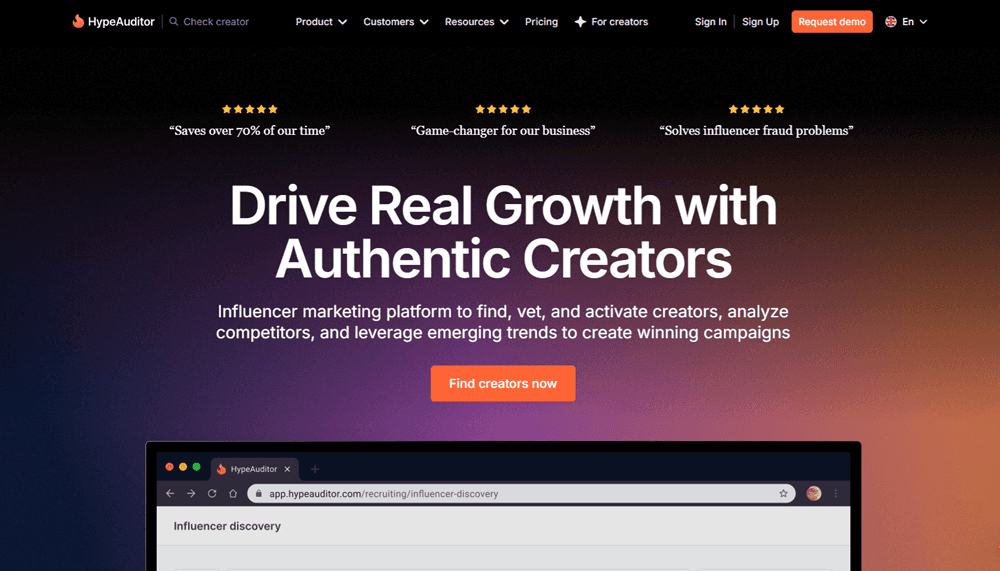
HypeAuditor scores creators on audience quality and flags fake followers, suspicious engagement spikes, and bot activity before you sign anything. Creator Marketplace will help you find people. It will not tell you which of them bought their audience.
Pricing: Custom quotes only, arranged through a sales call.
The catch: No published pricing means no way to size the spend before a sales call. That is itself a signal about the buyer it expects. Its engagement management leans Instagram-first, so TikTok-only teams get less from the platform than the feature list suggests. Reports on some profiles can also load slowly enough to interrupt a working session.
Best for: Brands running more than about five paid partnerships a quarter. Below that, fraud screening costs you more than the fraud would, and Creator Marketplace plus a careful eye does the job.
Hunch, for ad creative at scale
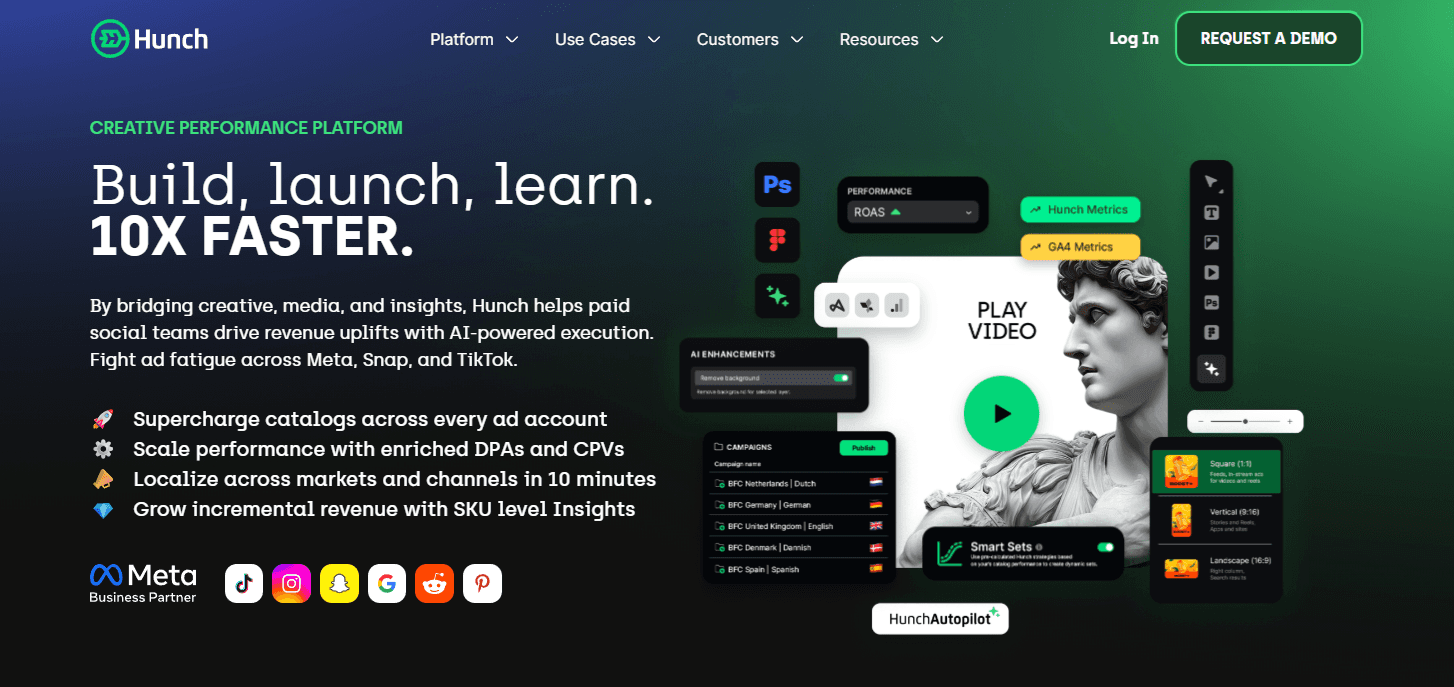
Hunch builds product-focused video and image variants automatically from a catalog, then localizes them per market. If you run the same campaign across six countries, it removes the part where someone rebuilds each creative by hand.
Pricing: Custom quotes only.
The catch: It assumes you have a product catalog and a multi-market budget. Without both, the automation solves a problem you do not have, and Ads Manager plus a decent editor covers you.
Best for: Ecommerce and travel brands advertising across several markets at once. Modest ad budget? Stay in Ads Manager for now and put the difference into media instead.
Magic Hour, for AI Lip Synchronization
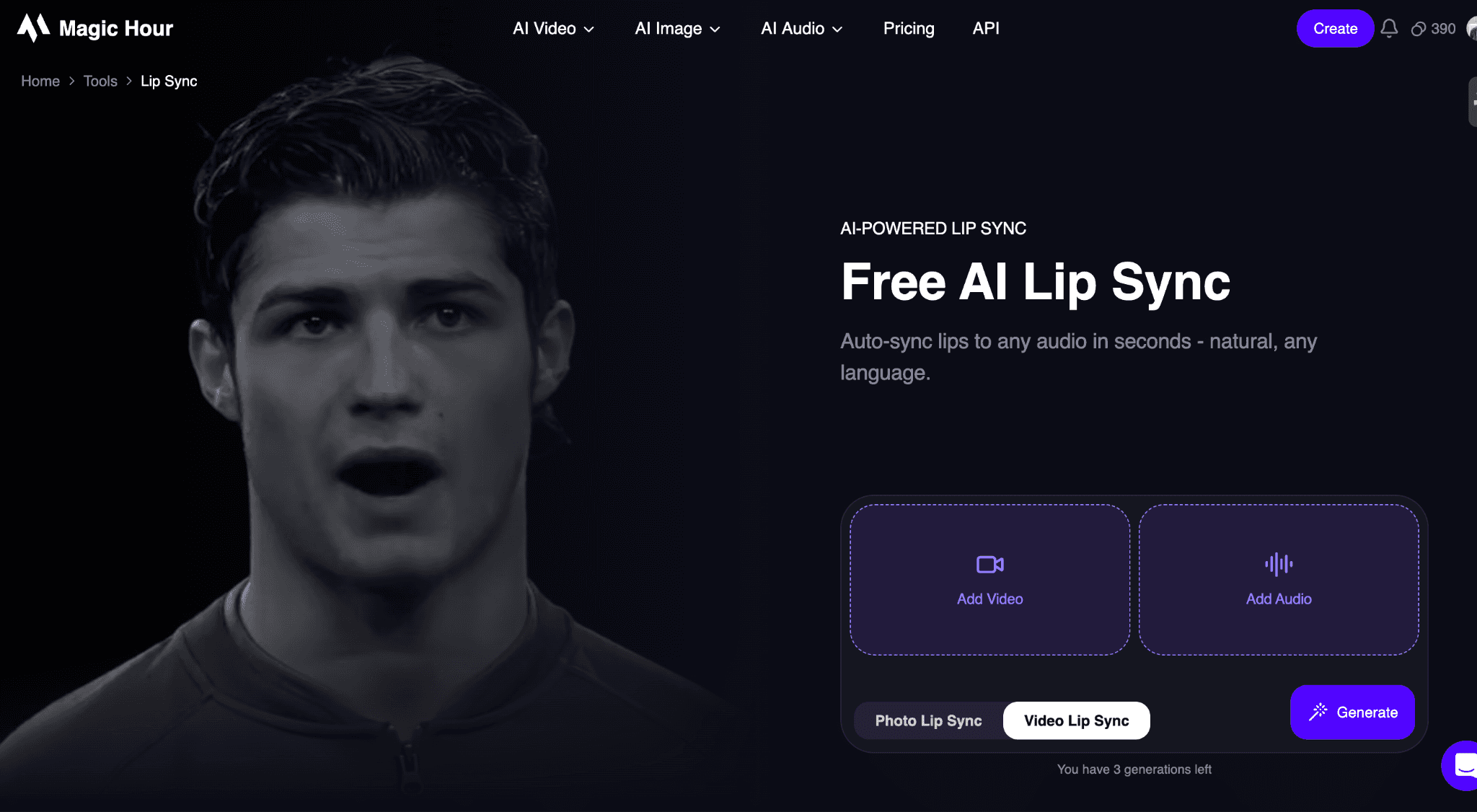
Magic Hour makes lipsync AI accessible to creators who want to synchronize spoken audio with realistic mouth movements without manually editing every frame. You can provide a video and audio, and the platform uses AI to match the character’s mouth movements to the speech.
The tool is useful for creating talking videos, localized content, social media clips, marketing videos, and other content where accurate speech synchronization matters. Its browser-based workflow also means you don’t need professional animation or video-editing software.
Pricing: A free plan is available, while paid plans start at $15/month. Higher-tier plans provide additional AI credits and features.
The catch: Lip-sync results depend heavily on the quality and clarity of the source video and audio. Unusual camera angles, obscured faces, or poor-quality footage can affect the realism of the final result. Higher-volume production may also require a paid plan with more AI credits.
Best for: Creators, marketers, agencies, and businesses producing talking-head videos, multilingual campaigns, social media content, and other videos where natural lip synchronization is important.
I cut two tools from this list while updating it, because TikTok had quietly started doing their jobs for free. That happens more often than the roundups admit, and nobody emails you when it does.
What this looks like for a real team
The campaigns worth studying share one trait. The right tool solved one specific bottleneck, and the team could name that bottleneck before they bought anything. Neither company below went shopping for a stack. Each had a problem that would not go away, and bought the one thing that fixed it. That is the order to work in.
A mid-sized outdoor gear brand came to us paying for four TikTok tools and using two. They cut the redundant analytics platform and the scheduler they had bought before native scheduling existed. The savings went into a feed of customer TikToks embedded on their three best-selling product pages. Same budget, one less login, and social proof sitting where purchase decisions happen.
G Adventures
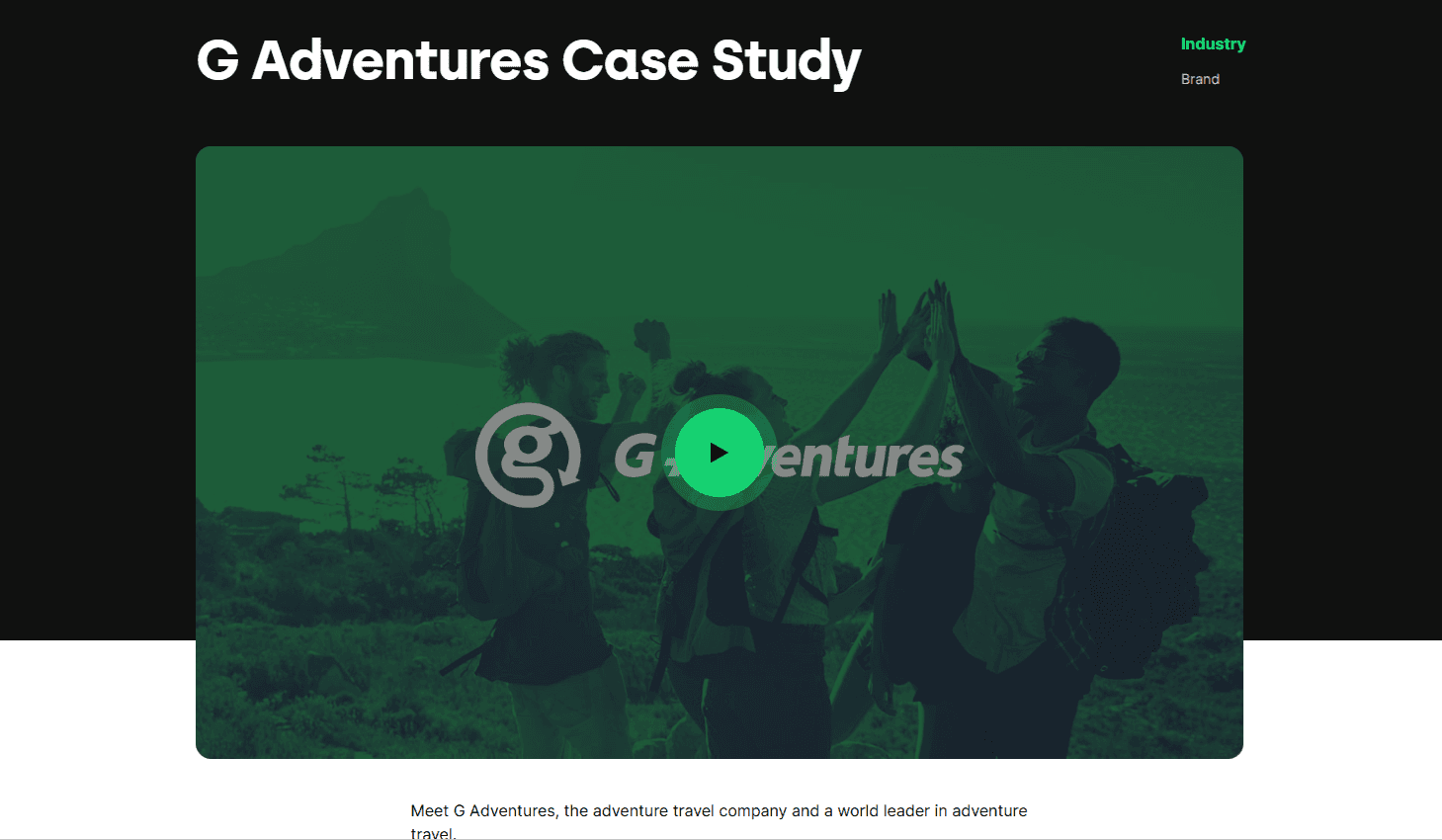
G Adventures is a travel company that helps clients plan adventures. The company struggled with creating localized content to engage prospects in different localities across the globe. The solution came in the form of Hunch, an intuitive social media marketing tool that understands audiences and delivers content personalized and optimized to engage them.
Within a month, Hunch delivered 300 personalized videos and 10,000 images for social media marketing. G Adventures used the high-quality content to run ad campaigns at scale without breaking the bank. The ads helped G Adventures widen its reach, generating brand awareness that brought in more customers from new markets.
Read the full case study here.
Fiido
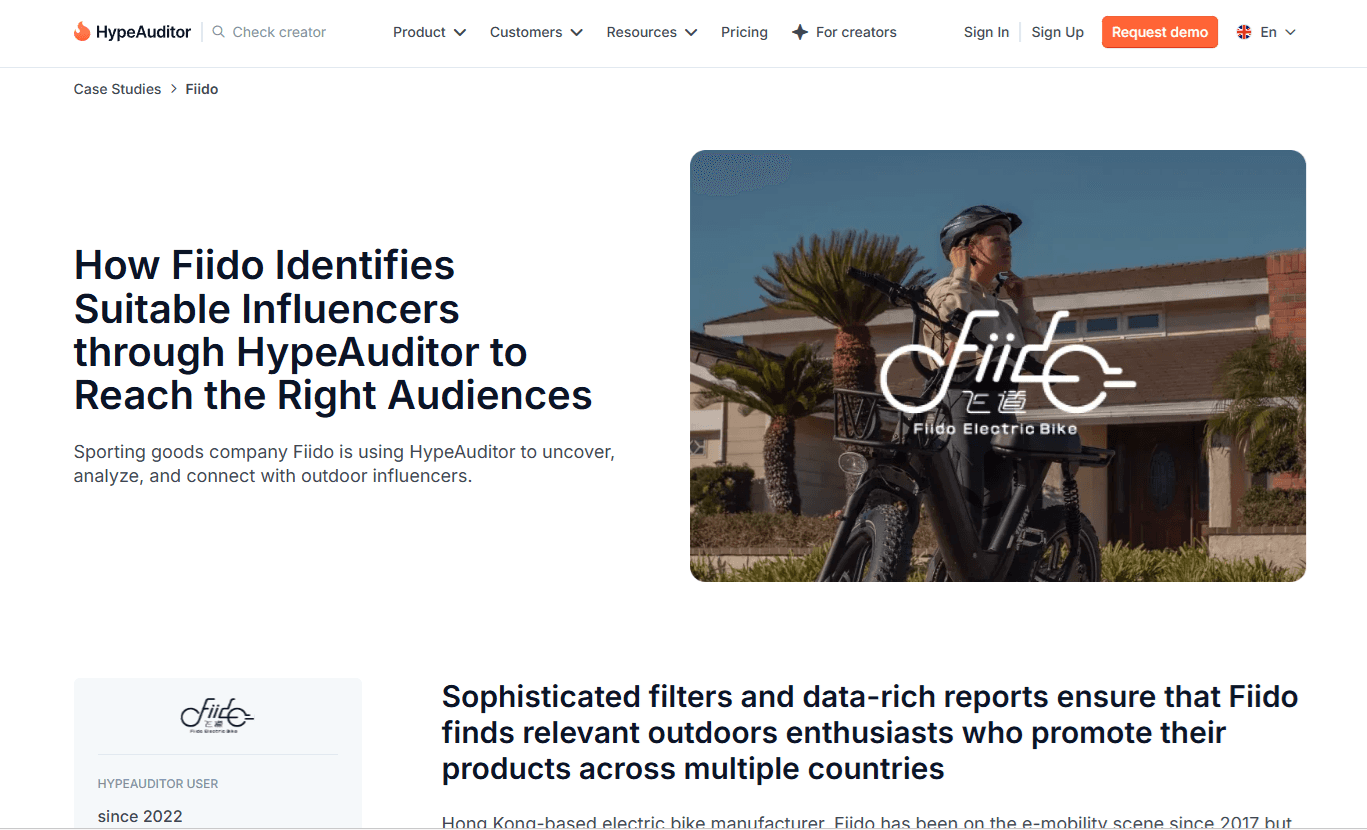
Fiido is a Hong Kong-based electric bike manufacturer with customers in Asia, Europe, North America, and Australia. The brand's marketing plan involved using influencers to promote its products, but Fiido had trouble finding influencers that were a good fit. Fiido's troubles ended when HypeAuditor came along.
HypeAuditor (an influencer marketing tool) gave Fiido access to an influencer marketplace, simplifying finding creators that fit the brand's marketing goals and requirements. The said requirements included creators with a significant following in Fiido's target markets.
Besides presenting qualified creators to Fiido, HypeAuditor helped the e-bike brand save money and time by screening influencers. HypeAuditor's screening process ensured Fiido only chose from the best candidates, leading to a successful marketing campaign that reached hundreds of thousands of prospects.
Read the full case study here.
Building a stack you will actually use
Start by cancelling, not by buying. Run the four questions against every TikTok tool on your billing page: native and free, already covered, weekly or quarterly, visible to a stakeholder. Anything failing three is gone this month.
Then look at what is left and find the gap. For a lot of teams that gap is the last category, because no free option exists for it. Your TikTok content is doing nothing for the pages where people decide to buy.
You can test that one for free. Start a Curator account, build a feed, and see how it looks on your product pages before you commit to a plan.
TikTok marketing tools FAQs
Do I need paid TikTok marketing tools if I only manage one account?
Usually not. TikTok covers scheduling, analytics, keyword research, and creator discovery for one account free. The exception is website display, which has no native option. Start free, run that way a month, and buy only when you hit a wall you can name.
Which TikTok tools does the platform now offer for free?
Five of them. Video Scheduler handles desktop scheduling and Analytics covers performance data. Keyword Insights supports search and trend research. Creator Marketplace finds creators, and Ads Manager runs paid campaigns. The best TikTok marketing tools list starts with what you already have.
How much should a small team budget for TikTok tools each month?
Plan on $0 to $100 a month if you run one or two accounts. Most goes to one analytics or scheduling tool and a website feed. Agencies land closer to $200 to $400, since reporting drives the cost of TikTok tools for business.
Can I put my TikTok videos on my website without a developer?
Yes. A widget generates an embed snippet you paste into your site, and Curator's runs on 13 lines of code. Pick a template, connect your source, and style it in the dashboard. TikTok requires the Business plan, as a premium source.
Previous post: