If you run a business website or professional blog, chances are you are already posting valuable updates on LinkedIn. Maybe you share company news, hiring announcements, industry insights, or helpful content for your audience. The problem is that most of that content stays on LinkedIn.
Your website visitors may never see it.
A LinkedIn WordPress plugin helps solve that problem. These tools allow you to display your LinkedIn profile or posts directly on your website without extra work. Instead of copying and pasting every update, the plugin automatically pulls in your latest posts and keeps your site fresh.
In this guide, we will walk through the best LinkedIn WordPress plugin tools so you can choose the right one for your website.
What is a LinkedIn WordPress plugin?
A LinkedIn WordPress plugin is a tool that connects your LinkedIn profile or company page to your WordPress website. Once connected, the plugin displays your LinkedIn posts, updates, or profile content directly on your site.
Think of it as a bridge between your social media and your website.
Instead of manually copying posts from your LinkedIn feed to your website, the plugin automatically pulls in your latest updates and shows them in a feed or widget. Every time you publish a new post on LinkedIn, it can appear on your website without you having to do anything extra.
These plugins usually work by generating a small embed code or shortcode that you paste into your WordPress page or widget area.
Social media feed widgets like this help keep your website updated with fresh content and make it more engaging for visitors.
Many businesses use them to highlight company announcements, showcase thought leadership posts, and encourage visitors to follow their LinkedIn profile.
Tool | Free plan? | Lowest cost paid plan | Ratings |
|---|---|---|---|
Curator | ✅ | $25 per month | 4.6 stars |
Tagembed | ✅ | $19 per month | 4.7 stars |
Smash Balloon | ❌ | $49 per year | 4.1 stars |
Juicer | ✅ | $19 per month | 4.4 stars |
Taggbox | ❌ | $39 per month | 4.8 stars |
EmbedSocial | ✅ | $29 per month | 4.8 stars |
Walls.io | ❌ | $250 per year | 4.8 stars |
Elfsight | ✅ | $5 per month | 4.8 stars |
WP Social Ninja | ✅ | $44 per year | 4.8 stars |
9 best LinkedIn WordPress plugin tools
Here are the top options for adding LinkedIn content to your site the easy way.
1. Curator
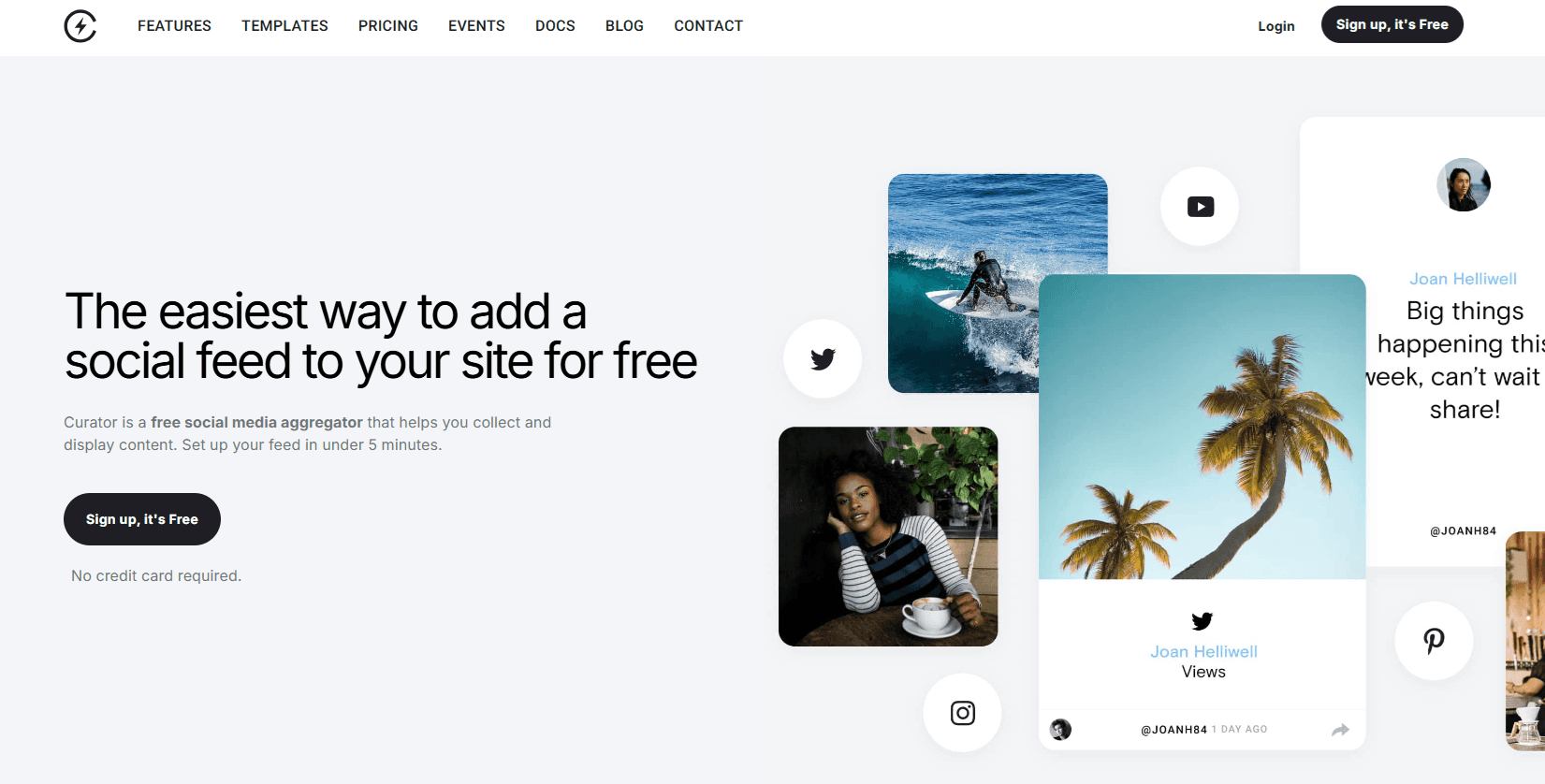
Curator is a social media aggregator that makes it easy to display LinkedIn posts on your WordPress website. Instead of embedding one post at a time, Curator collects posts from your LinkedIn profile or other social platforms and organizes them into a clean, customizable feed.
The setup is simple. You connect your LinkedIn source, choose a feed template, and copy the embed code into your website. Once installed, your LinkedIn posts automatically appear on your site whenever you publish new content.
Curator also offers moderation tools, which allow you to approve posts before they appear on your site. This helps keep your website content aligned with your brand.
Social media feed widgets like this are commonly used to add fresh content to websites while encouraging visitors to follow social profiles.
Key Features
LinkedIn feed aggregation
Customizable feed templates
Manual or automatic moderation
Advanced styling and CSS options
Analytics and reporting tools
Pricing
Curator offers a generous free plan that allows you to create up to three social media feeds and embed them on your website. If you want to remove branding and unlock additional features, the Professional plan starts at $25 per month. The Business plan costs $59 per month and includes more feeds, analytics, and advanced moderation tools. Enterprise and event plans are also available for organizations that need higher limits and API access.
Rating
Pros
Supports multiple social platforms
Easy embed process
Highly customizable designs
Cons
Advanced features require a paid plan
Learn how easy it is to embed your LinkedIn content with Curator.
2. Tagembed
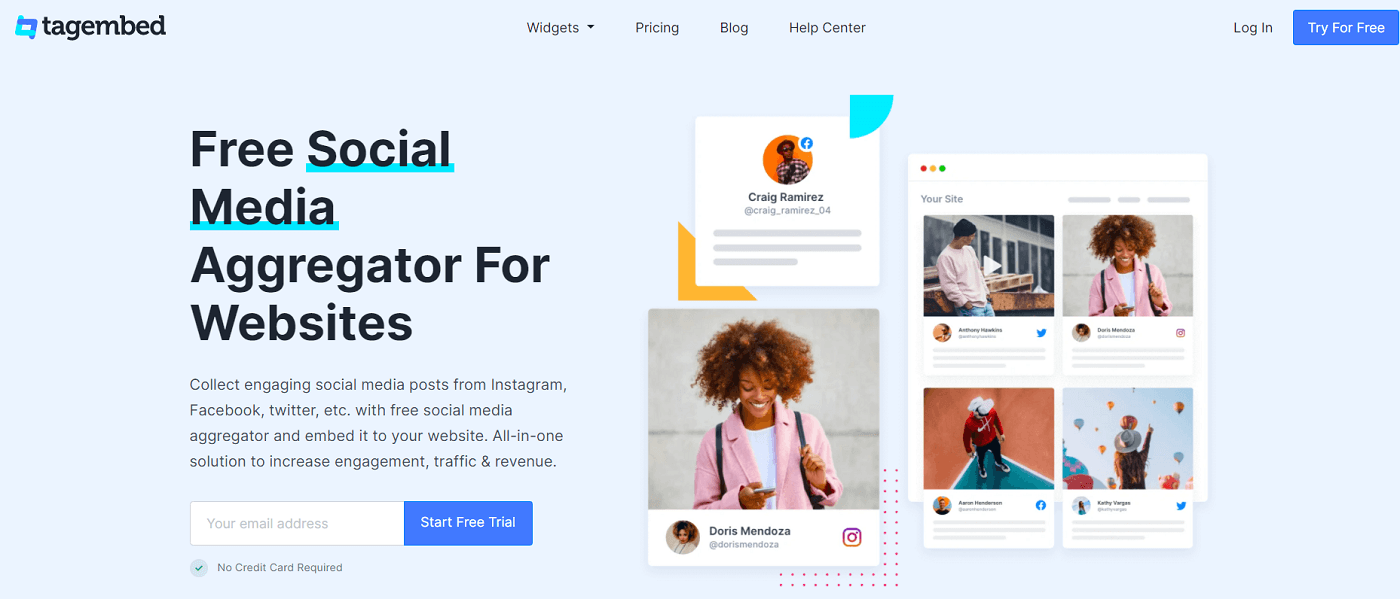
Designed for marketers who want to showcase social proof on their website, this platform aggregates content from multiple social media networks and embeds it in one unified feed.
It supports LinkedIn along with other popular platforms like Instagram, Facebook, and YouTube. Businesses often use Tagembed to display customer stories, company updates, and user generated content.
Key Features
LinkedIn feed embedding
Social media aggregation
Content moderation tools
Custom feed layouts
Responsive design
Pricing
Tagembed offers a limited free plan that allows you to create a single feed with basic customization options. Paid plans start with the Lite plan at about $19 per month. The Basic plan is around $39 per month and includes additional sources and customization features. Higher plans such as the Pro plan (around $79 per month) add moderation tools, analytics, and more advanced display options.
Rating
Pros
Supports many social platforms
Flexible display options
Easy setup process
Cons
Customization options are limited on lower plans
3. Smash Balloon
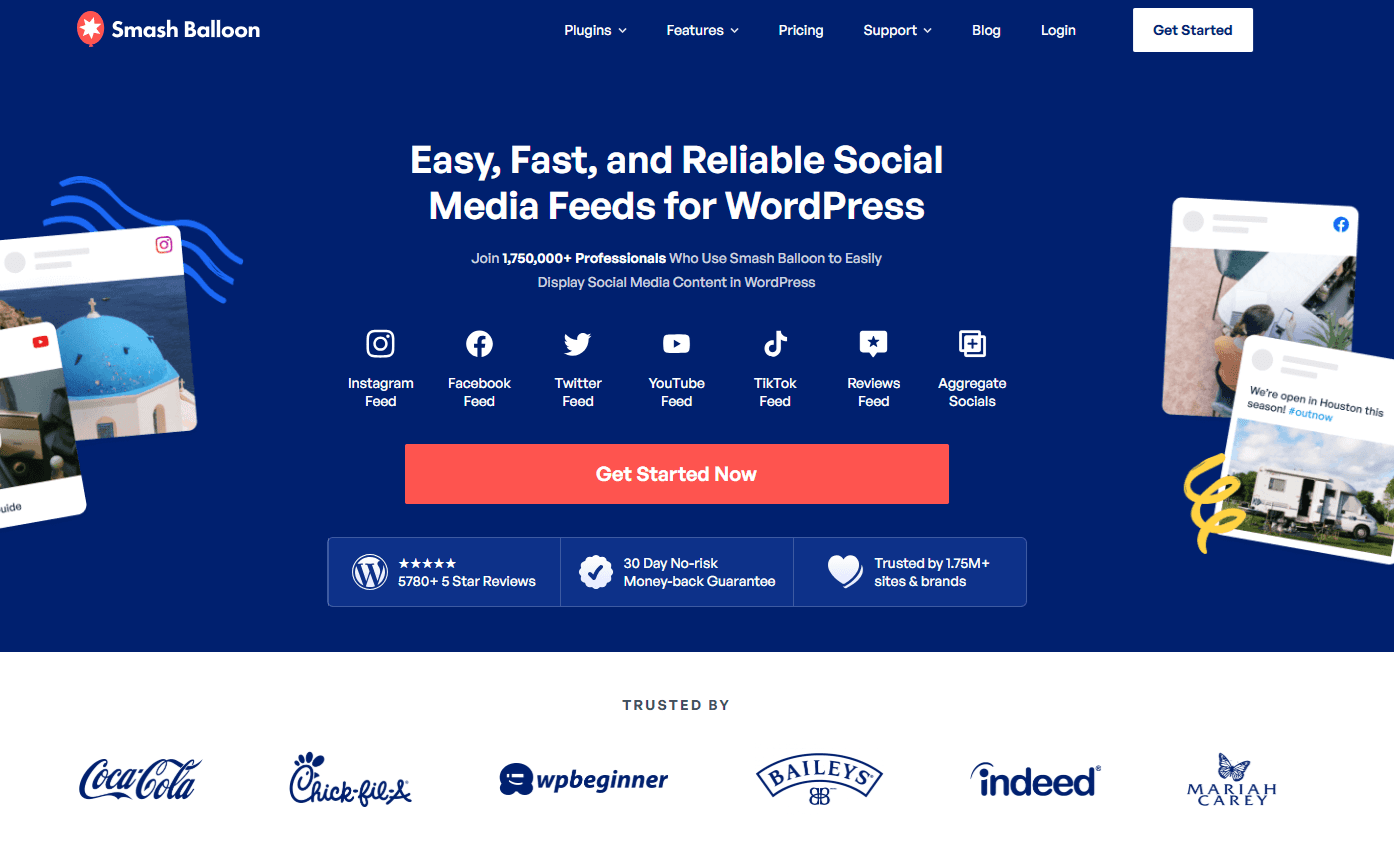
Smash Balloon is one of the most popular WordPress social media plugin developers. Their tools are widely used for embedding social media feeds on websites.
Although it is best known for Facebook and Instagram feeds, Smash Balloon also provides social feed tools that can help display LinkedIn style content through integrations.
Key Features
Social media feed displays
Customizable feed styling
SEO friendly design
WordPress integration
Pricing
Smash Balloon does not offer a permanent free version of its premium plugins, but it does provide demo options and limited free plugins for certain social networks. Their paid plans typically start with the Basic plan at around $49 per year for a single website. The Plus plan costs about $99 per year and supports multiple sites. Higher tiers like the Elite plan (about $149 per year) include additional features, integrations, and priority support.
Rating
Pros
Reliable plugin developer
Strong WordPress compatibility
Easy installation
Cons
LinkedIn support is limited compared to some tools
4. Juicer

Instead of embedding posts one by one, this tool aggregates content from multiple networks and organizes it into a single social media feed. It supports platforms like LinkedIn, Instagram, and X.
Many companies use Juicer to create a “social wall” on their homepage where visitors can see the latest content from different channels.
Key Features
Multi platform feed aggregation
LinkedIn feed support
Custom feed moderation
Responsive layouts
Pricing
Juicer includes a free plan that allows you to create a single social media feed with basic styling and Juicer branding. The Starter plan costs around $19 per month and removes branding while allowing additional sources. The Pro plan is approximately $99 per month and includes advanced moderation, analytics, and custom styling. Large organizations can choose the Enterprise plan for custom pricing and higher feed limits.
Rating
Pros
Supports many networks
Simple embed process
Good moderation features
Cons
Branding appears on the free plan
5. Taggbox
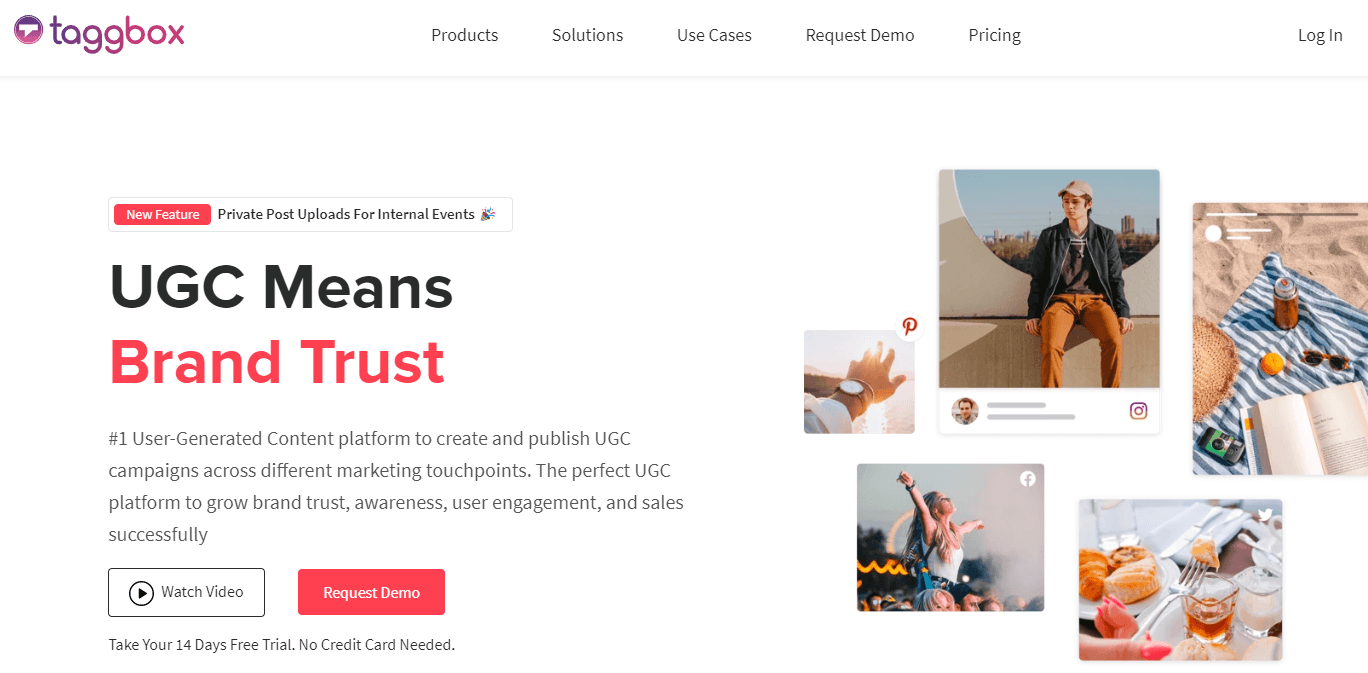
Taggbox focuses heavily on user generated content and social proof. Businesses often use it to collect posts, reviews, and brand mentions from social media.
For LinkedIn content, Taggbox allows you to pull posts from company pages and display them on your website in a customizable feed.
Key Features
LinkedIn feed embedding
UGC collection tools
Content moderation
Custom feed designs
Pricing
Taggbox offers a free trial so you can test the platform before committing to a paid plan. Their basic plans usually start around $39 per month for a single feed and limited features. The Pro plan typically costs around $79 per month and adds more customization options and moderation tools. Enterprise plans with advanced analytics, integrations, and higher content limits are available with custom pricing.
Rating
Pros
Strong moderation tools
Great for user generated content
Cons
Higher pricing for advanced features
6. EmbedSocial
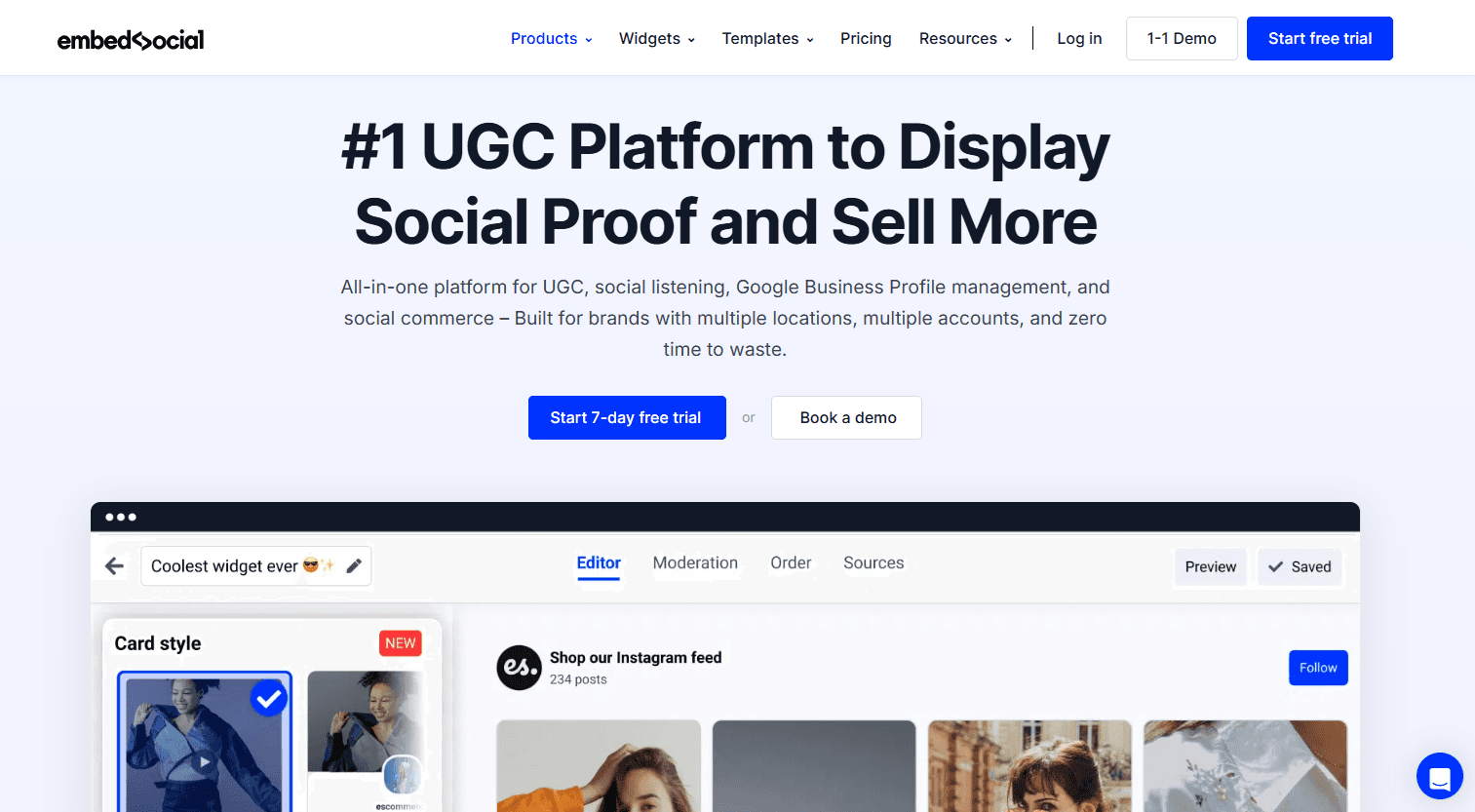
EmbedSocial provides tools for embedding social media feeds, reviews, and user generated content into websites.
It supports several networks including LinkedIn and allows businesses to create visually engaging feeds that match their website design.
Key Features
Social media feed embedding
Review widgets
Feed customization tools
Responsive layouts
Pricing
EmbedSocial offers a limited free plan that allows you to embed a single social media source on your website. Paid plans start with the Pro plan at about $29 per month. The Pro Plus plan costs roughly $49 per month and supports multiple sources and additional customization options. Larger businesses can choose higher tiers, such as Premium plans that range from about $99 to $149 per month depending on features.
Rating
Pros
Clean feed designs
Multiple content sources
Cons
Limited features on free plan
7. Walls.io

A social media aggregation platform often used for events and marketing campaigns. It collects content from multiple platforms and displays it as a social media wall.
LinkedIn posts can be included alongside content from other networks to create a unified social feed.
Key Features
Social media wall displays
LinkedIn feed integration
Event display features
Moderation tools
Pricing
Walls.io offers a free trial so you can test the platform before launching a social media wall. Their paid plans typically start with the Basic plan at around $250 per year. The Pro plan costs approximately $600 per year and includes more social sources, moderation tools, and analytics. Enterprise plans with advanced features and higher limits are available with custom pricing.
Rating
Pros
Great for live events
Supports many social networks
Cons
Higher cost compared to alternatives
8. Elfsight
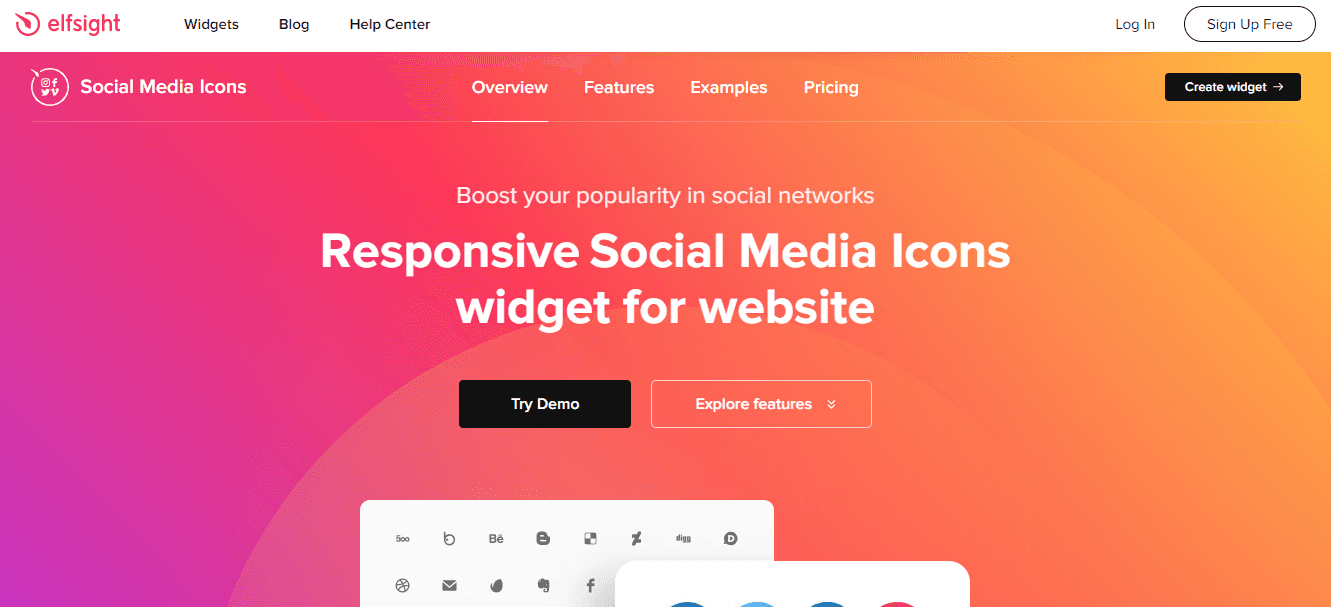
With a library of more than eighty website widgets, this platform provides a flexible way to enhance your website without coding. Social media feeds are just one of many tools available.
The LinkedIn feed widget allows you to display company updates or posts on your WordPress website using a simple embed code.
Key Features
LinkedIn feed widget
Dozens of additional website widgets
Custom styling options
Easy installation
Pricing
Elfsight offers a free plan that allows you to create one widget with limited views and Elfsight branding. Paid plans start with the Basic plan at about $5 per month. The Pro plan costs around $10 per month and increases widget limits and monthly views. Higher tiers such as the Premium plan (about $20 per month) provide more widgets, greater traffic limits, and advanced customization options.
Rating
Pros
Large library of widgets
Affordable pricing
Cons
Free plan includes branding
9. WP Social Ninja

WP Social Ninja is a WordPress plugin designed for embedding social feeds, reviews, and chat widgets in one place.
It includes LinkedIn feed options and integrates directly with WordPress for easy setup.
Key Features
LinkedIn feed display
Review widgets
Chat integrations
Visual customization tools
Pricing
WP Social Ninja offers a free version of the plugin in the WordPress plugin directory with basic social feed features. The Pro plan starts at about $44 per year for a single website. The Agency plan costs around $119 per year and allows installation on multiple sites. Larger plans with unlimited site usage and priority support can cost roughly $199 per year.
Rating
Pros
All in one social plugin
Good WordPress integration
Cons
Some advanced features require upgrades
How to choose the right LinkedIn WordPress plugin
When selecting a LinkedIn WordPress plugin, consider a few key factors.
First, make sure the plugin supports the type of content you want to display. Some plugins only show profile information, while others display full LinkedIn posts or company updates.
Second, check customization options. The best plugins allow you to match the feed design to your website’s branding.
Third, look for moderation features. This lets you approve posts before they appear on your website, which helps maintain brand quality.
Finally, consider pricing. Many plugins offer free versions, but premium plans may include better styling options and analytics.
Ready to add a LinkedIn WordPress plugin to your site? Get started with our free forever plan.
FAQ
What does a LinkedIn WordPress plugin do?
A LinkedIn WordPress plugin connects your LinkedIn profile or company page to your website and displays posts, updates, or profile information directly on your pages. This helps keep your website updated automatically and encourages visitors to follow your LinkedIn presence.
Can you embed LinkedIn posts on WordPress without a plugin?
Yes, it is possible to embed individual LinkedIn posts using manual embed code. However, this requires adding each post separately. A plugin automates the process by pulling new posts automatically and displaying them in a feed format.
Why add LinkedIn posts to your website?
Adding LinkedIn posts to your website helps increase engagement and keeps your site fresh with new content. Social media feeds also encourage visitors to follow your social profiles and provide additional context about your brand and professional expertise.
Are LinkedIn WordPress plugins free?
Many LinkedIn WordPress plugins offer free plans with basic features. However, advanced capabilities such as customization, moderation tools, or analytics are often available only in paid plans. Pricing usually ranges from free to around $30 per month.
What content can you display with a LinkedIn plugin?
Most LinkedIn WordPress plugins allow you to display company page posts, profile updates, or social media feeds. Some advanced tools also support content aggregation, meaning you can combine LinkedIn posts with content from other social networks into a single feed.
Get started with our free forever plan.
Previous post: